YouTube Subtitle Downloader

Download available YouTube subtitles and captions as SRT, VTT, or TXT files. Free to use with no account required.

Try with these popular videos:

Coming soon

AI YouTube Video Generator

Go from prompt, script, or source idea to a ready-to-edit YouTube video workflow. Join early access and get notified when the generator opens.

Get early access
AI YouTube video generator preview

Save YouTube captions in the format you need

Use the subtitle downloader when you need caption files for editing, accessibility review, translation, research, or publishing a transcript alongside a video.

The tool can only download subtitle tracks that are available for the source video. If a video has no captions, there may be nothing to extract.
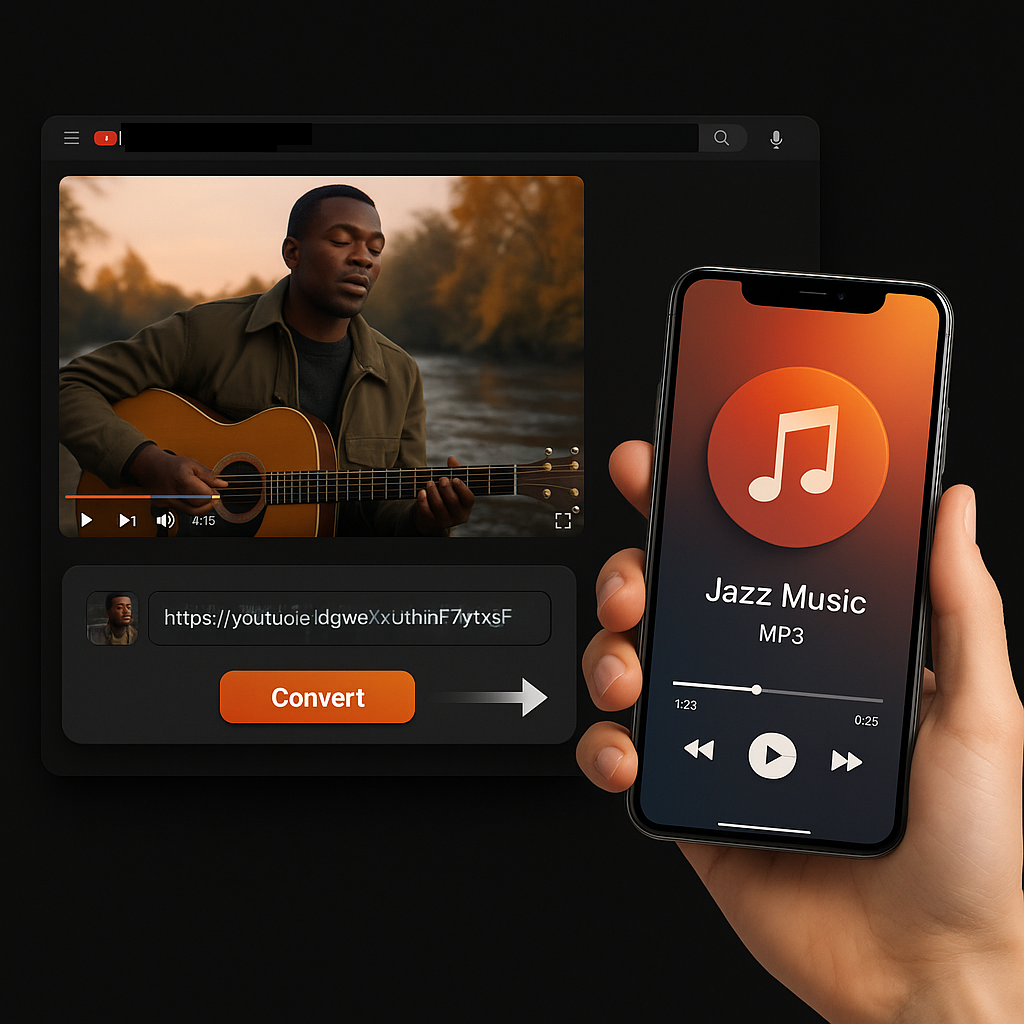
YouTube subtitle downloader interface

How to download YouTube subtitles

  1. Copy the YouTube URL. Open the video and copy the browser URL or share link.
  2. Paste it into the subtitle tool. Sceneform checks which caption tracks are available.
  3. Choose a format. Download subtitles as SRT, VTT, or TXT depending on your workflow.
Download YouTube subtitle files

Which subtitle format should you download?

SRT, VTT, and TXT carry similar words but serve different jobs.

FormatUse it forIncludes timing?
SRTVideo editors, media players, caption reviewYes
VTTWeb video captions and HTML5 playersYes
TXTReading, notes, scripts, summaries, and quotesNo

Subtitle files are different from transcripts

Subtitles are built for playback timing. They are broken into short caption segments that appear on screen at specific times. A transcript is easier to read as a document.

Need readable paragraphs instead? Use YouTube Transcript Generator or YouTube to Text.

YouTube's own transcript view is useful for reading along, but it is not always the fastest way to save a clean SRT, VTT, or TXT file for editing and accessibility workflows.
SRT VTT and TXT subtitle formats

More Free Tools

Explore other tools to help you download and convert media

YouTube to MP3

Convert YouTube videos into MP3 audio from your browser. Free to use, no account required.

YouTube to MP3

YouTube to MP4

Save YouTube videos as MP4 files for editing, research, or offline review.

YouTube to MP4

YouTube Video Downloader

Download YouTube videos through a simple browser workflow built for repeat creator research.

YouTube Video Downloader

YouTube Shorts Downloader

Save public YouTube Shorts as MP4 files for reference, review, or editing workflows.

YouTube Shorts Downloader

YouTube Thumbnail Downloader

Download available thumbnails from public YouTube videos and Shorts.

YouTube Thumbnail Downloader

YouTube Username Generator

Generate YouTube channel name ideas from your niche, audience, and positioning.

YouTube Username Generator

YouTube Hashtag Generator

Turn a video topic into relevant YouTube hashtags and packaging ideas.

YouTube Hashtag Generator

YouTube Description Generator

Draft YouTube descriptions with hooks, chapters, CTAs, and hashtags.

YouTube Description Generator

YouTube Summary Generator

Summarize YouTube videos into key points, chapters, and reusable notes.

YouTube Summary Generator

YouTube to Text

Turn YouTube videos into readable text for notes, captions, quotes, and repurposing.

YouTube to Text

YouTube to Transcript

Get readable YouTube transcripts with timestamps when available.

YouTube to Transcript

Instagram Reels Downloader

Download public Instagram Reels as MP4 files for references, tutorials, or your own posts.

Instagram Reels Downloader

TikTok Video Downloader

Download public TikTok videos as MP4 files for creator research and offline review.

TikTok Video Downloader

Video Downloader

Download public online videos when no platform-specific downloader fits.

Video Downloader

TikTok Transcript Generator

Turn public TikTok videos into transcript text for hooks, captions, and research.

TikTok Transcript Generator

Instagram Transcript Generator

Turn public Instagram Reels and videos into transcript text for captions and quotes.

Instagram Transcript Generator

Facebook Transcript Generator

Turn public Facebook videos and Live replays into transcript text.

Facebook Transcript Generator

Twitter/X Transcript Generator

Turn public Twitter and X video posts into transcript text for quotes and research.

Twitter/X Transcript Generator

LinkedIn Transcript Generator

Turn LinkedIn clips, webinars, and interviews into readable transcript text.

LinkedIn Transcript Generator

Pinterest Transcript Generator

Turn Pinterest video Pins into transcript text for recipes, tutorials, and notes.

Pinterest Transcript Generator

Book Summarizer

Summarize book chapters, notes, and long documents into clear takeaways.

Book Summarizer

Image Summarizer

Summarize screenshots, charts, notes, and other image-based material.

Image Summarizer

Paper Summarizer

Summarize research papers into findings, methods, limitations, and takeaways.

Paper Summarizer

Podcast Summarizer

Turn podcast audio into summaries, key points, transcripts, and show-note drafts.

Podcast Summarizer

PPT Summarizer

Turn PowerPoint slides into a concise briefing with key points and takeaways.

PPT Summarizer

Video Summarizer

Summarize videos into key moments, takeaways, and reusable notes.

Video Summarizer

Word Document Summarizer

Summarize Word documents and pasted text into clear takeaways.

Word Document Summarizer

Speech to Text

Convert speech, meetings, interviews, and voice notes into readable text.

Speech to Text

Voice to Text

Turn spoken audio into clean text for notes, scripts, captions, and follow-ups.

Voice to Text

Voice Memo to Text

Convert voice memos into clean text for notes, scripts, and summaries.

Voice Memo to Text

Video to Text

Convert video files into readable text for captions, notes, and editing.

Video to Text

Audio & Video Converters

Convert audio and video files between common formats in one free tool library.

Audio & Video Converters

YouTube subtitles in multiple languages

Use the localized Sceneform interface to download available YouTube caption tracks for editing, accessibility, translation, and research workflows.

YouTube Subtitle Downloader FAQ