YouTube subtitle downloader
Download available YouTube subtitles and captions as SRT, VTT, or TXT files. Free to use with no account required.
Turn an idea into a video
Start with a topic or article link. Storybook creates an illustrated video with narration and music, in widescreen or vertical format.
필요한 형식으로 YouTube 자막 저장
편집, 접근성 검토, 번역, 연구 또는 동영상과 함께 스크립트를 게시할 때 자막 파일이 필요할 때 자막 다운로더를 사용하세요.
이 도구는 소스 동영상에 사용 가능한 자막 트랙만 다운로드할 수 있습니다. 동영상에 캡션이 없으면 추출할 것이 없을 수 있습니다.
YouTube 자막을 다운로드하는 방법
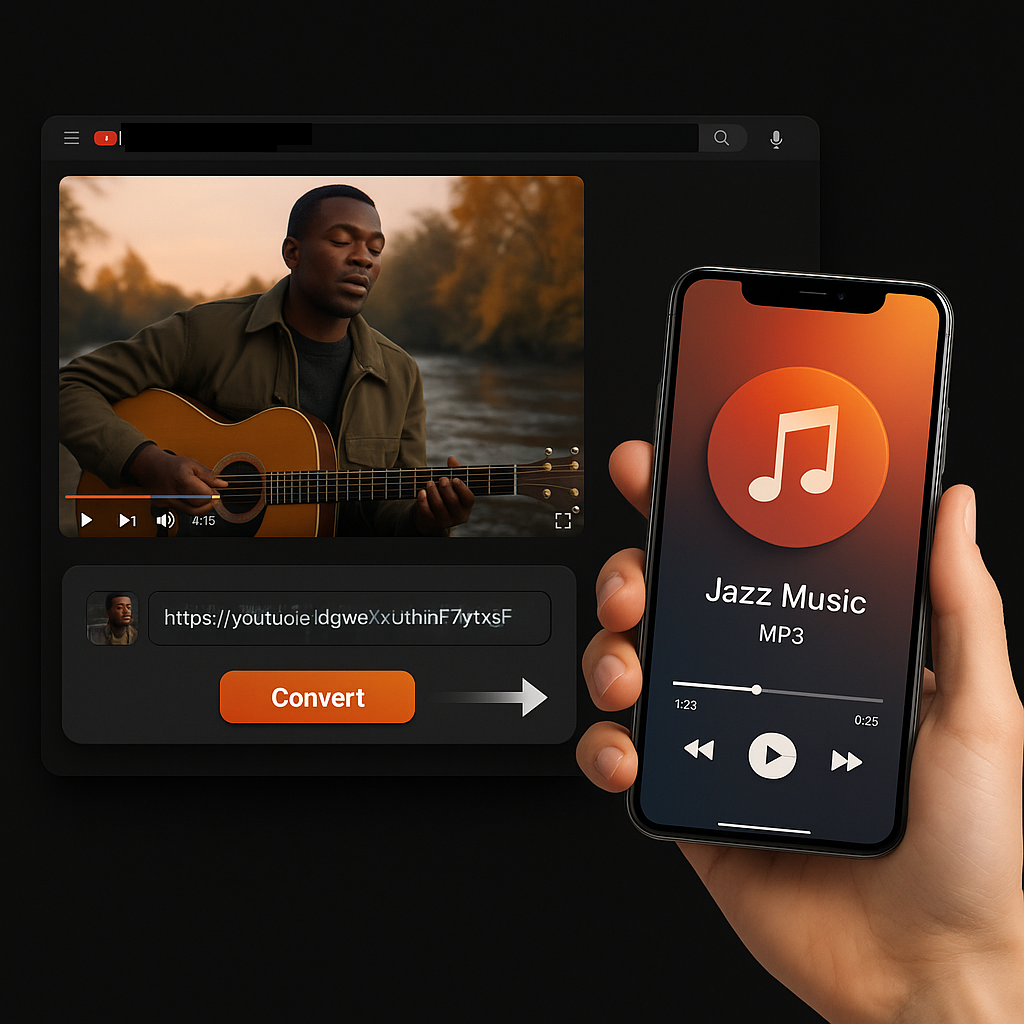
- YouTube URL을 복사하세요. 동영상을 열고 브라우저 URL 또는 공유 링크를 복사하세요.
- 자막 도구에 붙여넣으세요. Sceneform이 사용 가능한 캡션 트랙을 확인합니다.
- 형식을 선택하세요. 워크플로우에 따라 SRT, VTT 또는 TXT로 자막을 다운로드하세요.
어떤 자막 형식을 다운로드해야 합니까?
SRT, VTT 및 TXT는 유사한 단어를 포함하지만 다른 용도로 사용됩니다.
자막 파일과 스크립트는 다릅니다
Subtitles are built for playback timing. They are broken into short caption segments that appear on screen at specific times. A transcript is easier to read as a document.
Need readable paragraphs instead? Use YouTube Transcript Generator or YouTube to Text.
YouTube's own transcript view is useful for reading along, but it is not always the fastest way to save a clean SRT or TXT file for editing and accessibility workflows.
More free tools
Download, convert, transcribe, and summarize with the rest of the library.
여러 언어의 YouTube 자막
로컬라이즈된 Sceneform 인터페이스를 사용하여 편집, 접근성, 번역 및 연구 워크플로우를 위해 사용 가능한 YouTube 캡션 트랙을 다운로드하세요.