YouTube subtitle downloader
Download available YouTube subtitles and captions as SRT, VTT, or TXT files. Free to use with no account required.
Turn an idea into a video
Start with a topic or article link. Storybook creates an illustrated video with narration and music, in widescreen or vertical format.

以所需格式保存YouTube字幕
当您需要字幕文件用于编辑、无障碍审查、翻译、研究或在视频旁发布文字记录时,使用字幕下载器。
该工具只能下载源视频可用的字幕轨道。如果视频没有字幕,可能没有内容可提取。
如何下载YouTube字幕
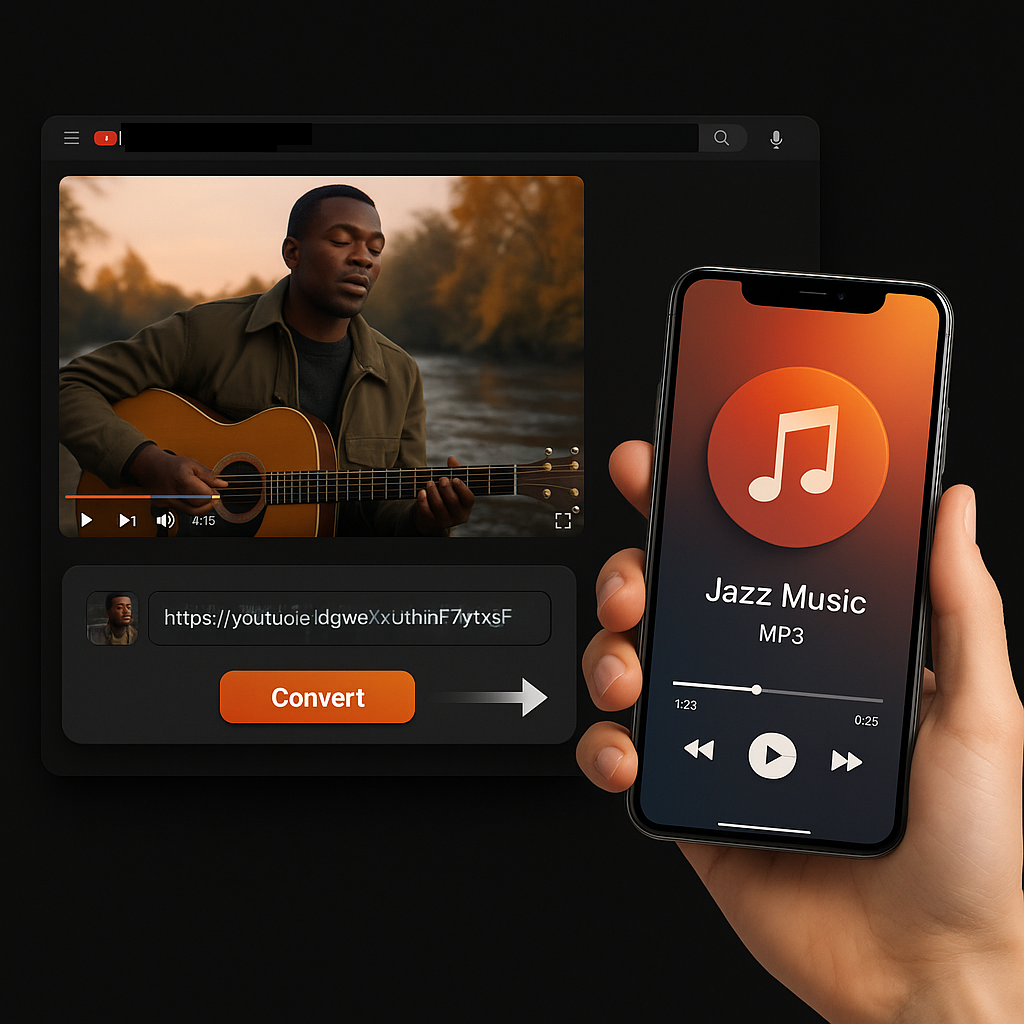
- 复制YouTube网址。打开视频并复制浏览器网址或分享链接。
- 将其粘贴到字幕工具中。Sceneform检查可用的字幕轨道。
- 选择格式。根据您的工作流将字幕下载为SRT、VTT或TXT。
您应该下载哪种字幕格式?
SRT、VTT和TXT包含相似的文字但用途不同。
字幕文件与文字记录不同
Subtitles are built for playback timing. They are broken into short caption segments that appear on screen at specific times. A transcript is easier to read as a document.
Need readable paragraphs instead? Use YouTube Transcript Generator or YouTube to Text.
YouTube's own transcript view is useful for reading along, but it is not always the fastest way to save a clean SRT or TXT file for editing and accessibility workflows.
More free tools
Download, convert, transcribe, and summarize with the rest of the library.
多语言YouTube字幕
使用本地化Sceneform界面下载可用的YouTube字幕轨道,用于编辑、无障碍访问、翻译和研究工作流。