YouTube to text converter
Turn a YouTube video into readable text for notes, quotes, drafts, and content repurposing. Free to use with no account required.
Turn an idea into a video
Start with a topic or article link. Storybook creates an illustrated video with narration and music, in widescreen or vertical format.

Convert spoken video content into usable text
YouTube to Text is for users who want readable prose instead of a caption file. Paste a YouTube link and use the output for notes, blog drafts, research summaries, quote checks, or AI workflows.
If you need exact timestamps, use the transcript or subtitle tools. If you only need the key ideas, use the summary generator.
Use this page when the final artifact should read like working text, not like a caption file. That makes it easier to paste into notes, outlines, briefs, and AI prompts.
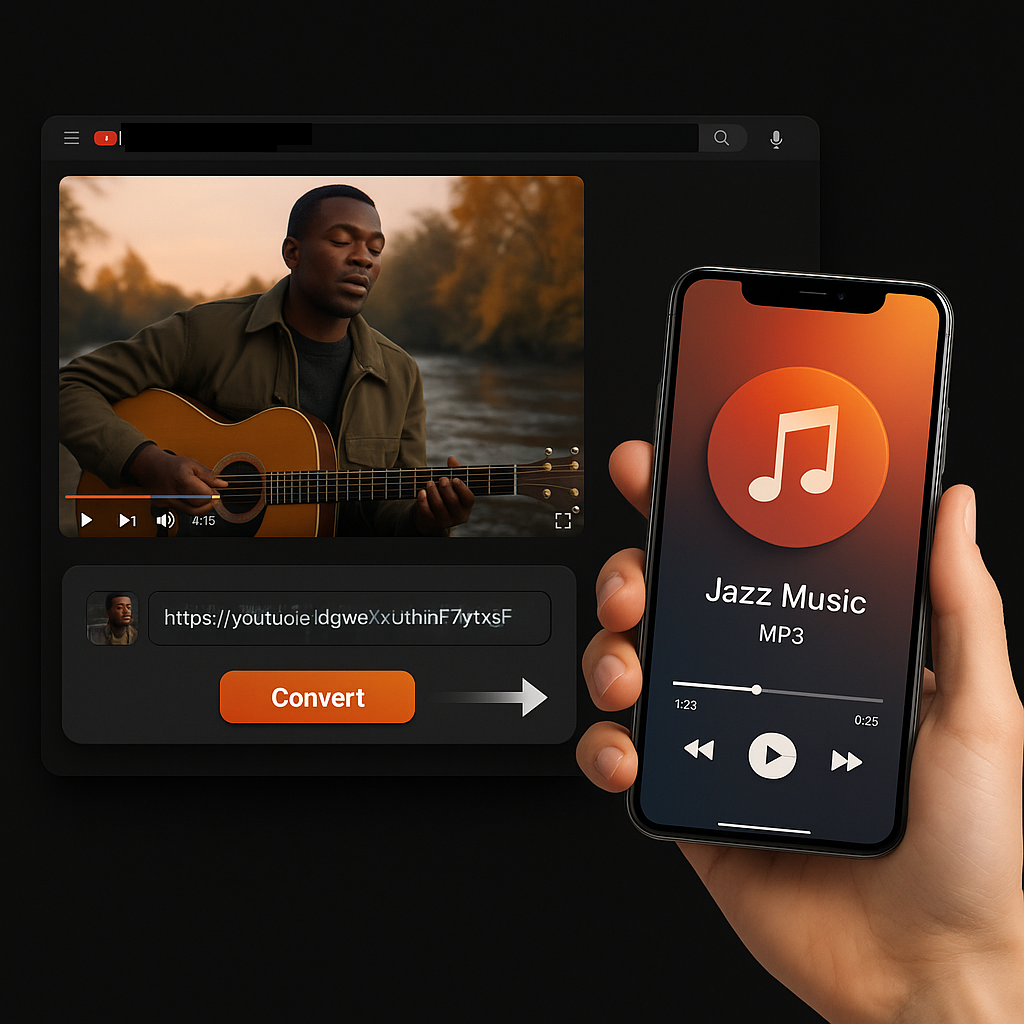
How to turn a YouTube video into text
- Copy the YouTube URL. Open the video and copy the browser URL or share link.
- Paste it into the converter. Sceneform collects available captions or processes the audio when supported.
- Review and reuse the text. Copy the output into notes, docs, scripts, briefs, or summaries.
Text, transcript, subtitles, or summary?
These tools overlap, but each output is different. Choose the one that matches what you plan to do next.
Good uses for YouTube text
- Turn tutorials and lectures into searchable notes.
- Repurpose interviews or webinars into drafts and briefs.
- Pull quotes, claims, and examples for research review.
- Prepare source text before summarizing or translating content.
Always review the output. Text quality depends on source audio, captions, language support, and speaker clarity.
More free tools
Download, convert, transcribe, and summarize with the rest of the library.
YouTube to text in multiple languages
Use the localized Sceneform interface to convert YouTube videos into readable text for notes, research, and content workflows.