YouTube to MP3 converter
Paste a YouTube link and save the audio as an MP3. Free to use, no account required, and files are deleted after processing.
Turn an idea into a video
Start with a topic or article link. Storybook creates an illustrated video with narration and music, in widescreen or vertical format.

Convert a YouTube video to MP3 from your browser
Sceneform turns a YouTube link into an MP3 file you can play in music apps, podcast players, editors, and offline study workflows. You do not need to install software or create an account.
The tool is built for practical audio extraction: lectures, talks, podcasts, interviews, creator references, and other videos you are allowed to save for your own use.
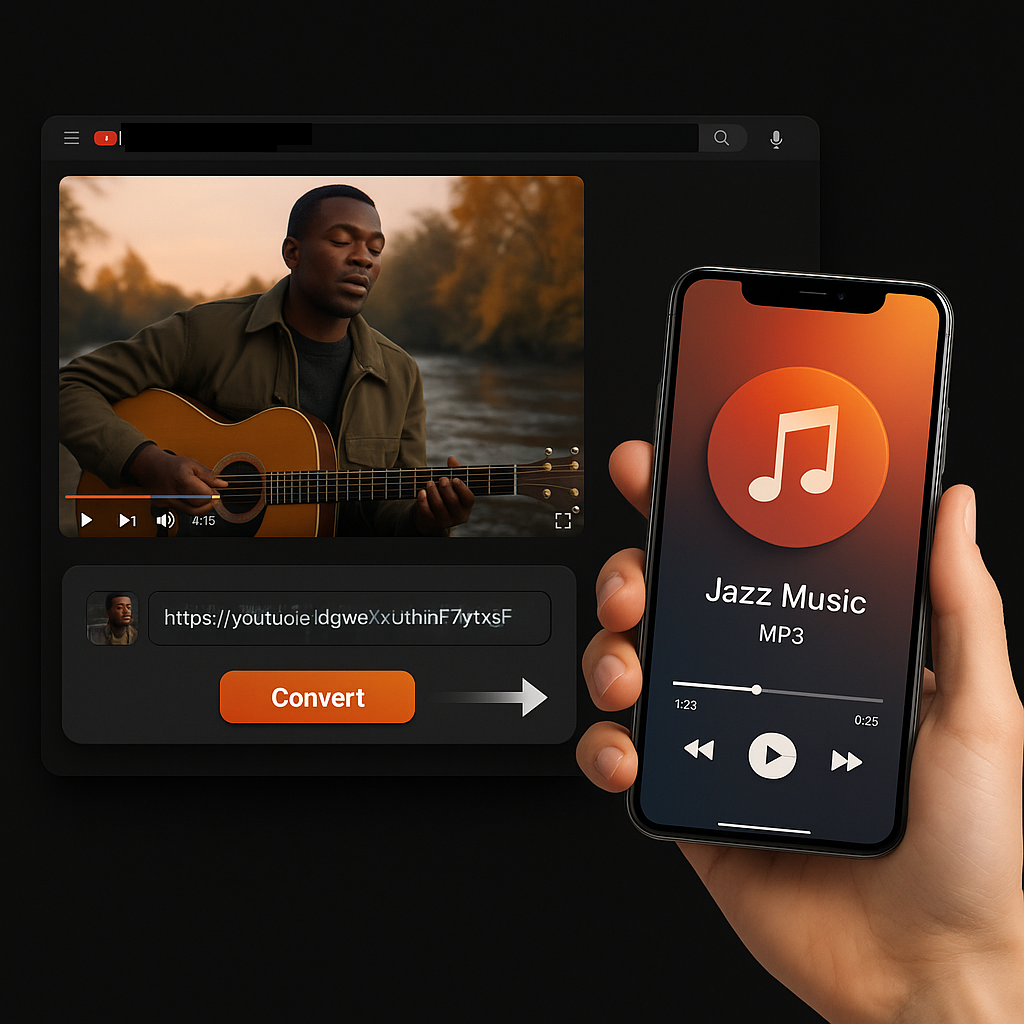
What is a YouTube to MP3 converter?
A YouTube to MP3 converter extracts the audio from a YouTube video and saves it as an MP3 file. It is useful when you need the spoken or musical audio, not the full video: lectures, interviews, podcasts, reference clips, and other permitted uses.
How to convert YouTube to MP3
- Copy the YouTube URL. Open the video and copy the link from your browser or the YouTube share menu.
- Paste it into Sceneform. Drop the link into the converter field. No account, extension, or app install is needed.
- Convert and download the MP3. When processing is done, save the audio file to your device.
If a video cannot be processed, it is usually because the source is private, unavailable, age-restricted, region-restricted, or blocked by the source platform.
YouTube to MP3, MP4, transcript, or summary?
The right tool depends on what you need after the video is processed. Use MP3 for listening, MP4 for watching, transcripts for quoting, and summaries for faster review.
Best uses for a YouTube MP3 converter
Use YouTube to MP3 when the audio matters more than the video. It is a good fit for reviewing long talks, studying lectures, saving podcast-style content, clipping references for editing, or listening while commuting.
- Save educational videos for offline listening.
- Turn interviews and webinars into portable audio notes.
- Move audio into editing, transcription, or summarization tools.
- Keep public reference material available when connection is poor.
What to expect from the MP3 file
The converted MP3 reflects the audio quality of the original YouTube video. A clear source usually creates a clean MP3; noisy, clipped, or low-bitrate source audio will still sound limited after conversion.
MP3 is widely supported, so the finished file should work in most phones, laptops, media players, editing apps, and note-taking workflows.
Why a YouTube to MP3 conversion may fail
Most failed conversions come from the source video, not from the MP3 format. If the page cannot access the video or audio stream, it cannot create a downloadable MP3.
- The video is private, deleted, or unavailable.
- The video is age-restricted or region-restricted.
- YouTube is blocking automated access to that source.
- The URL is a playlist, channel, Shorts feed, or malformed link.
- The original audio is muted, heavily compressed, or incomplete.
If a link fails, try opening the video in your browser, copying the canonical video URL, and converting that link instead.

Free, no account, and cleaned up after processing
You can use the converter without signing up or adding a credit card. There are no normal-use daily caps, though automated abuse may be limited to keep the tool available for everyone.
Files are temporary. After conversion is complete, Sceneform deletes processed files instead of keeping a permanent copy.
More free tools
Download, convert, transcribe, and summarize with the rest of the library.
YouTube to MP3 converter in multiple languages
Use Sceneform's YouTube to MP3 converter in your preferred language. The workflow stays the same: paste a link, convert the audio, and download the MP3.