Free Video Downloader

Download public online videos from a browser workflow. Paste a reachable video URL, choose an available resolution, and save the file without creating an account.

Use this when you have a public video link

The general video downloader is for public URLs that do not have a more specific Sceneform page. It is useful for quick offline review, reference files, research notes, and videos you own or have permission to save.

If your link is from YouTube, TikTok, or Instagram Reels, the dedicated tool usually gives clearer instructions and better intent matching.
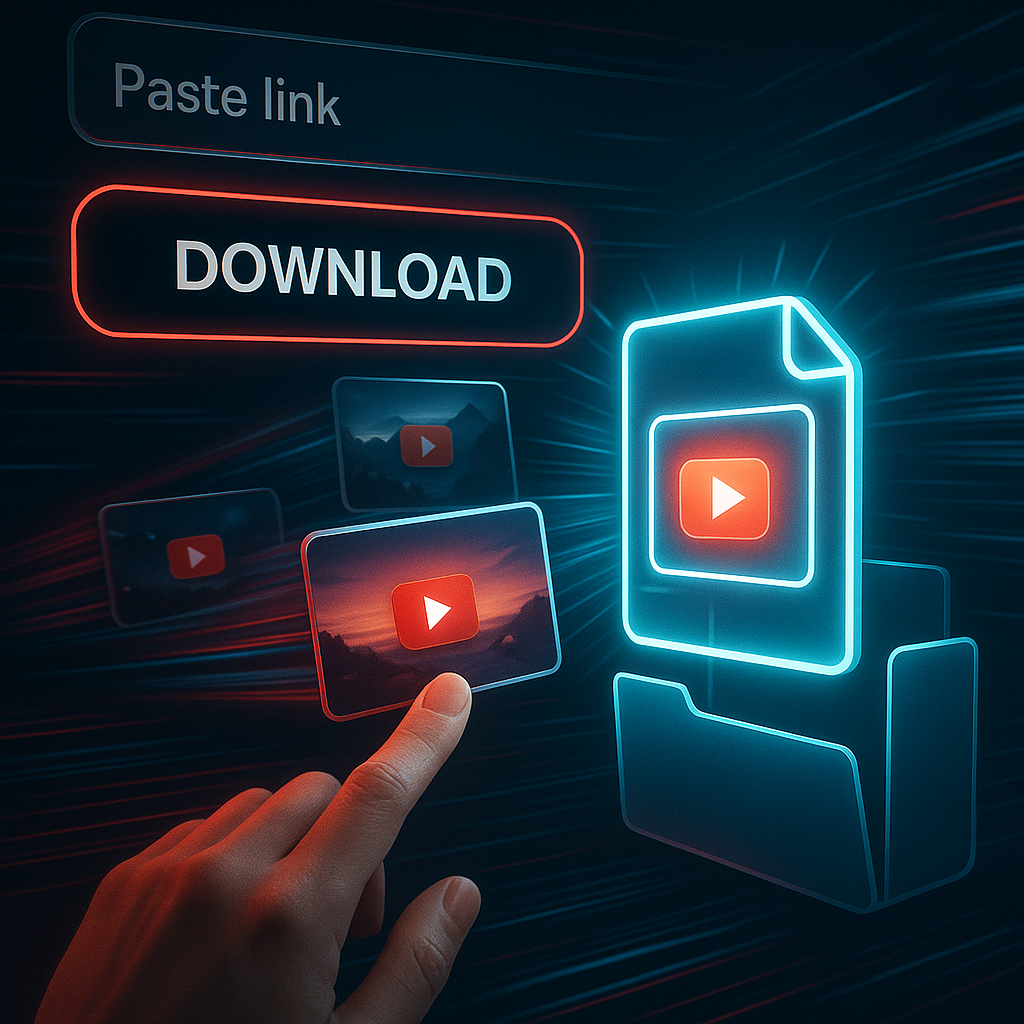
Online video downloader interface

Start with the most specific downloader

Broad "video downloader" pages can become confusing. Pick the page that matches your source, then use this general downloader for other public video links.

SourceRecommended toolWhy
YouTube video or ShortsYouTube Video DownloaderBetter YouTube-specific routing, formats, and FAQs
TikTok URLTikTok Video DownloaderClear TikTok quality and watermark expectations
Instagram Reel URLInstagram Reels DownloaderReel-specific copy-link and save-location guidance
Other public video URLVideo DownloaderGeneral public video links without a dedicated page

How to download an online video

  1. Copy the public video URL. Open the source page and copy the share link or address-bar URL.
  2. Paste it into Sceneform. Add the link to the form and choose the resolution you want to request.
  3. Start the download. Sceneform checks the public link and prepares the available file.
  4. Save the video. Download the result to your device and use it in a permitted offline workflow.

The downloader works best with public, reachable video pages. It does not unlock private accounts, paid libraries, removed videos, or pages that require a logged-in session.

Copy a public video URL and download the file

What affects download quality

Video quality is controlled by the source file and the variants the source platform makes available. Choosing 1080p in a downloader cannot create real 1080p detail from a low-resolution upload.

  • Source resolution: the original upload sets the upper limit.
  • Platform variants: some sites offer multiple video qualities; others expose only one.
  • Restrictions: private, age-gated, region-blocked, or removed videos may fail.
  • File type: the result is intended as a playable video file for normal devices and editors.

Online video quality depends on source availability

Good reasons to save a public video

Downloading makes sense when the file supports a concrete workflow. Save public clips for offline review, lessons, product research, creative references, or your own published media archive.

  • Review a tutorial while traveling or without stable internet.
  • Keep creator references for pacing, framing, and structure.
  • Save public talks, demos, or explainers for team research.
  • Back up videos you own before editing or repurposing them.

Use downloaded files only in ways you are allowed to. For reposting or commercial use, get the creator's permission.

Downloaded videos used for offline review

Free, no account, and temporary files

The video downloader is free to use and does not require a Sceneform account. Normal use is unlimited, with abuse controls reserved for automated or excessive traffic.

Processed files are temporary and are deleted after conversion. The page is built for quick public-link downloads, not permanent hosting or a saved download library.

Free browser-based video downloader workflow

More Free Tools

Explore other tools to help you download and convert media

YouTube to MP3

Convert YouTube videos into MP3 audio from your browser. Free to use, no account required.

YouTube to MP3

YouTube to MP4

Save YouTube videos as MP4 files for editing, research, or offline review.

YouTube to MP4

YouTube Video Downloader

Download YouTube videos through a simple browser workflow built for repeat creator research.

YouTube Video Downloader

YouTube Shorts Downloader

Save public YouTube Shorts as MP4 files for reference, review, or editing workflows.

YouTube Shorts Downloader

YouTube Thumbnail Downloader

Download available thumbnails from public YouTube videos and Shorts.

YouTube Thumbnail Downloader

YouTube Username Generator

Generate YouTube channel name ideas from your niche, audience, and positioning.

YouTube Username Generator

YouTube Hashtag Generator

Turn a video topic into relevant YouTube hashtags and packaging ideas.

YouTube Hashtag Generator

YouTube Description Generator

Draft YouTube descriptions with hooks, chapters, CTAs, and hashtags.

YouTube Description Generator

YouTube Summary Generator

Summarize YouTube videos into key points, chapters, and reusable notes.

YouTube Summary Generator

YouTube to Text

Turn YouTube videos into readable text for notes, captions, quotes, and repurposing.

YouTube to Text

YouTube to Transcript

Get readable YouTube transcripts with timestamps when available.

YouTube to Transcript

YouTube Subtitle Downloader

Download available YouTube subtitles as SRT, TXT, or VTT files.

YouTube Subtitle Downloader

Instagram Reels Downloader

Download public Instagram Reels as MP4 files for references, tutorials, or your own posts.

Instagram Reels Downloader

TikTok Video Downloader

Download public TikTok videos as MP4 files for creator research and offline review.

TikTok Video Downloader

TikTok Transcript Generator

Turn public TikTok videos into transcript text for hooks, captions, and research.

TikTok Transcript Generator

Instagram Transcript Generator

Turn public Instagram Reels and videos into transcript text for captions and quotes.

Instagram Transcript Generator

Facebook Transcript Generator

Turn public Facebook videos and Live replays into transcript text.

Facebook Transcript Generator

Twitter/X Transcript Generator

Turn public Twitter and X video posts into transcript text for quotes and research.

Twitter/X Transcript Generator

LinkedIn Transcript Generator

Turn LinkedIn clips, webinars, and interviews into readable transcript text.

LinkedIn Transcript Generator

Pinterest Transcript Generator

Turn Pinterest video Pins into transcript text for recipes, tutorials, and notes.

Pinterest Transcript Generator

Book Summarizer

Summarize book chapters, notes, and long documents into clear takeaways.

Book Summarizer

Image Summarizer

Summarize screenshots, charts, notes, and other image-based material.

Image Summarizer

Paper Summarizer

Summarize research papers into findings, methods, limitations, and takeaways.

Paper Summarizer

Podcast Summarizer

Turn podcast audio into summaries, key points, transcripts, and show-note drafts.

Podcast Summarizer

PPT Summarizer

Turn PowerPoint slides into a concise briefing with key points and takeaways.

PPT Summarizer

Video Summarizer

Summarize videos into key moments, takeaways, and reusable notes.

Video Summarizer

Word Document Summarizer

Summarize Word documents and pasted text into clear takeaways.

Word Document Summarizer

Speech to Text

Convert speech, meetings, interviews, and voice notes into readable text.

Speech to Text

Voice to Text

Turn spoken audio into clean text for notes, scripts, captions, and follow-ups.

Voice to Text

Voice Memo to Text

Convert voice memos into clean text for notes, scripts, and summaries.

Voice Memo to Text

Video to Text

Convert video files into readable text for captions, notes, and editing.

Video to Text

Audio & Video Converters

Convert audio and video files between common formats in one free tool library.

Audio & Video Converters

Video Downloader FAQ