Voice to text
Gratuit voice to text converter
Téléchargez un enregistrement vocal et transformez-le en texte modifiable. Utilisez-le pour vos notes, entretiens, cours, mémos vocaux, brouillons et archives consultables sans créer de compte.
50 MB
Audio file limit
TXT
Copy or download text
Gratuit
No account needed
Audio
Upload recordings
Convertissez l'audio vocal téléchargé en texte
La conversion voix en texte est utile quand relire l'audio prend plus de temps que lire. Téléchargez l'enregistrement, obtenez un brouillon de transcription, puis vérifiez les noms, chiffres, citations et tout ce qui dépend d'une formulation exacte.
01
Upload your audio
Choose an MP3, WAV, OGG, FLAC, AAC, M4A, or WebM recording up to 50 MB.
02
Convertir la parole en texte
Sceneform processes the recording and returns a plain transcript you can review.
03
Edit, copy, or download
Check names and important details, then copy the transcript or download it as a TXT file.
Idéal pour l'audio enregistré, pas la dictée en direct
Cet outil est conçu pour les fichiers audio que vous possédez déjà. Il accepte les formats d'enregistrement courants et retourne un texte de transcription que vous pouvez copier, modifier ou télécharger.
Si vous avez besoin de taper sans les mains en parlant, utilisez la dictée de votre navigateur ou système d'exploitation. Si vous devez traiter un fichier enregistré, téléchargez-le ici.
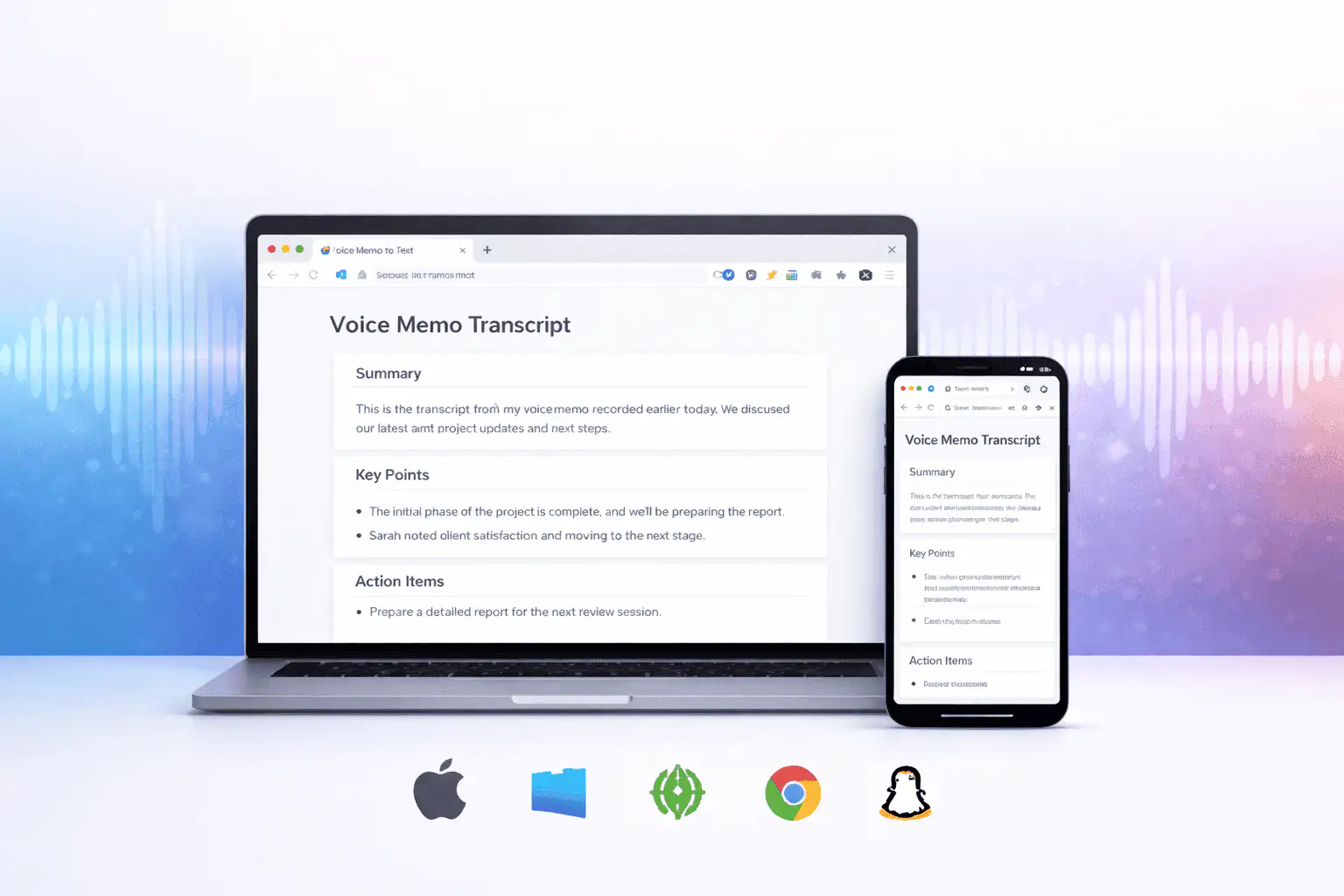
Ce qui affecte la qualité de la transcription
La qualité de la transcription dépend principalement de l'audio source. Les enregistrements plus clairs produisent un texte plus clair.
Clear speech works best
Use recordings with one speaker at a time, low background noise, and a microphone close to the speaker.
Names need review
Proper names, acronyms, product terms, numbers, and technical vocabulary are worth checking before you use the text.
Transcripts are drafts
Use the output as a starting point for notes, captions, drafts, and searchable records, not as a certified transcript.
Utilisez la transcription comme brouillon de travail
Une transcription vous aide à rechercher, parcourir, citer, résumer et réutiliser un enregistrement. Elle est plus efficace comme première version avant révision humaine.
Pour les travaux juridiques, médicaux, financiers, académiques ou de conformité, vérifiez la transcription par rapport à l'audio original et utilisez les outils approuvés requis par votre organisation.
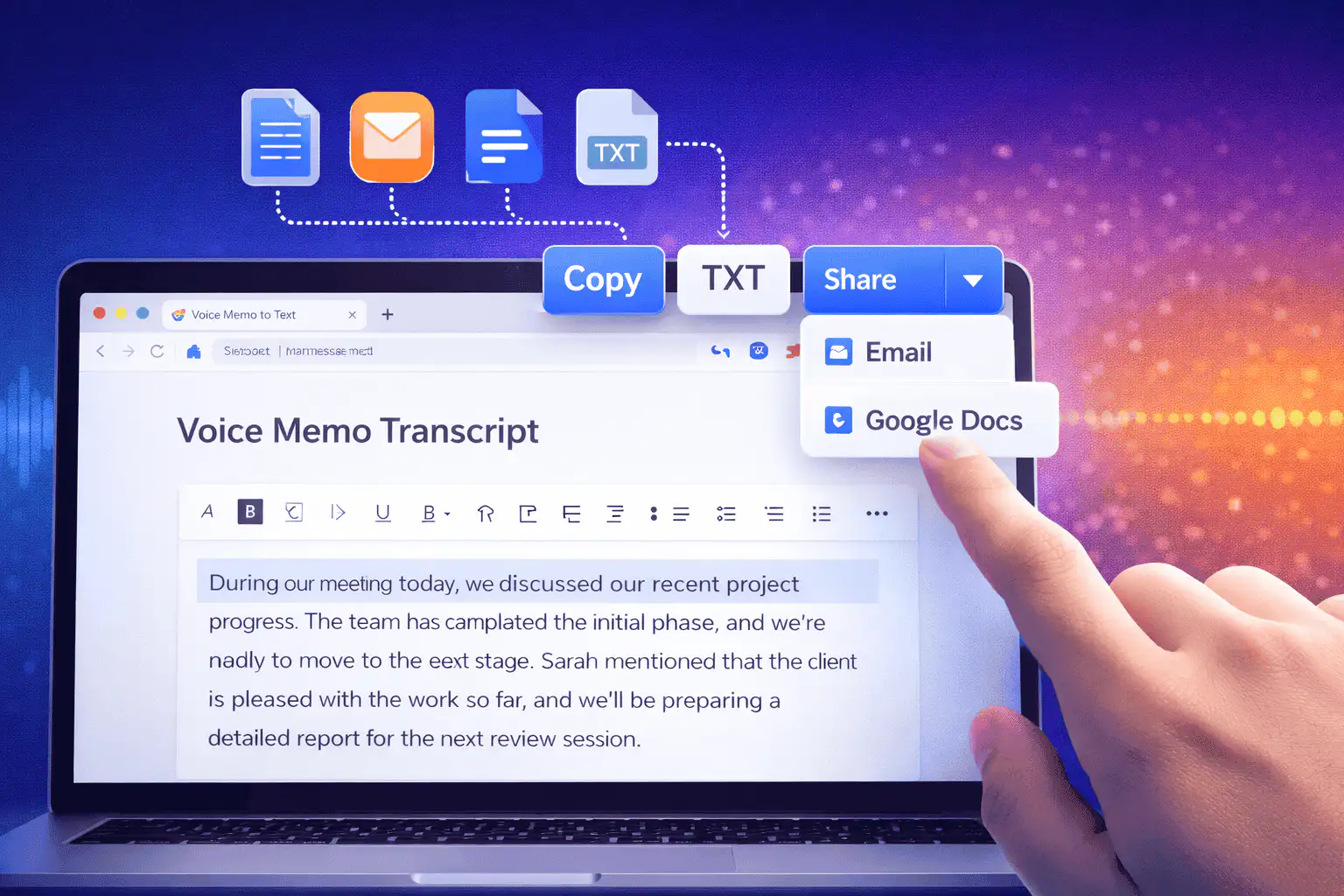
Façons utiles d'utiliser la voix en texte
Utilisez la voix en texte quand vous avez besoin des paroles d'un enregistrement plus que l'audio lui-même.
Notes de réunion
Turn a recorded discussion into text you can scan, quote, and clean up for follow-ups.
Lectures and study audio
Convert class recordings or study sessions into text for review, outlines, and revision notes.
Interviews and research
Create a transcript draft before pulling quotes, checking claims, or writing a summary.
Voice notes
Transcribe quick ideas, memos, and phone recordings when you want text instead of replaying audio.
Creator workflows
Convert spoken drafts, podcast clips, or narration files into text for captions and repurposing.
Accessibility support
Make spoken content easier to search, skim, and edit, then review the text for accuracy.
Choisir le bon outil de transcription
These tools overlap. Pick the one that matches your file.
Gratuit, sans compte, traitement temporaire
Les outils gratuits de Sceneform ne nécessitent pas de compte. L'utilisation normale est illimitée, avec des contrôles anti-abus réservés au trafic automatisé ou excessif.
Les fichiers audio téléchargés sont utilisés pour créer votre transcription et supprimés après le traitement. Évitez de télécharger des enregistrements que vous n'êtes pas autorisé à traiter.
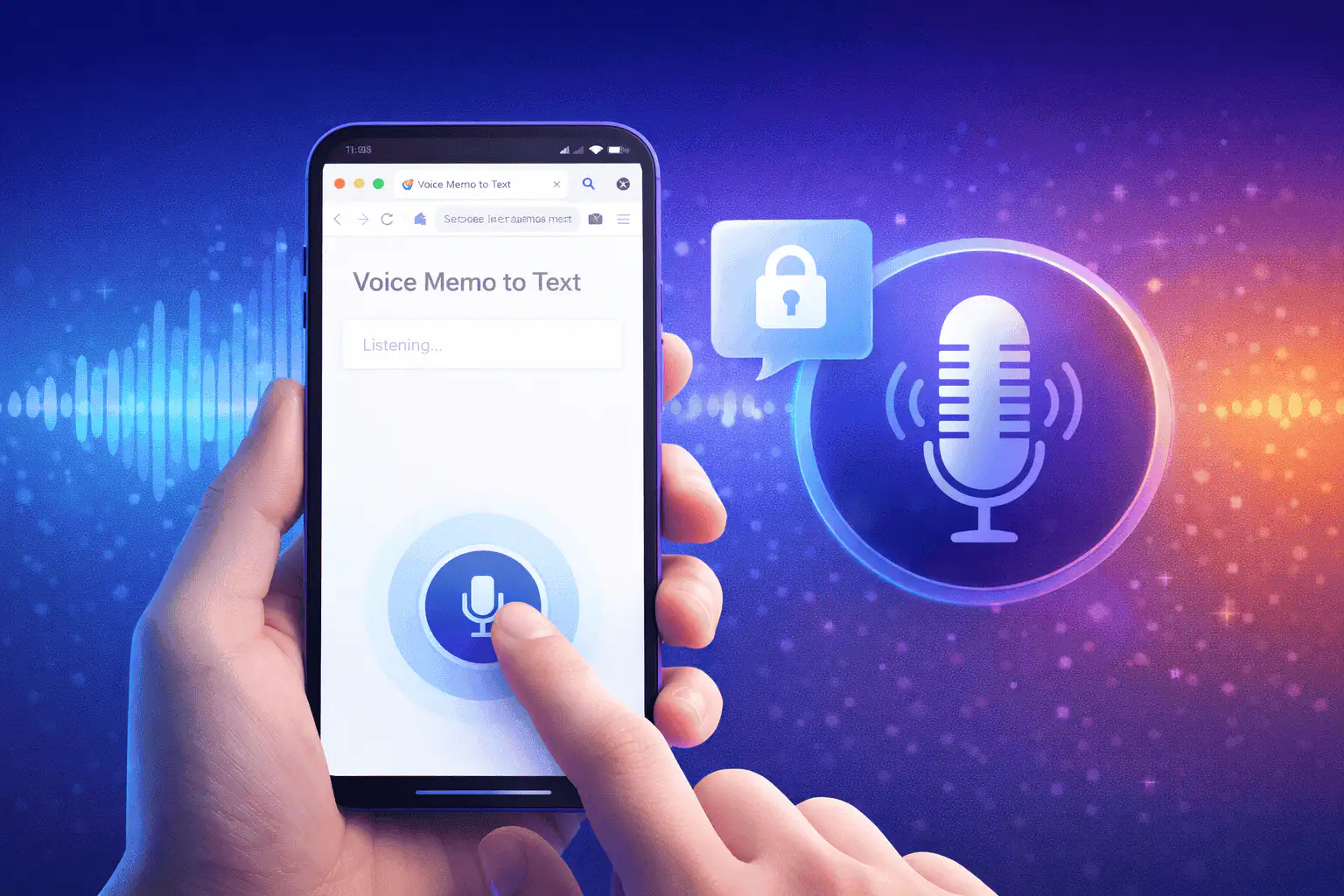
More free tools
Download, convert, transcribe, and summarize with the rest of the library.
Voix en texte en plusieurs langues
Use voice to text in supported Sceneform locales.
Voice to text FAQ
Prêt à convertir la voix en texte ?
Téléchargez un fichier audio, générez un brouillon de transcription, puis copiez ou téléchargez le texte quand il est prêt.
Upload a recording