Voice to text
無料 voice to text converter
音声録音をアップロードして、編集可能なテキストに変換します。アカウント作成不要で、メモ、インタビュー、講義、音声メモ、下書き、検索可能な記録に使用できます。
50 MB
Audio file limit
TXT
Copy or download text
無料
No account needed
Audio
Upload recordings
アップロードした音声をテキストに変換
音声をテキストに変換することは、オーディオを再生するより読む方が早い場合に便利です。録音をアップロードして、トランスクリプト案を取得し、名前、数字、引用符、正確な表現が必要な部分を確認します。
01
Upload your audio
Choose an MP3, WAV, OGG, FLAC, AAC, M4A, or WebM recording up to 50 MB.
02
音声をテキストに変換
Sceneform processes the recording and returns a plain transcript you can review.
03
Edit, copy, or download
Check names and important details, then copy the transcript or download it as a TXT file.
ライブ音声入力ではなく、録音済みオーディオに最適
このツールは既存のオーディオファイル向けです。一般的な録音形式に対応し、コピー、編集、ダウンロード可能なトランスクリプトテキストを返します。
話しながらハンズフリーで入力する必要がある場合は、ブラウザまたはOSの音声入力を使用してください。保存済みファイルを処理する必要がある場合は、ここにアップロードしてください。
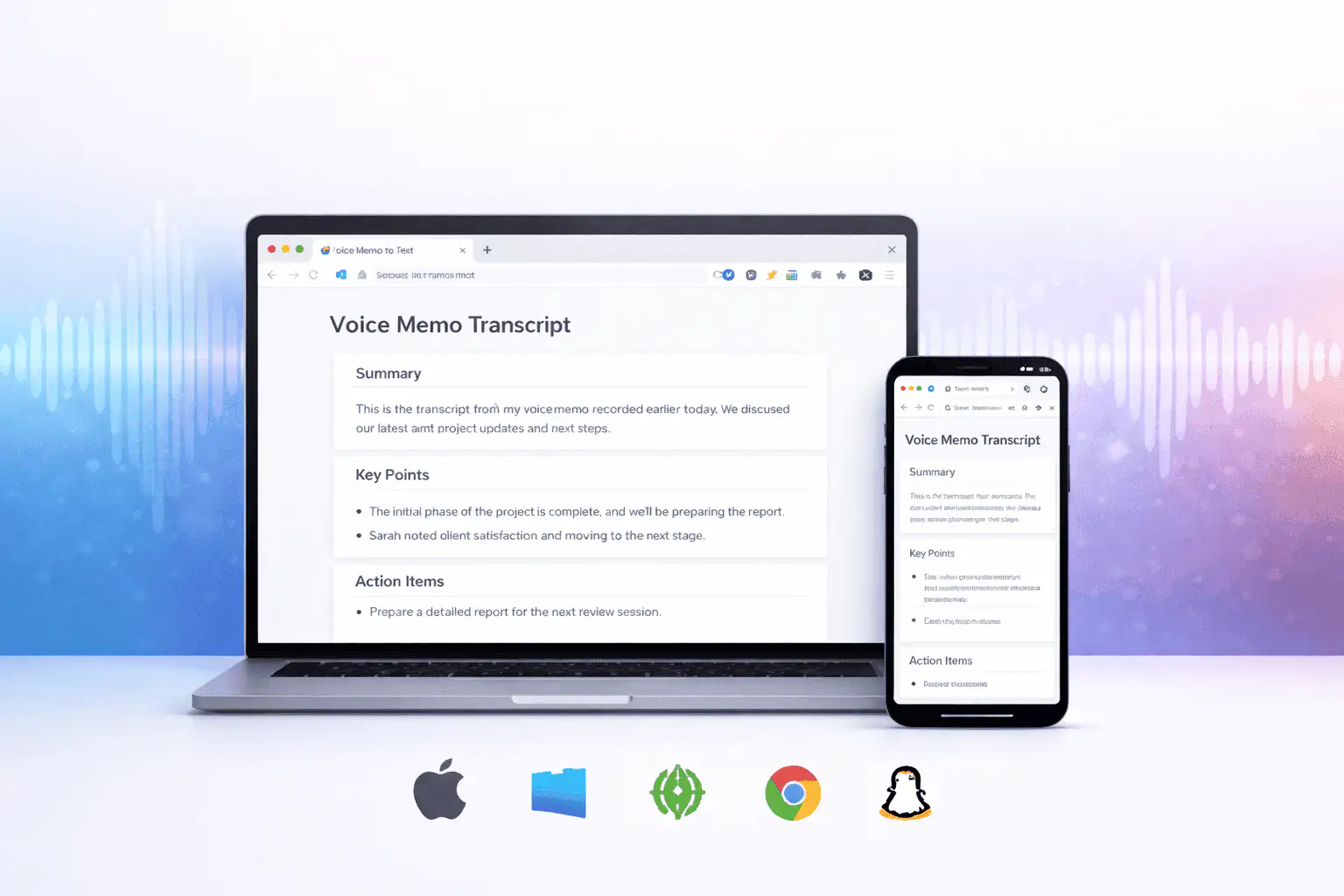
トランスクリプトの品質に影響する要因
トランスクリプトの品質は主にソースオーディオによって決まります。クリーンな録音はクリーンなテキストを生成します。
Clear speech works best
Use recordings with one speaker at a time, low background noise, and a microphone close to the speaker.
Names need review
Proper names, acronyms, product terms, numbers, and technical vocabulary are worth checking before you use the text.
Transcripts are drafts
Use the output as a starting point for notes, captions, drafts, and searchable records, not as a certified transcript.
トランスクリプトを作業用下書きとして使用
トランスクリプトは、録音の検索、スキミング、引用、要約、再利用に役立ちます。人間による確認前の最初のパスとして最も効果的です。
法務、医療、財務、学術、またはコンプライアンス業務の場合は、トランスクリプトを元のオーディオと照合し、組織が要求する承認済みツールを使用してください。
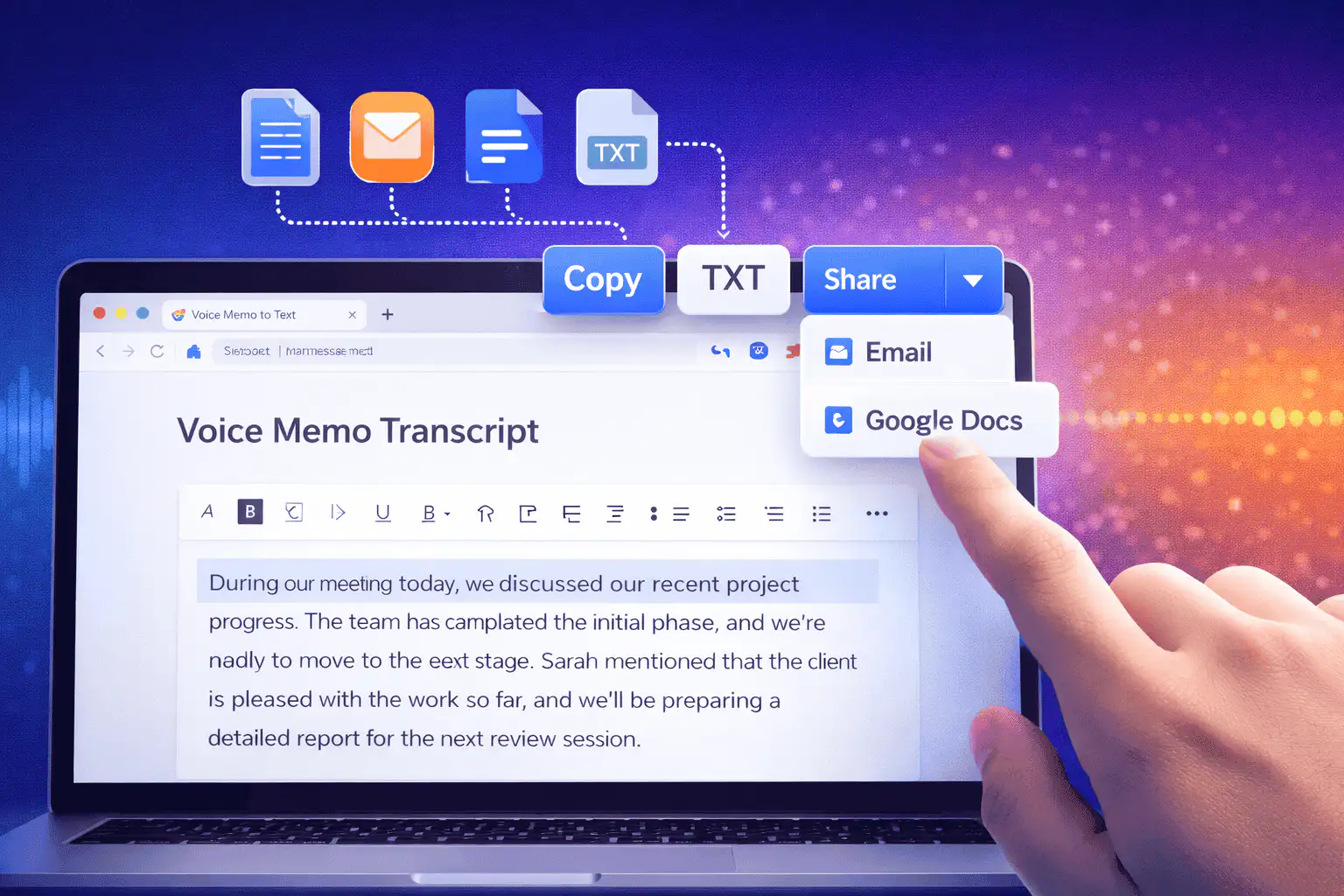
音声をテキストに変換する便利な使用方法
オーディオ自体よりも録音の言葉が必要な場合に、音声をテキストに変換を使用してください。
会議メモ
Turn a recorded discussion into text you can scan, quote, and clean up for follow-ups.
Lectures and study audio
Convert class recordings or study sessions into text for review, outlines, and revision notes.
Interviews and research
Create a transcript draft before pulling quotes, checking claims, or writing a summary.
Voice notes
Transcribe quick ideas, memos, and phone recordings when you want text instead of replaying audio.
Creator workflows
Convert spoken drafts, podcast clips, or narration files into text for captions and repurposing.
Accessibility support
Make spoken content easier to search, skim, and edit, then review the text for accuracy.
適切なトランスクリプトツールを選択
These tools overlap. Pick the one that matches your file.
無料、アカウント不要、一時的な処理
Sceneformの無料ツールはアカウントを必要としません。通常の使用は無制限で、自動化または過度なトラフィックに対する悪用防止が適用されます。
アップロードされたオーディオファイルはトランスクリプト作成に使用され、処理後に削除されます。処理が許可されていない録音のアップロードは避けてください。
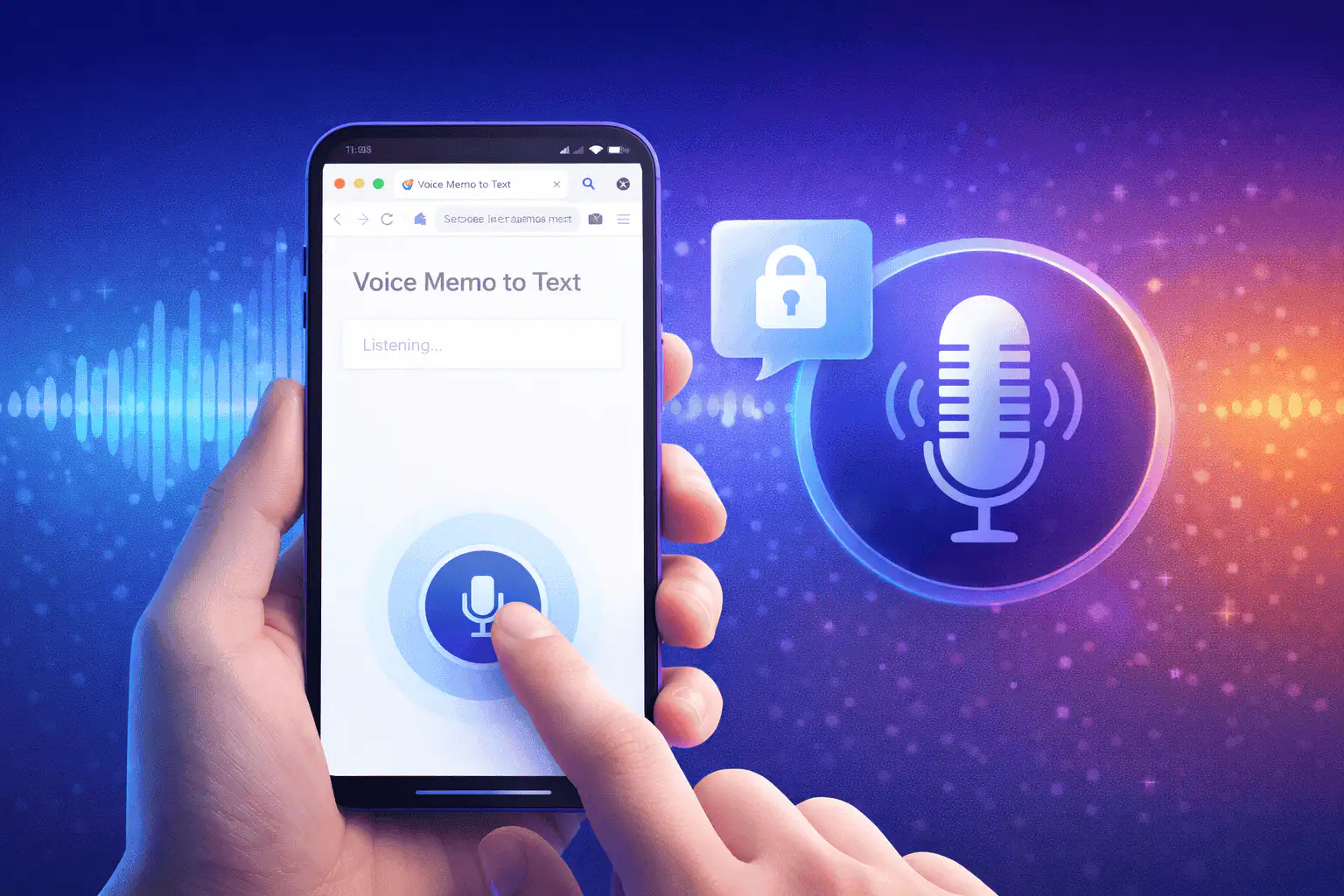
More free tools
Download, convert, transcribe, and summarize with the rest of the library.
複数言語での音声をテキストに変換
Use voice to text in supported Sceneform locales.
Voice to text FAQ
音声をテキストに変換する準備はできていますか?
オーディオファイルをアップロードし、トランスクリプト案を生成してから、準備ができたらテキストをコピーまたはダウンロードします。
Upload a recording