Voice to text
Gratis voice to text converter
Ladda upp en röstinspelning och omvandla den till redigerbar text. Använd den för anteckningar, intervjuer, föreläsningar, röstmemon, utkast och sökbara register utan att skapa ett konto.
50 MB
Audio file limit
TXT
Copy or download text
Gratis
No account needed
Audio
Upload recordings
Omvandla uppladdat röstljud till text
Röst till text är användbart när det är långsammare att spela upp ljud än att läsa. Ladda upp inspelningen, få ett utkast till transkription och granska det sedan för namn, siffror, citat och allt som kräver exakt formulering.
01
Upload your audio
Choose an MP3, WAV, OGG, FLAC, AAC, M4A, or WebM recording up to 50 MB.
02
Konvertera tal till text
Sceneform processes the recording and returns a plain transcript you can review.
03
Edit, copy, or download
Check names and important details, then copy the transcript or download it as a TXT file.
Bäst för inspelat ljud, inte live-diktering
Detta verktyg är byggt för ljudfiler du redan har. Det accepterar vanliga inspelningsformat och returnerar transkriptionstext som du kan kopiera, redigera eller ladda ner.
Om du behöver handsfree-skrivning medan du talar, använd din webbläsares eller operativsystems dikteringsfunktion. Om du behöver bearbeta en sparad fil, ladda upp den här.
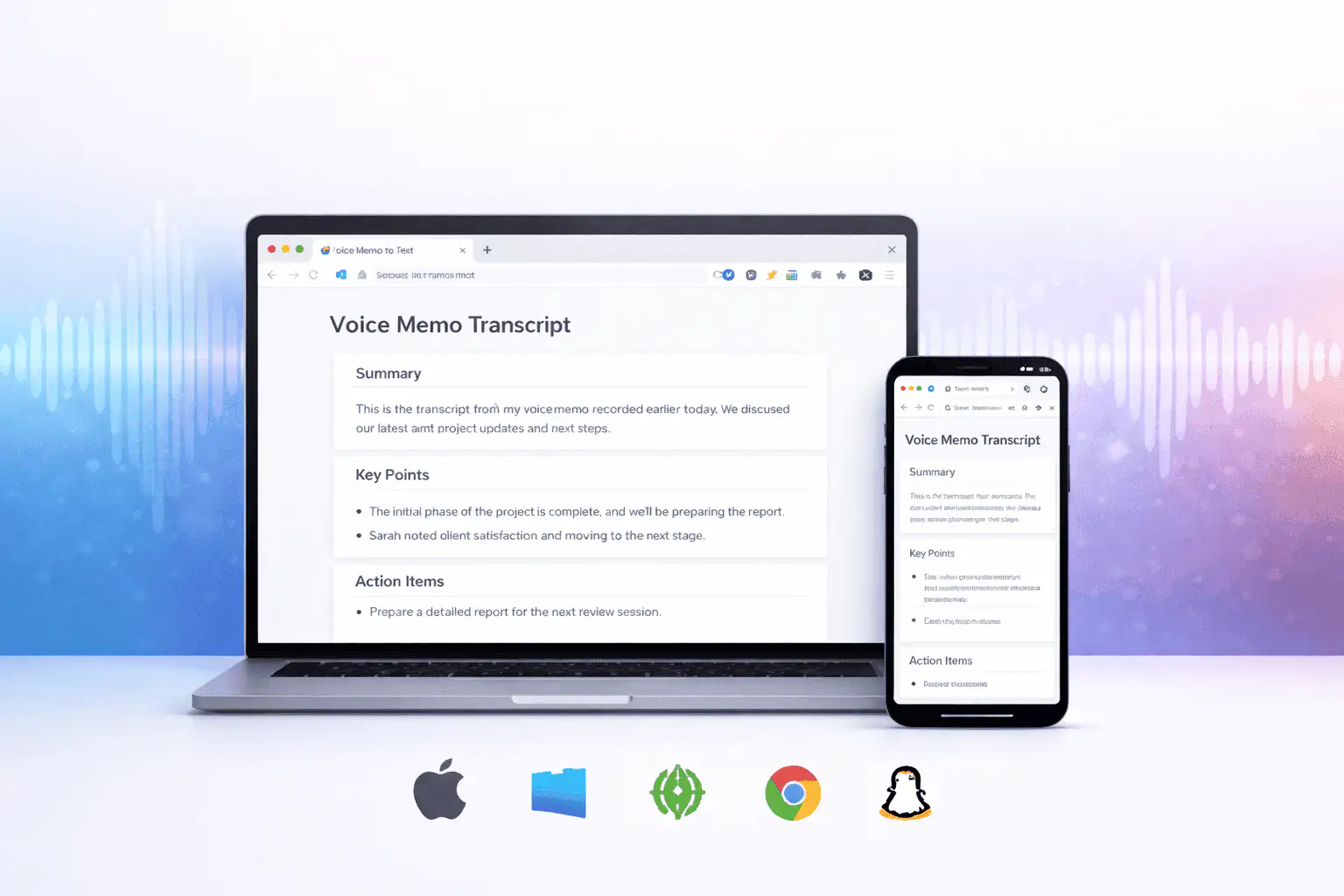
Vad som påverkar transkriptionskvalitet
Transkriptionskvaliteten bestäms främst av källljudet. Renare inspelningar ger renare text.
Clear speech works best
Use recordings with one speaker at a time, low background noise, and a microphone close to the speaker.
Names need review
Proper names, acronyms, product terms, numbers, and technical vocabulary are worth checking before you use the text.
Transcripts are drafts
Use the output as a starting point for notes, captions, drafts, and searchable records, not as a certified transcript.
Använd transkriptionen som ett arbetsutkast
En transkription hjälper dig att söka, skumma, citera, sammanfatta och återanvända en inspelning. Den fungerar bäst som ett första utkast innan mänsklig granskning.
För juridiskt, medicinskt, finansiellt, akademiskt eller efterlevnadsarbete, kontrollera transkriptionen mot originalljudet och använd de godkända verktyg som krävs av din organisation.
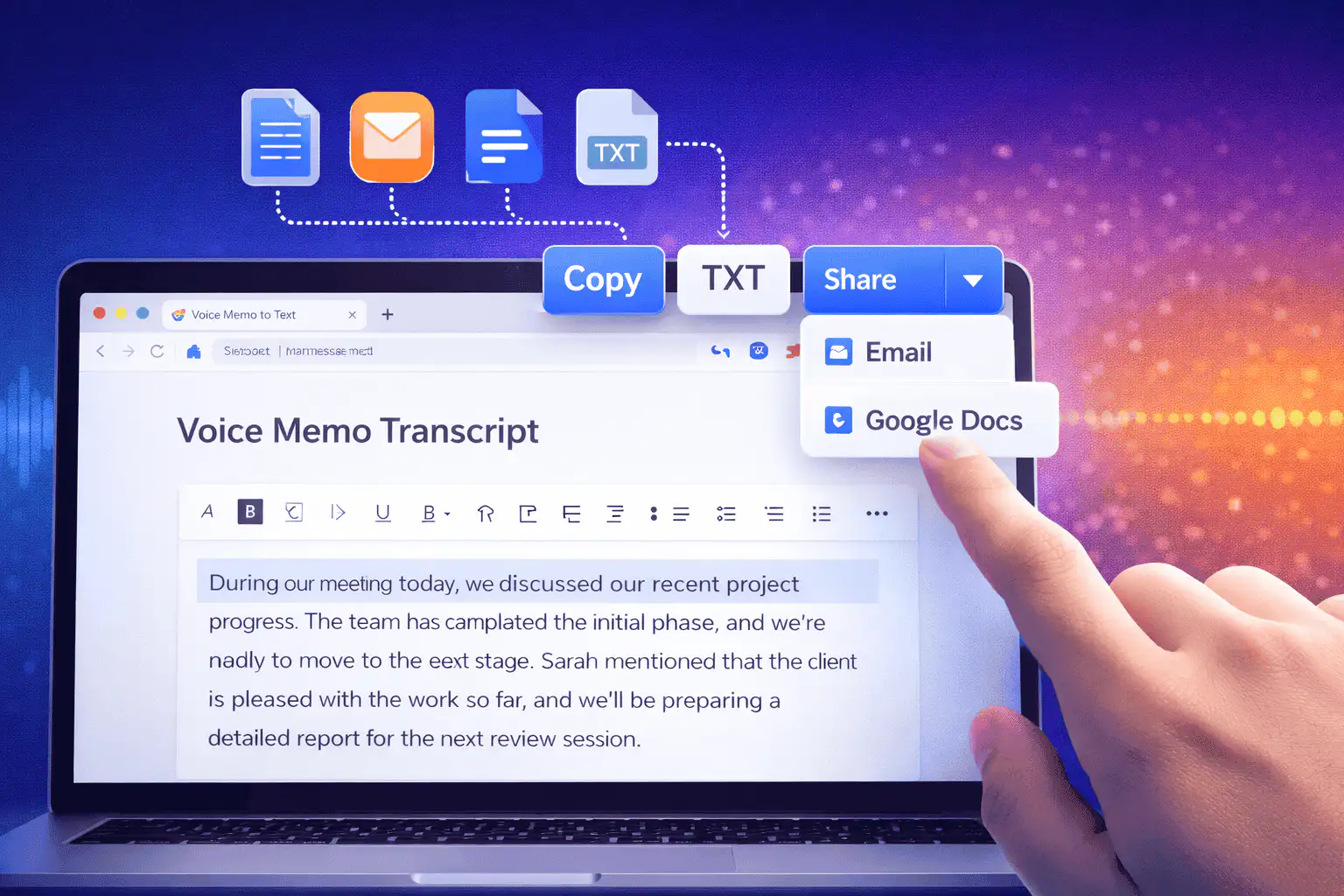
Användbara sätt att använda röst till text
Använd röst till text när du behöver orden från en inspelning mer än själva ljudet.
Mötesanteckningar
Turn a recorded discussion into text you can scan, quote, and clean up for follow-ups.
Lectures and study audio
Convert class recordings or study sessions into text for review, outlines, and revision notes.
Interviews and research
Create a transcript draft before pulling quotes, checking claims, or writing a summary.
Voice notes
Transcribe quick ideas, memos, and phone recordings when you want text instead of replaying audio.
Creator workflows
Convert spoken drafts, podcast clips, or narration files into text for captions and repurposing.
Accessibility support
Make spoken content easier to search, skim, and edit, then review the text for accuracy.
Välj rätt transkriptionsverktyg
These tools overlap. Pick the one that matches your file.
Gratis, inget konto, tillfällig bearbetning
Sceneforms gratisverktyg kräver inget konto. Normal användning är obegränsad, med missbrukskontroller reserverade för automatiserad eller överdriven trafik.
Uppladdade ljudfiler används för att skapa din transkription och raderas efter bearbetning. Undvik att ladda upp inspelningar som du inte har tillåtelse att bearbeta.
More free tools
Download, convert, transcribe, and summarize with the rest of the library.
Röst till text på flera språk
Use voice to text in supported Sceneform locales.
Voice to text FAQ
Redo att omvandla röst till text?
Ladda upp en ljudfil, generera ett utkast till transkription och kopiera eller ladda sedan ner texten när den är klar.
Upload a recording