Voice to text
Kostenlos voice to text converter
Laden Sie eine Sprachaufnahme hoch und wandeln Sie sie in bearbeitbaren Text um. Nutzen Sie es für Notizen, Interviews, Vorlesungen, Sprachmemos, Entwürfe und durchsuchbare Aufzeichnungen ohne Kontoerstellung.
50 MB
Audio file limit
TXT
Copy or download text
Kostenlos
No account needed
Audio
Upload recordings
Wandeln Sie hochgeladene Sprachaudio in Text um
Sprache zu Text ist nützlich, wenn das Abspielen von Audio langsamer ist als das Lesen. Laden Sie die Aufnahme hoch, erhalten Sie einen Transkriptentwurf und überprüfen Sie ihn auf Namen, Zahlen, Zitate und alles, das auf genaue Formulierung ankommt.
01
Upload your audio
Choose an MP3, WAV, OGG, FLAC, AAC, M4A, or WebM recording up to 50 MB.
02
Sprache in Text umwandeln
Sceneform processes the recording and returns a plain transcript you can review.
03
Edit, copy, or download
Check names and important details, then copy the transcript or download it as a TXT file.
Am besten für aufgezeichnete Audio, nicht für Live-Diktate
Dieses Tool ist für Audiodateien konzipiert, die Sie bereits haben. Es akzeptiert gängige Aufnahmeformate und gibt Transkripttext zurück, den Sie kopieren, bearbeiten oder herunterladen können.
Wenn Sie freihändiges Tippen während des Sprechens benötigen, nutzen Sie die Diktierfunktion Ihres Browsers oder Betriebssystems. Wenn Sie eine gespeicherte Datei verarbeiten müssen, laden Sie sie hier hoch.
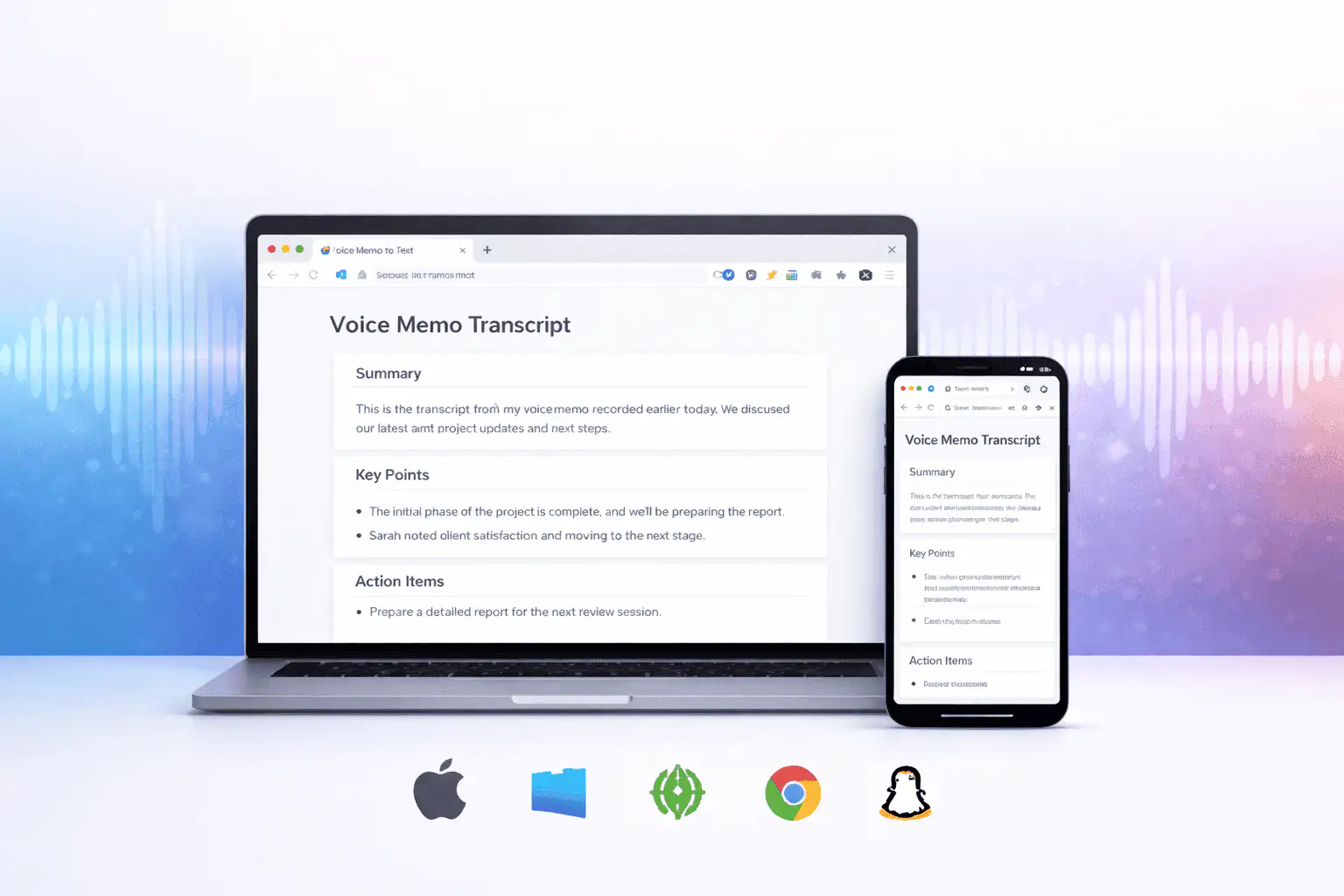
Was beeinflusst die Transkriptqualität
Die Transkriptionsqualität wird hauptsächlich durch die Quellenaudio bestimmt. Saubere Aufnahmen erzeugen sauberen Text.
Clear speech works best
Use recordings with one speaker at a time, low background noise, and a microphone close to the speaker.
Names need review
Proper names, acronyms, product terms, numbers, and technical vocabulary are worth checking before you use the text.
Transcripts are drafts
Use the output as a starting point for notes, captions, drafts, and searchable records, not as a certified transcript.
Verwenden Sie das Transkript als Arbeitsentwurf
Ein Transkript hilft Ihnen, eine Aufnahme zu durchsuchen, zu überfliegen, zu zitieren, zusammenzufassen und neu zu verwenden. Es ist am stärksten als erster Durchgang vor menschlicher Überprüfung.
Überprüfen Sie das Transkript für rechtliche, medizinische, finanzielle, akademische oder Compliance-Arbeiten gegen die Originalaufnahme und verwenden Sie die von Ihrer Organisation erforderlichen genehmigten Tools.
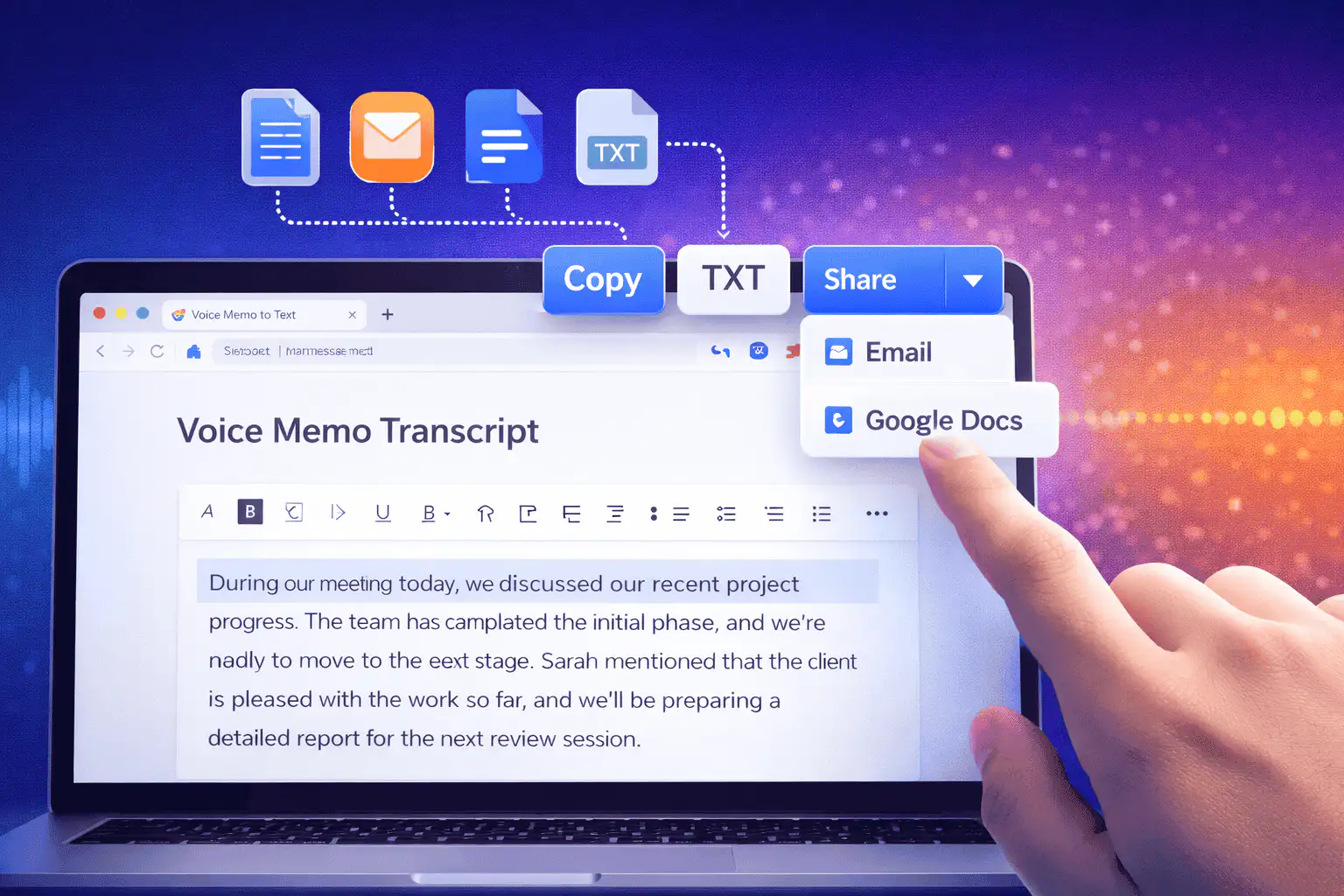
Nützliche Anwendungen für Sprache zu Text
Verwenden Sie Sprache zu Text, wenn Sie die Wörter aus einer Aufnahme mehr benötigen als die Audio selbst.
Besprechungsnotizen
Turn a recorded discussion into text you can scan, quote, and clean up for follow-ups.
Lectures and study audio
Convert class recordings or study sessions into text for review, outlines, and revision notes.
Interviews and research
Create a transcript draft before pulling quotes, checking claims, or writing a summary.
Voice notes
Transcribe quick ideas, memos, and phone recordings when you want text instead of replaying audio.
Creator workflows
Convert spoken drafts, podcast clips, or narration files into text for captions and repurposing.
Accessibility support
Make spoken content easier to search, skim, and edit, then review the text for accuracy.
Wählen Sie das richtige Transkript-Tool
These tools overlap. Pick the one that matches your file.
Kostenlos, kein Konto, temporäre Verarbeitung
Sceneforms kostenlose Tools erfordern kein Konto. Die normale Nutzung ist unbegrenzt, mit Missbrauchskontrollen für automatisierte oder übermäßige Datenverkehr.
Hochgeladene Audiodateien werden zur Erstellung Ihres Transkripts verwendet und nach der Verarbeitung gelöscht. Vermeiden Sie das Hochladen von Aufnahmen, deren Verarbeitung Sie nicht berechtigt sind.
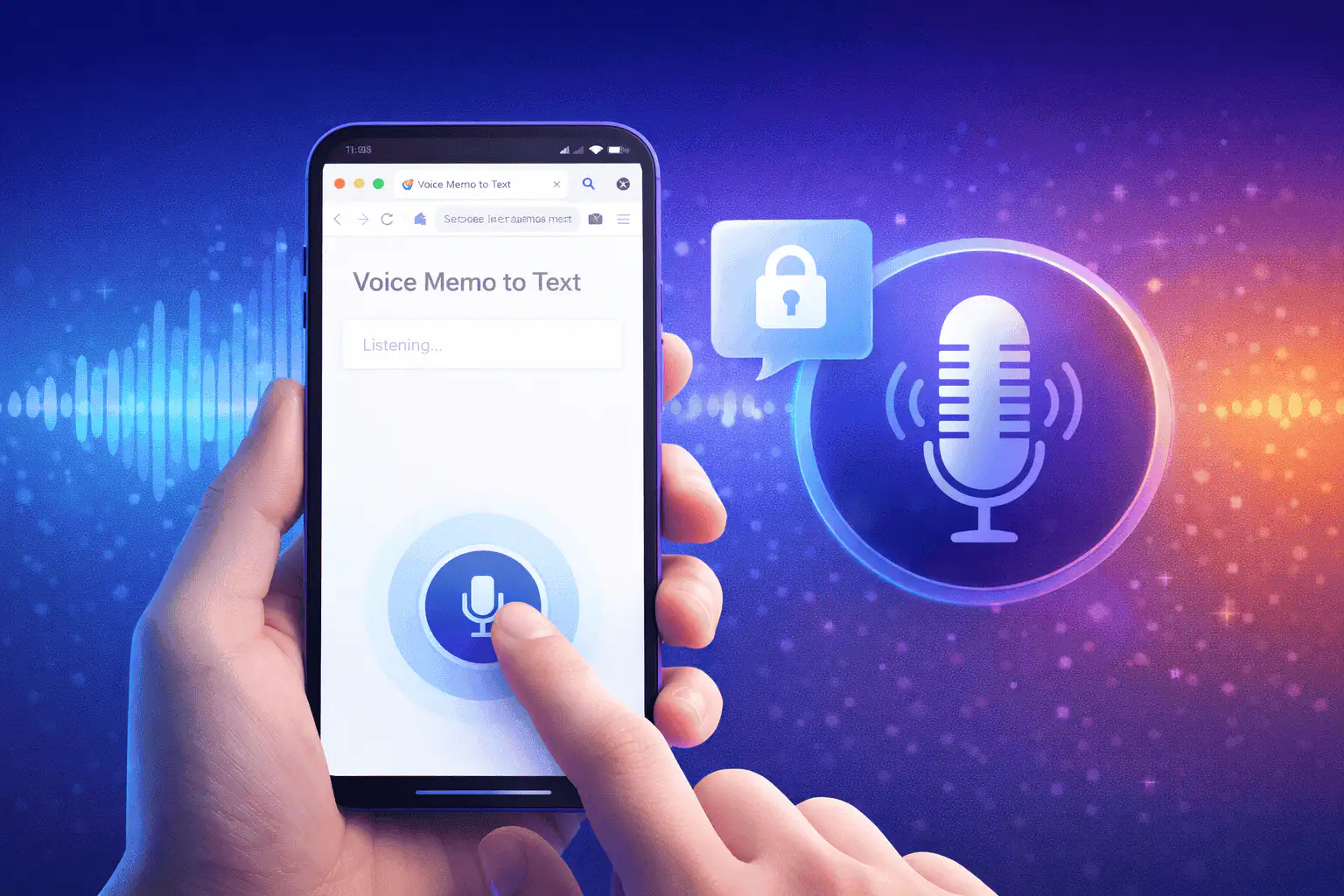
More free tools
Download, convert, transcribe, and summarize with the rest of the library.
Sprache zu Text in mehreren Sprachen
Use voice to text in supported Sceneform locales.
Voice to text FAQ
Bereit, Sprache in Text umzuwandeln?
Laden Sie eine Audiodatei hoch, generieren Sie einen Transkriptentwurf und kopieren oder laden Sie den Text herunter, wenn er fertig ist.
Upload a recording