Voice to text
Gratuito voice to text converter
Carica una registrazione vocale e trasformala in testo modificabile. Usalo per appunti, interviste, lezioni, memo vocali, bozze e archivi ricercabili senza creare un account.
50 MB
Audio file limit
TXT
Copy or download text
Gratuito
No account needed
Audio
Upload recordings
Trasforma l'audio vocale caricato in testo
Da voce a testo è utile quando riprodurre l'audio è più lento che leggere. Carica la registrazione, ottieni una bozza di trascrizione, quindi revisionala per nomi, numeri, citazioni e tutto ciò che dipende dalla formulazione esatta.
01
Upload your audio
Choose an MP3, WAV, OGG, FLAC, AAC, M4A, or WebM recording up to 50 MB.
02
Converti il parlato in testo
Sceneform processes the recording and returns a plain transcript you can review.
03
Edit, copy, or download
Check names and important details, then copy the transcript or download it as a TXT file.
Ideale per audio registrato, non per dettatura dal vivo
Questo strumento è progettato per file audio che hai già. Accetta formati di registrazione comuni e restituisce testo trascritto che puoi copiare, modificare o scaricare.
Se hai bisogno di digitazione senza mani mentre parli, usa la dettatura del tuo browser o sistema operativo. Se devi elaborare un file salvato, caricalo qui.
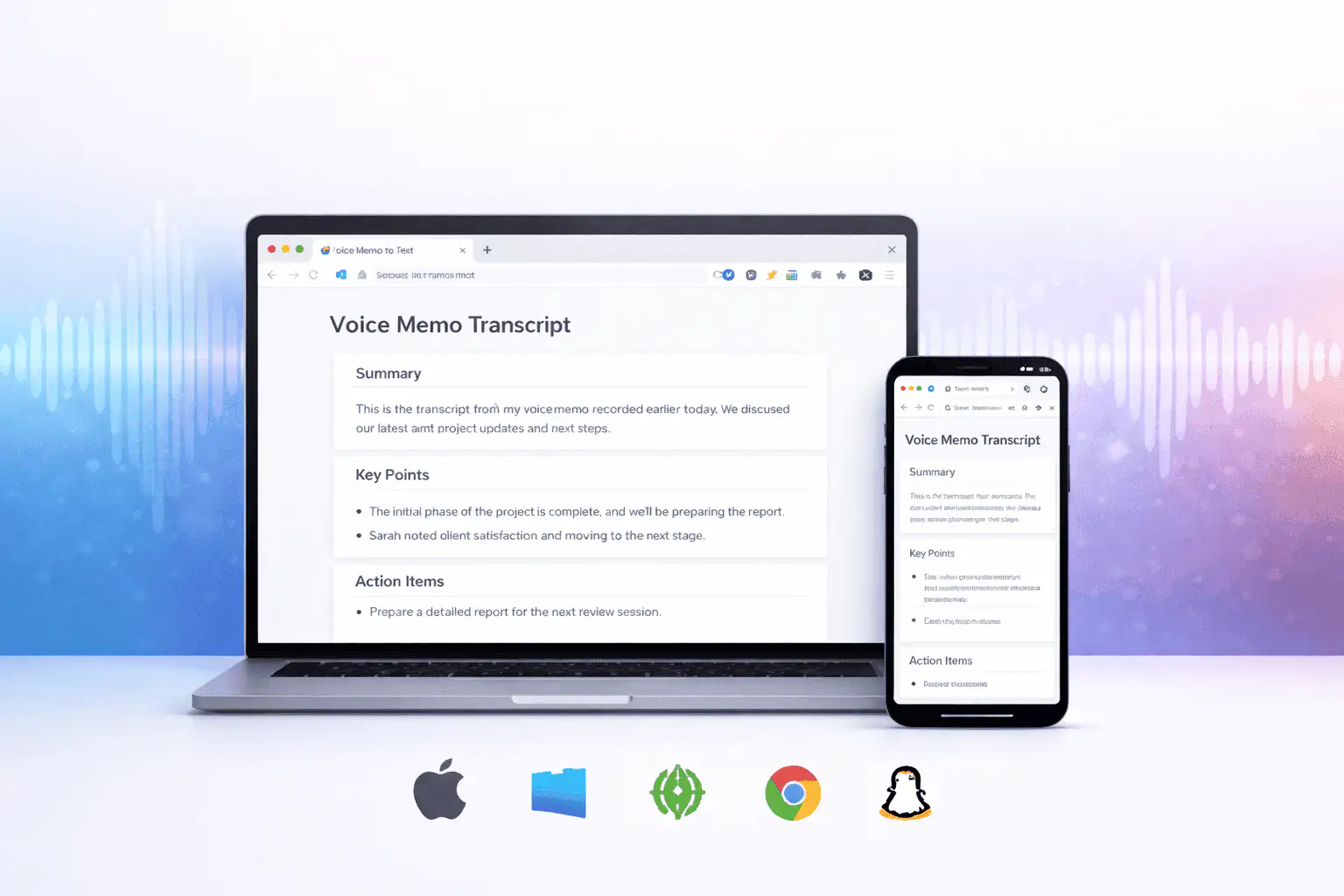
Cosa influisce sulla qualità della trascrizione
La qualità della trascrizione è determinata principalmente dall'audio di origine. Le registrazioni più pulite producono testo più pulito.
Clear speech works best
Use recordings with one speaker at a time, low background noise, and a microphone close to the speaker.
Names need review
Proper names, acronyms, product terms, numbers, and technical vocabulary are worth checking before you use the text.
Transcripts are drafts
Use the output as a starting point for notes, captions, drafts, and searchable records, not as a certified transcript.
Usa la trascrizione come bozza di lavoro
Una trascrizione ti aiuta a cercare, scorrere, citare, riassumere e riutilizzare una registrazione. È più efficace come primo passaggio prima della revisione umana.
Per lavori legali, medici, finanziari, accademici o di conformità, confronta la trascrizione con l'audio originale e utilizza gli strumenti approvati richiesti dalla tua organizzazione.
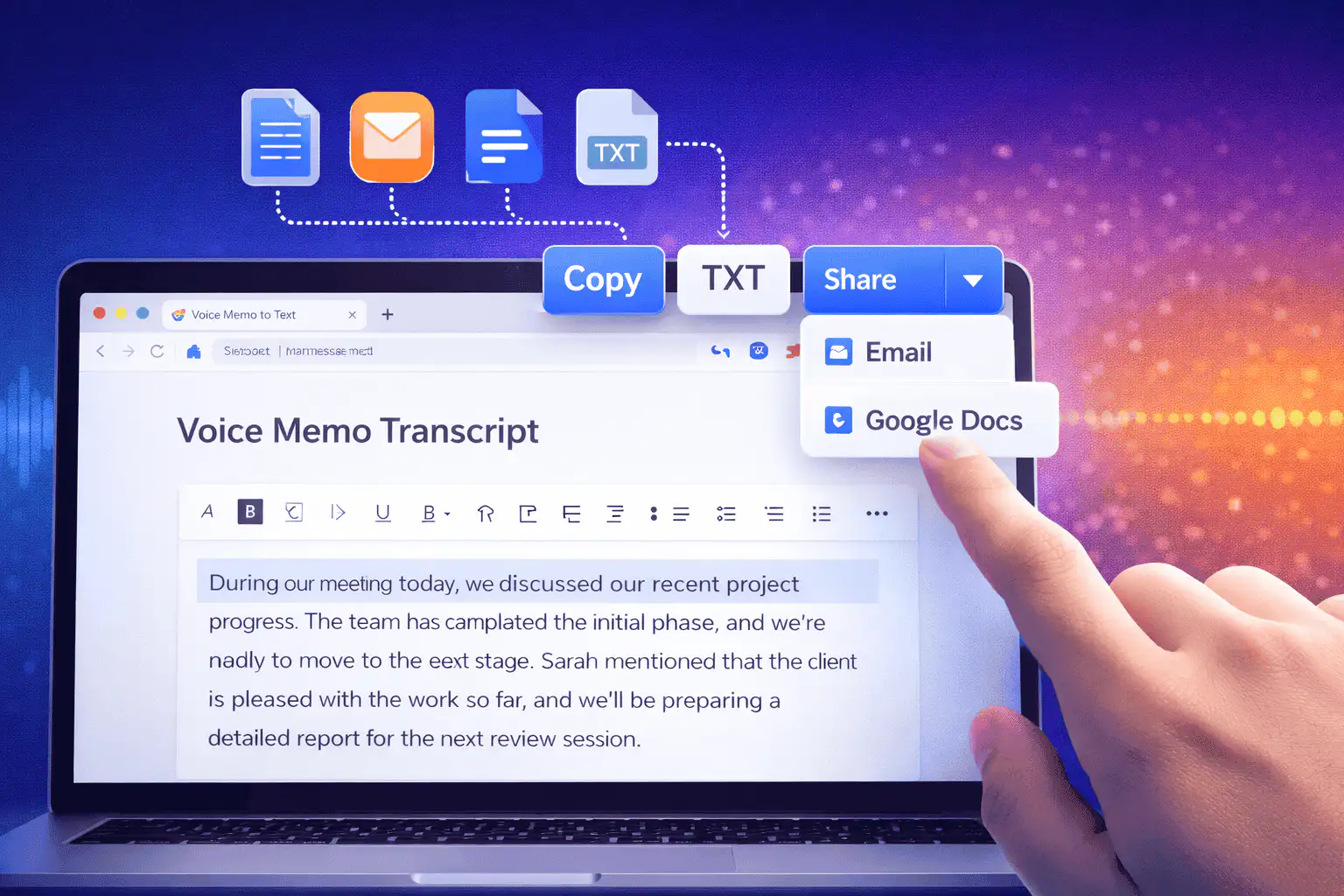
Modi utili per usare da voce a testo
Usa da voce a testo quando hai bisogno delle parole di una registrazione più dell'audio stesso.
Appunti di riunioni
Turn a recorded discussion into text you can scan, quote, and clean up for follow-ups.
Lectures and study audio
Convert class recordings or study sessions into text for review, outlines, and revision notes.
Interviews and research
Create a transcript draft before pulling quotes, checking claims, or writing a summary.
Voice notes
Transcribe quick ideas, memos, and phone recordings when you want text instead of replaying audio.
Creator workflows
Convert spoken drafts, podcast clips, or narration files into text for captions and repurposing.
Accessibility support
Make spoken content easier to search, skim, and edit, then review the text for accuracy.
Scegli lo strumento di trascrizione giusto
These tools overlap. Pick the one that matches your file.
Gratuito, nessun account, elaborazione temporanea
Gli strumenti gratuiti di Sceneform non richiedono un account. L'uso normale è illimitato, con controlli anti-abuso riservati al traffico automatizzato o eccessivo.
I file audio caricati vengono utilizzati per creare la trascrizione e eliminati dopo l'elaborazione. Evita di caricare registrazioni che non sei autorizzato a elaborare.
More free tools
Download, convert, transcribe, and summarize with the rest of the library.
Da voce a testo in più lingue
Use voice to text in supported Sceneform locales.
Voice to text FAQ
Pronto a trasformare la voce in testo?
Carica un file audio, genera una bozza di trascrizione, quindi copia o scarica il testo quando è pronto.
Upload a recording