Voice to text
Безплатно voice to text converter
Качете звукозапис и го превърнете в редактируем текст. Използвайте го за бележки, интервюта, лекции, гласови мемота, чернови и търсими записи без създаване на акаунт.
50 MB
Audio file limit
TXT
Copy or download text
Безплатно
No account needed
Audio
Upload recordings
Превърнете качен звуков файл в текст
Преобразуването на глас в текст е полезно, когато четенето е по-бързо от преслушването на аудио. Качете записа, получете чернова на транскрипцията, след което я прегледайте за имена, числа, цитати и всичко, което зависи от точното формулиране.
01
Upload your audio
Choose an MP3, WAV, OGG, FLAC, AAC, M4A, or WebM recording up to 50 MB.
02
Преобразуване на реч в текст
Sceneform processes the recording and returns a plain transcript you can review.
03
Edit, copy, or download
Check names and important details, then copy the transcript or download it as a TXT file.
Най-добре за записано аудио, не за живо диктуване
Този инструмент е предназначен за аудио файлове, които вече имате. Приема често срещани формати на записване и връща текст на транскрипцията, който можете да копирате, редактирате или изтеглите.
Ако имате нужда от безръчно писане докато говорите, използвайте диктуването на вашия браузър или операционна система. Ако трябва да обработите запазен файл, качете го тук.
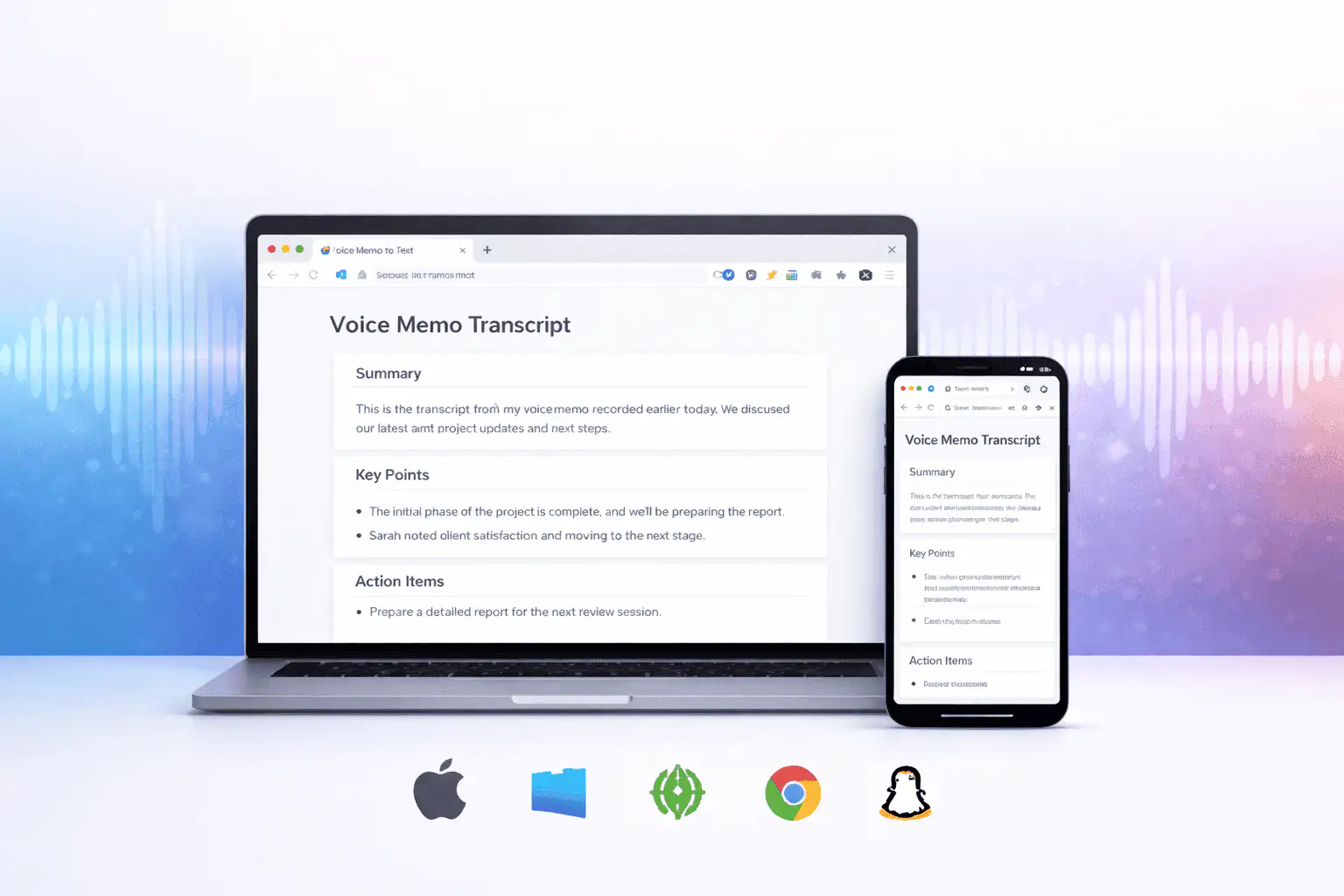
Какво влияе на качеството на транскрипцията
Качеството на транскрипцията се определя главно от изходния звук. По-чистите записи произвеждат по-чист текст.
Clear speech works best
Use recordings with one speaker at a time, low background noise, and a microphone close to the speaker.
Names need review
Proper names, acronyms, product terms, numbers, and technical vocabulary are worth checking before you use the text.
Transcripts are drafts
Use the output as a starting point for notes, captions, drafts, and searchable records, not as a certified transcript.
Използвайте транскрипцията като работна чернова
Транскрипцията ви помага да търсите, преглеждате, цитирате, обобщавате и преработвате запис. Тя е най-силна като първи преглед преди човешка проверка.
За правни, медицински, финансови, академични или съответствени работи проверете транскрипцията спрямо оригиналния звук и използвайте одобрените инструменти, изисквани от вашата организация.
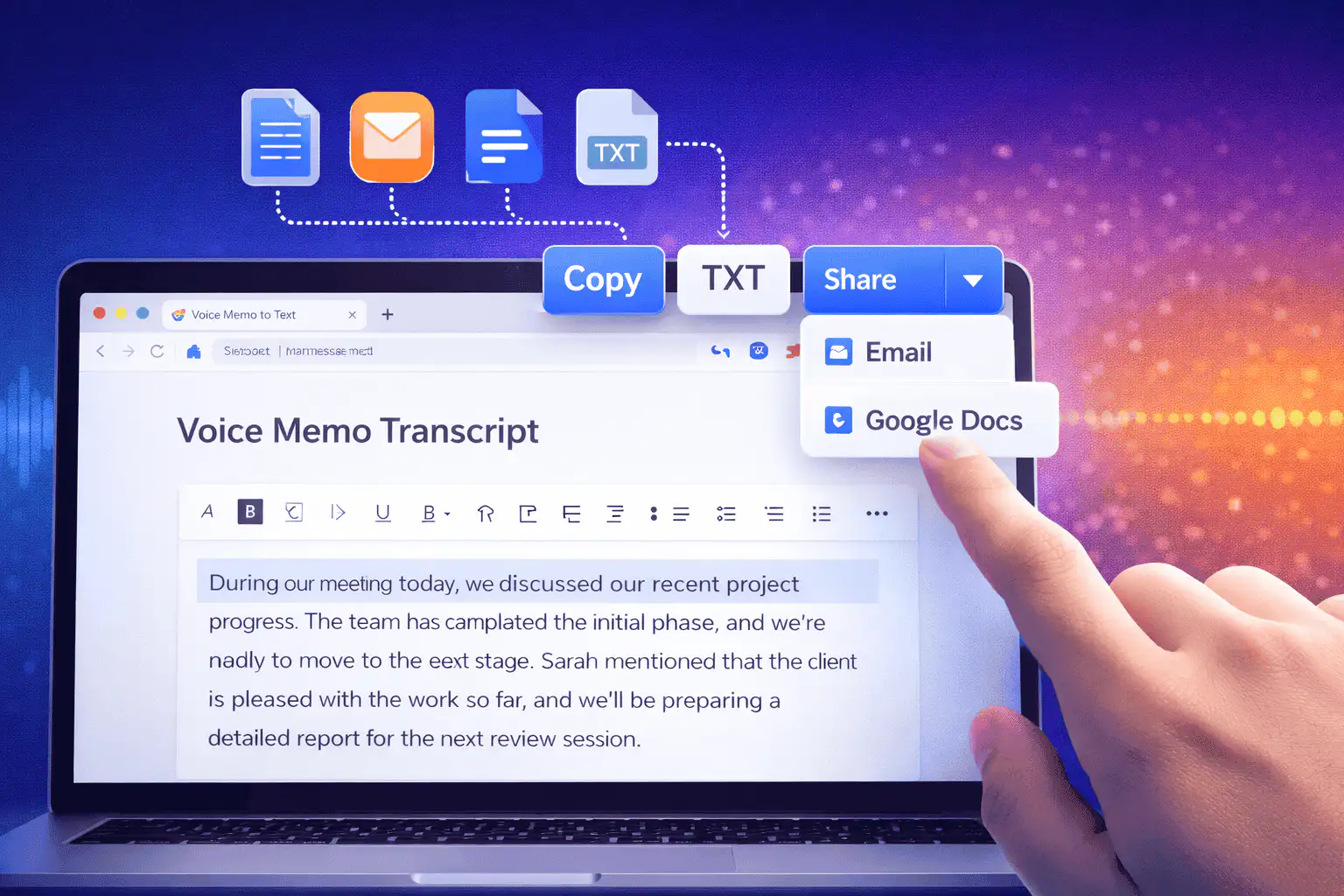
Полезни начини за използване на глас в текст
Използвайте преобразуването на глас в текст, когато имате нужда от думите от запис повече от самия звук.
Бележки от срещи
Turn a recorded discussion into text you can scan, quote, and clean up for follow-ups.
Lectures and study audio
Convert class recordings or study sessions into text for review, outlines, and revision notes.
Interviews and research
Create a transcript draft before pulling quotes, checking claims, or writing a summary.
Voice notes
Transcribe quick ideas, memos, and phone recordings when you want text instead of replaying audio.
Creator workflows
Convert spoken drafts, podcast clips, or narration files into text for captions and repurposing.
Accessibility support
Make spoken content easier to search, skim, and edit, then review the text for accuracy.
Изберете правилния инструмент за транскрипция
These tools overlap. Pick the one that matches your file.
Безплатно, без акаунт, временна обработка
Безплатните инструменти на Sceneform не изискват акаунт. Нормалното използване е неограничено, с контроли срещу злоупотреба, запазени за автоматизиран или прекомерен трафик.
Качените аудио файлове се използват за създаване на вашата транскрипция и се изтриват след обработка. Избягвайте качването на записи, които нямате право да обработвате.
More free tools
Download, convert, transcribe, and summarize with the rest of the library.
Преобразуване на глас в текст на множество езици
Use voice to text in supported Sceneform locales.
Voice to text FAQ
Готови ли сте да превърнете глас в текст?
Качете аудио файл, генерирайте чернова на транскрипцията, след което копирайте или изтеглете текста, когато е готов.
Upload a recording