Voice to text
Безплатно voice to text converter
Завантажте голосовий запис і перетворіть його на редаговуваний текст. Використовуйте для нотаток, інтерв'ю, лекцій, голосових повідомлень, чернеток та пошукових записів без створення облікового запису.
50 MB
Audio file limit
TXT
Copy or download text
Безплатно
No account needed
Audio
Upload recordings
Перетворіть завантажений голосовий аудіо на текст
Голос у текст корисний, коли повторне прослуховування аудіо займає більше часу, ніж читання. Завантажте запис, отримайте чернетку транскрипції, потім перевірте її на імена, номери, цитати та все, що залежить від точного формулювання.
01
Upload your audio
Choose an MP3, WAV, OGG, FLAC, AAC, M4A, or WebM recording up to 50 MB.
02
Перетворення мови на текст
Sceneform processes the recording and returns a plain transcript you can review.
03
Edit, copy, or download
Check names and important details, then copy the transcript or download it as a TXT file.
Найкраще для записаного аудіо, а не для живого диктування
Цей інструмент розроблений для аудіофайлів, які у вас уже є. Він приймає поширені формати записів і повертає текст транскрипції, який ви можете копіювати, редагувати або завантажувати.
Якщо вам потрібне безручне введення тексту під час розмови, використовуйте диктування вашого браузера або операційної системи. Якщо вам потрібно обробити збережений файл, завантажте його сюди.
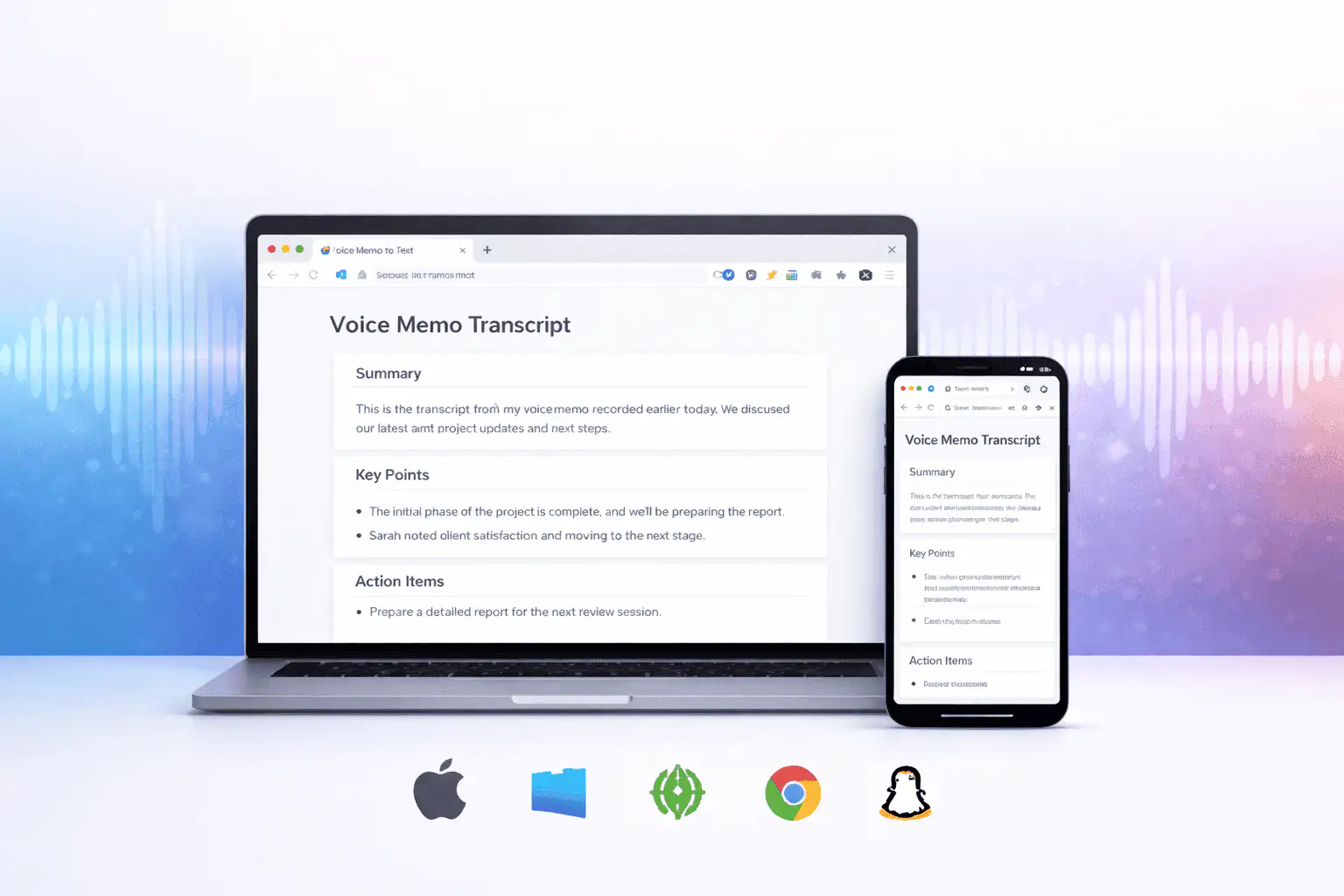
Що впливає на якість транскрипції
Якість транскрипції переважно визначається вихідним аудіо. Чистіші записи дають чистіший текст.
Clear speech works best
Use recordings with one speaker at a time, low background noise, and a microphone close to the speaker.
Names need review
Proper names, acronyms, product terms, numbers, and technical vocabulary are worth checking before you use the text.
Transcripts are drafts
Use the output as a starting point for notes, captions, drafts, and searchable records, not as a certified transcript.
Використовуйте транскрипцію як робочу чернетку
Транскрипція допомагає вам шукати, переглядати, цитувати, підсумовувати та переробляти запис. Вона найсильніша як перший проход перед людським переглядом.
Для юридичної, медичної, фінансової, академічної або нормативної роботи перевірте транскрипцію проти оригінального аудіо та використовуйте затверджені інструменти, необхідні вашій організації.
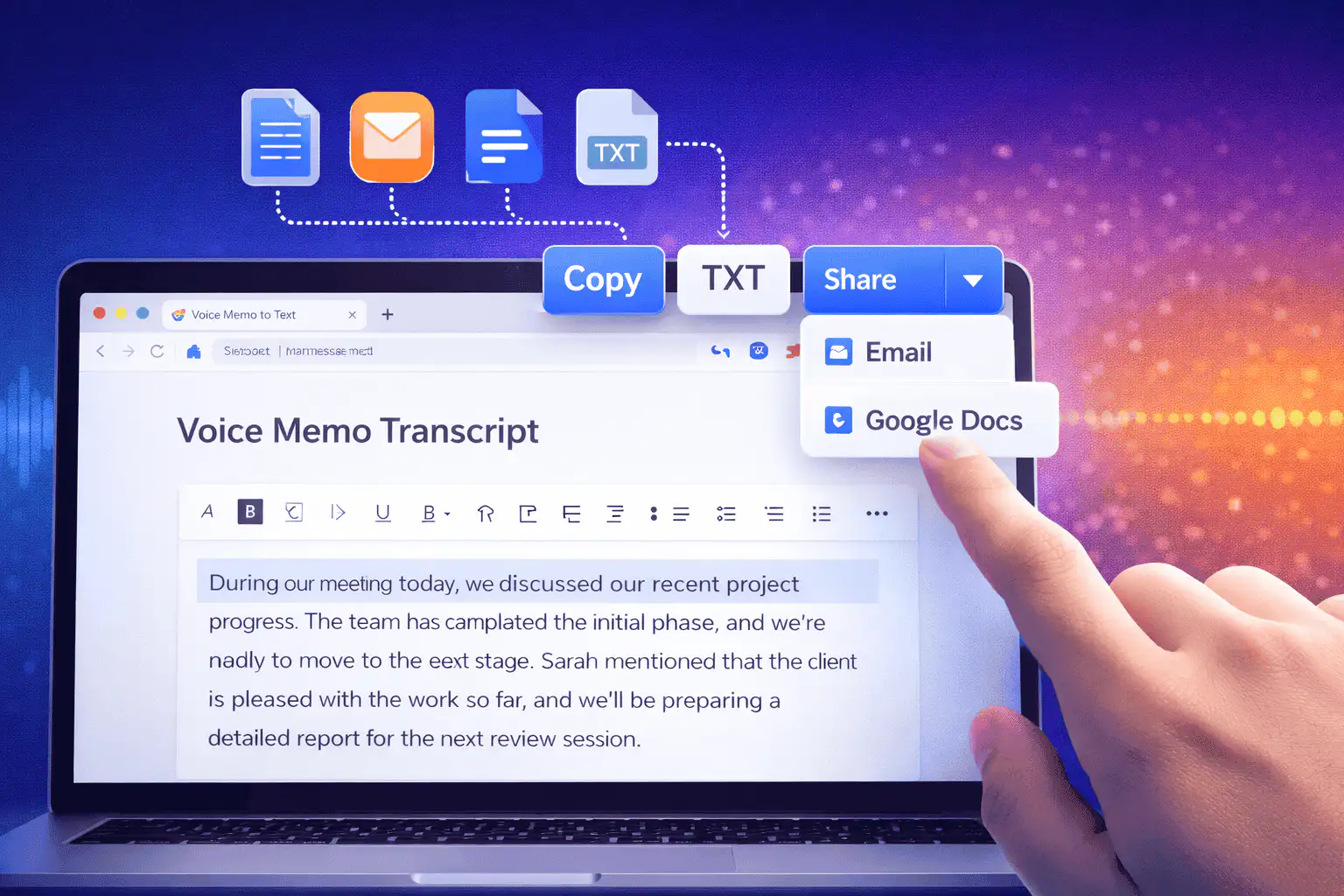
Корисні способи використання голосу у текст
Використовуйте голос у текст, коли вам потрібні слова з запису більше, ніж саме аудіо.
Нотатки зустрічей
Turn a recorded discussion into text you can scan, quote, and clean up for follow-ups.
Lectures and study audio
Convert class recordings or study sessions into text for review, outlines, and revision notes.
Interviews and research
Create a transcript draft before pulling quotes, checking claims, or writing a summary.
Voice notes
Transcribe quick ideas, memos, and phone recordings when you want text instead of replaying audio.
Creator workflows
Convert spoken drafts, podcast clips, or narration files into text for captions and repurposing.
Accessibility support
Make spoken content easier to search, skim, and edit, then review the text for accuracy.
Виберіть правильний інструмент транскрипції
These tools overlap. Pick the one that matches your file.
Безплатно, без облікового запису, тимчасова обробка
Безплатні інструменти Sceneform не потребують облікового запису. Звичайне використання не обмежено, з контролем зловживань, зарезервованим для автоматизованого або надмірного трафіку.
Завантажені аудіофайли використовуються для створення вашої транскрипції та видаляються після обробки. Уникайте завантаження записів, які ви не маєте права обробляти.
More free tools
Download, convert, transcribe, and summarize with the rest of the library.
YouTube в MP4
Збережіть відео YouTube як MP4 файли для редагування, дослідження або офлайн перегляду.
Генератор Хештегів YouTube
Перетворіть тему відео на релевантні хештеги та ідеї упаковки для YouTube.
YouTube в Текст
Перетворіть відео YouTube в читаний текст для нотаток, субтитрів, цитат та переробки.
Голос у текст на кількох мовах
Use voice to text in supported Sceneform locales.
Voice to text FAQ
Готові перетворити голос на текст?
Завантажте аудіофайл, створіть чернетку транскрипції, потім скопіюйте або завантажте текст, коли він буде готовий.
Upload a recording