Voice to text
Bezmaksas voice to text converter
Augšupielādējiet balss ierakstu un pārvērtiet to rediģējamā tekstā. Izmantojiet to piezīmēm, intervijām, lekcijām, balss memoiem, melnrakstiem un meklējamiem ierakstiem bez konta izveides.
50 MB
Audio file limit
TXT
Copy or download text
Bezmaksas
No account needed
Audio
Upload recordings
Pārvērtiet augšupielādēto balss audio tekstā
Balss uz tekstu ir noderīga, ja audio atskaņošana ir lēnāka nekā lasīšana. Augšupielādējiet ierakstu, iegūstiet transkripcijas melnrakstu, pēc tam pārskatiet to vārdiem, skaitļiem, citātiem un jebko, kas ir atkarīgs no precīzas formulējuma.
01
Upload your audio
Choose an MP3, WAV, OGG, FLAC, AAC, M4A, or WebM recording up to 50 MB.
02
Pārvērtiet runu tekstā
Sceneform processes the recording and returns a plain transcript you can review.
03
Edit, copy, or download
Check names and important details, then copy the transcript or download it as a TXT file.
Vislabāk piemērots ierakstītam audio, nevis tiešai diktācijai
Šis rīks ir paredzēts audio failiem, kas jums jau ir. Tas pieņem parastus ierakstīšanas formātus un atgriež transkripcijas tekstu, ko varat kopēt, rediģēt vai lejupielādēt.
Ja jums nepieciešama bezskaņu rakstīšana, runājot, izmantojiet sava pārlūka vai operētājsistēmas diktācijai. Ja jums jāapstrādā saglabāts fails, augšupielādējiet to šeit.
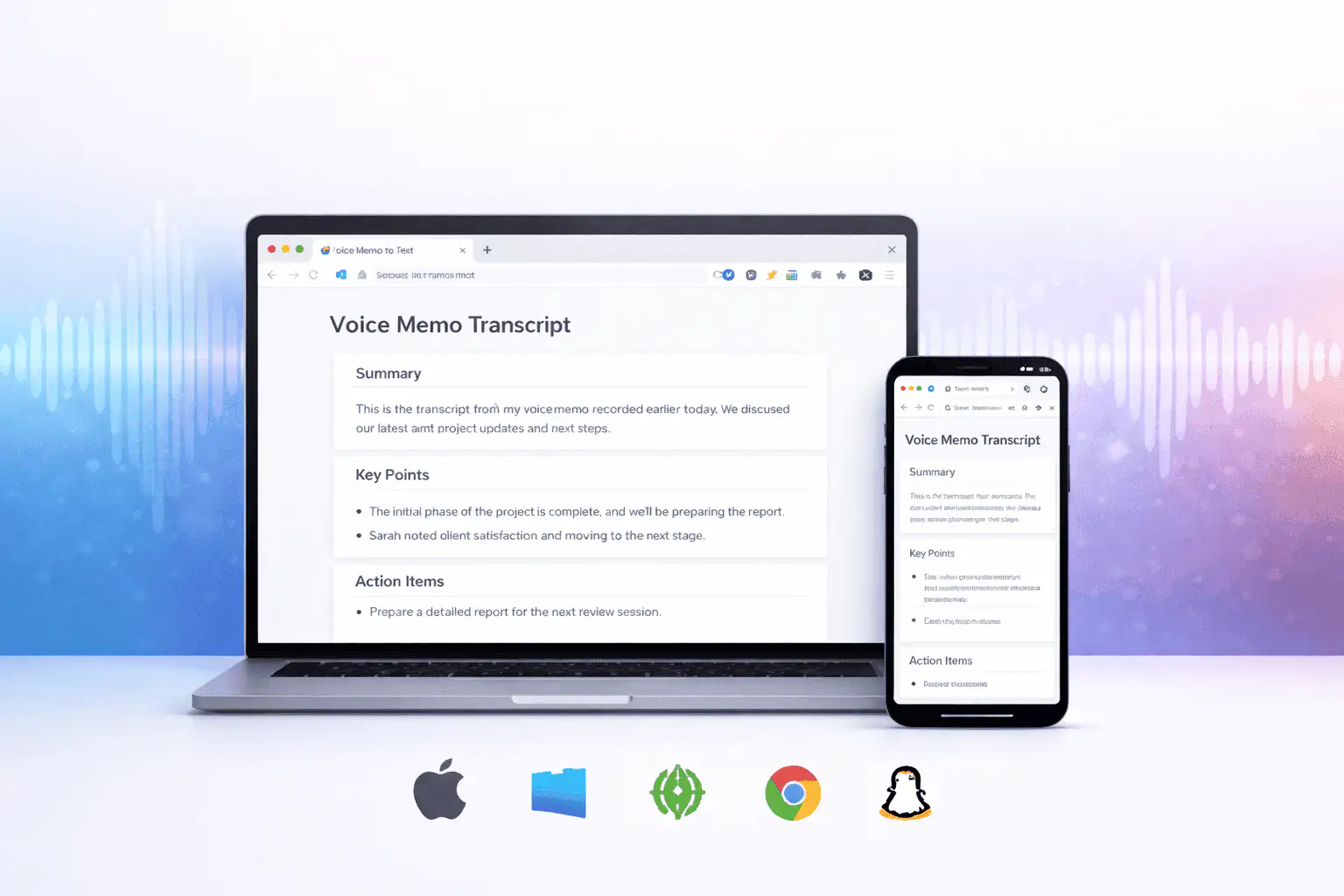
Kas ietekmē transkripcijas kvalitāti
Transkripcijas kvalitāte galvenokārt ir atkarīga no avota audio. Tīrāki ieraksti rada tīrāku tekstu.
Clear speech works best
Use recordings with one speaker at a time, low background noise, and a microphone close to the speaker.
Names need review
Proper names, acronyms, product terms, numbers, and technical vocabulary are worth checking before you use the text.
Transcripts are drafts
Use the output as a starting point for notes, captions, drafts, and searchable records, not as a certified transcript.
Izmantojiet transkripciju kā darba melnrakstu
Transkripcija palīdz meklēt, pārlūkot, citēt, apkopot un pārveidot ierakstu. Tas ir visspēcīgākais kā pirmais solis pirms cilvēka pārskatīšanas.
Juridiskiem, medicīniskiem, finanšu, akadēmiskiem vai atbilstības darbiem pārbaudiet transkripciju pret oriģinālo audio un izmantojiet jūsu organizācijas pieņemtos apstiprinātus rīkus.
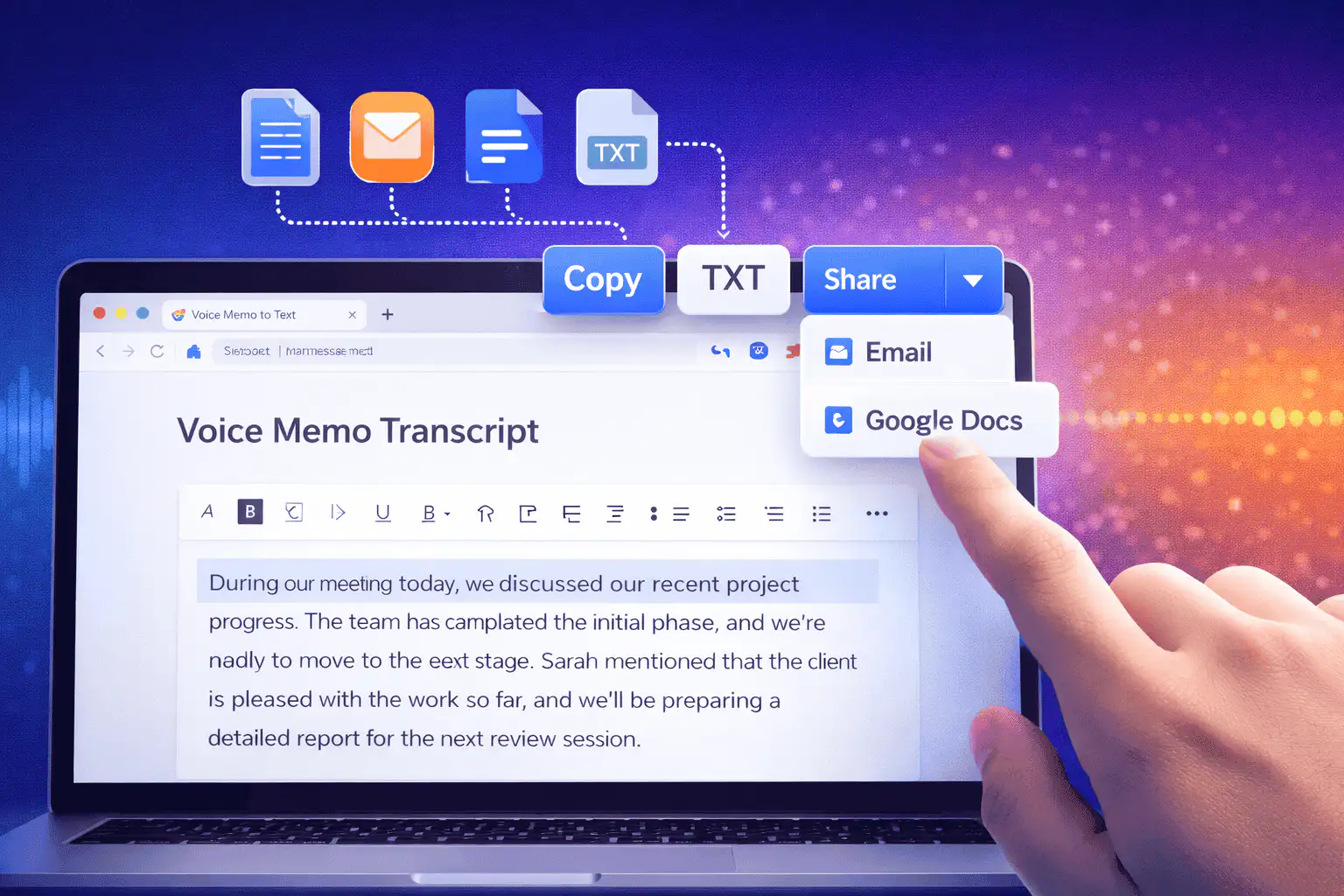
Noderīgi veidi, kā izmantot balss uz tekstu
Izmantojiet balss uz tekstu, ja jums ir nepieciešami vārdi no ieraksta vairāk nekā pats audio.
Sanāksmes piezīmes
Turn a recorded discussion into text you can scan, quote, and clean up for follow-ups.
Lectures and study audio
Convert class recordings or study sessions into text for review, outlines, and revision notes.
Interviews and research
Create a transcript draft before pulling quotes, checking claims, or writing a summary.
Voice notes
Transcribe quick ideas, memos, and phone recordings when you want text instead of replaying audio.
Creator workflows
Convert spoken drafts, podcast clips, or narration files into text for captions and repurposing.
Accessibility support
Make spoken content easier to search, skim, and edit, then review the text for accuracy.
Izvēlieties pareizo transkripcijas rīku
These tools overlap. Pick the one that matches your file.
Bezmaksas, bez konta, pagaidu apstrāde
Sceneform bezmaksas rīki neprasa kontu. Normāla lietošana ir neierobežota, ar ļaunprātīgas lietošanas kontroli, kas paredzēta automatizētam vai pārmērīgam trafikai.
Augšupielādētie audio faili tiek izmantoti jūsu transkripcijas izveidošanai un dzēsti pēc apstrādes. Izvairieties no ierakstu augšupielādes, kurus jums nav atļauts apstrādāt.
More free tools
Download, convert, transcribe, and summarize with the rest of the library.
Balss uz tekstu vairākās valodās
Use voice to text in supported Sceneform locales.
Voice to text FAQ
Gatavs pārvērst balsi tekstā?
Augšupielādējiet audio failu, ģenerējiet transkripcijas melnrakstu, pēc tam kopējiet vai lejupielādējiet tekstu, kad tas būs gatavs.
Upload a recording