Voice to text
Gratis voice to text converter
Unggah rekaman suara dan ubah menjadi teks yang dapat diedit. Gunakan untuk catatan, wawancara, kuliah, memo suara, draf, dan arsip yang dapat dicari tanpa membuat akun.
50 MB
Audio file limit
TXT
Copy or download text
Gratis
No account needed
Audio
Upload recordings
Ubah audio suara yang diunggah menjadi teks
Suara ke teks berguna ketika memutar ulang audio lebih lambat daripada membaca. Unggah rekaman, dapatkan draf transkrip, lalu tinjau untuk nama, angka, kutipan, dan apa pun yang bergantung pada kata-kata yang tepat.
01
Upload your audio
Choose an MP3, WAV, OGG, FLAC, AAC, M4A, or WebM recording up to 50 MB.
02
Konversi ucapan ke teks
Sceneform processes the recording and returns a plain transcript you can review.
03
Edit, copy, or download
Check names and important details, then copy the transcript or download it as a TXT file.
Terbaik untuk audio yang direkam, bukan diksi langsung
Alat ini dirancang untuk file audio yang sudah Anda miliki. Ini menerima format perekaman umum dan mengembalikan teks transkrip yang dapat Anda salin, edit, atau unduh.
Jika Anda memerlukan pengetikan bebas tangan saat berbicara, gunakan diksi browser atau sistem operasi Anda. Jika Anda perlu memproses file yang disimpan, unggah di sini.
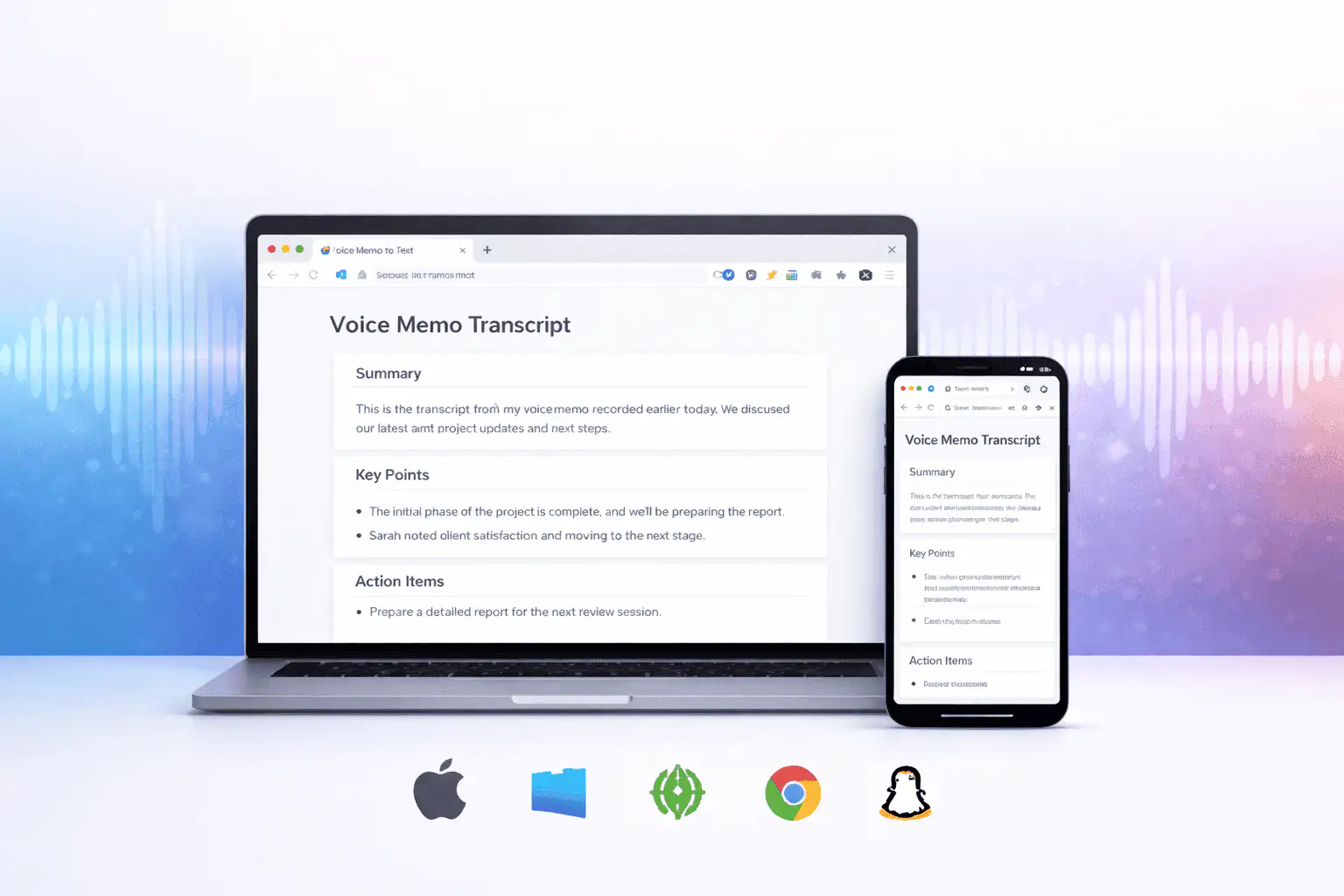
Apa yang mempengaruhi kualitas transkrip
Kualitas transkripsi sebagian besar ditentukan oleh audio sumber. Rekaman yang lebih bersih menghasilkan teks yang lebih bersih.
Clear speech works best
Use recordings with one speaker at a time, low background noise, and a microphone close to the speaker.
Names need review
Proper names, acronyms, product terms, numbers, and technical vocabulary are worth checking before you use the text.
Transcripts are drafts
Use the output as a starting point for notes, captions, drafts, and searchable records, not as a certified transcript.
Gunakan transkrip sebagai draf kerja
Transkrip membantu Anda mencari, membaca sekilas, mengutip, merangkum, dan mengubah tujuan rekaman. Paling kuat sebagai lintasan pertama sebelum tinjauan manusia.
Untuk pekerjaan hukum, medis, keuangan, akademik, atau kepatuhan, periksa transkrip terhadap audio asli dan gunakan alat yang disetujui yang diperlukan oleh organisasi Anda.
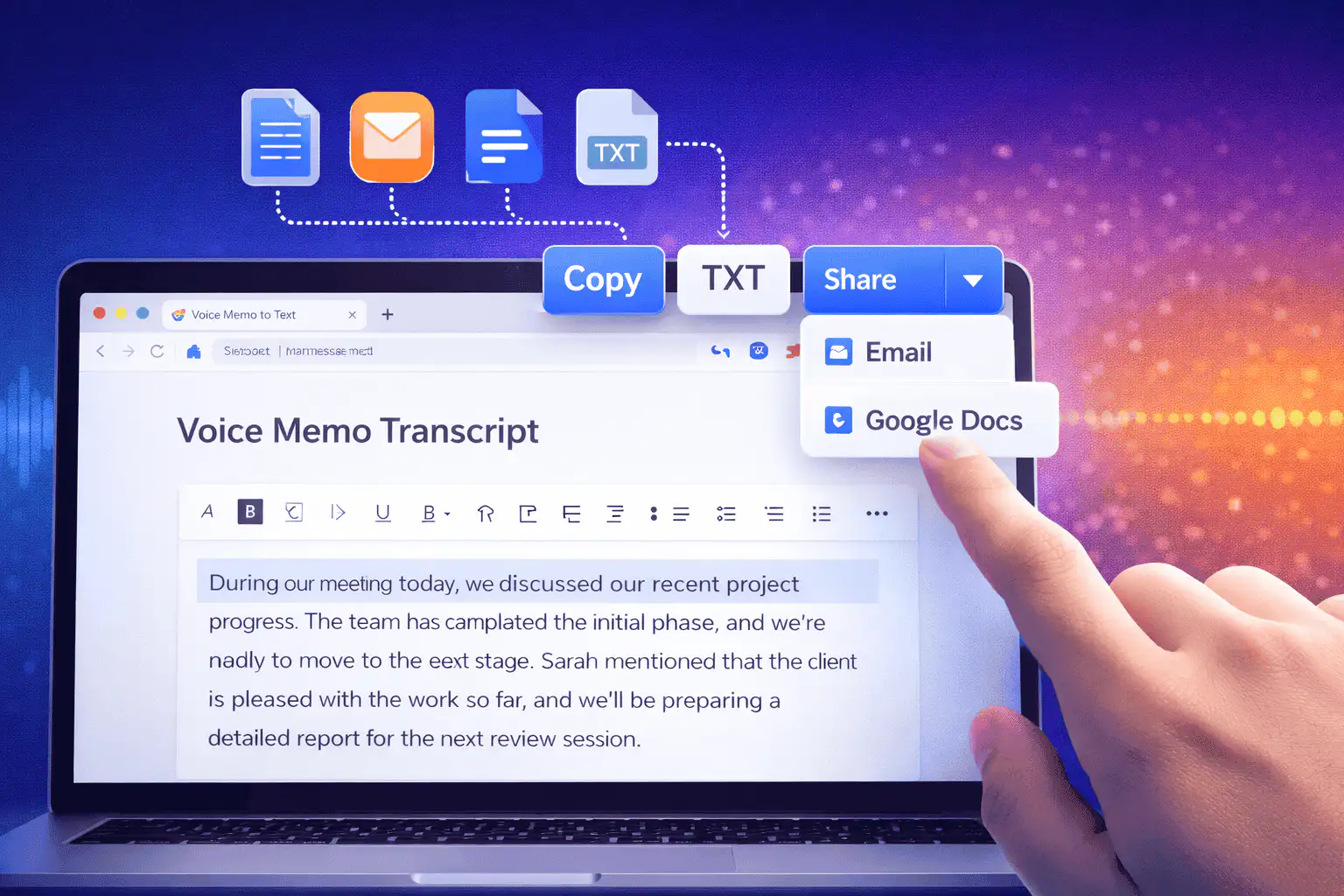
Cara berguna menggunakan suara ke teks
Gunakan suara ke teks ketika Anda membutuhkan kata-kata dari rekaman lebih dari audio itu sendiri.
Catatan rapat
Turn a recorded discussion into text you can scan, quote, and clean up for follow-ups.
Lectures and study audio
Convert class recordings or study sessions into text for review, outlines, and revision notes.
Interviews and research
Create a transcript draft before pulling quotes, checking claims, or writing a summary.
Voice notes
Transcribe quick ideas, memos, and phone recordings when you want text instead of replaying audio.
Creator workflows
Convert spoken drafts, podcast clips, or narration files into text for captions and repurposing.
Accessibility support
Make spoken content easier to search, skim, and edit, then review the text for accuracy.
Pilih alat transkrip yang tepat
These tools overlap. Pick the one that matches your file.
Gratis, tanpa akun, pemrosesan sementara
Alat gratis Sceneform tidak memerlukan akun. Penggunaan normal tidak terbatas, dengan kontrol penyalahgunaan yang disediakan untuk lalu lintas otomatis atau berlebihan.
File audio yang diunggah digunakan untuk membuat transkrip Anda dan dihapus setelah pemrosesan. Hindari mengunggah rekaman yang tidak diizinkan untuk diproses.
More free tools
Download, convert, transcribe, and summarize with the rest of the library.
Suara ke teks dalam berbagai bahasa
Use voice to text in supported Sceneform locales.
Voice to text FAQ
Siap mengubah suara menjadi teks?
Unggah file audio, buat draf transkrip, lalu salin atau unduh teks saat sudah siap.
Upload a recording