Voice to text
مجاني voice to text converter
حمّل تسجيل صوتي وحوّله إلى نص قابل للتعديل. استخدمه للملاحظات والمقابلات والمحاضرات والمذكرات الصوتية والمسودات والسجلات القابلة للبحث دون الحاجة إلى إنشاء حساب.
50 MB
Audio file limit
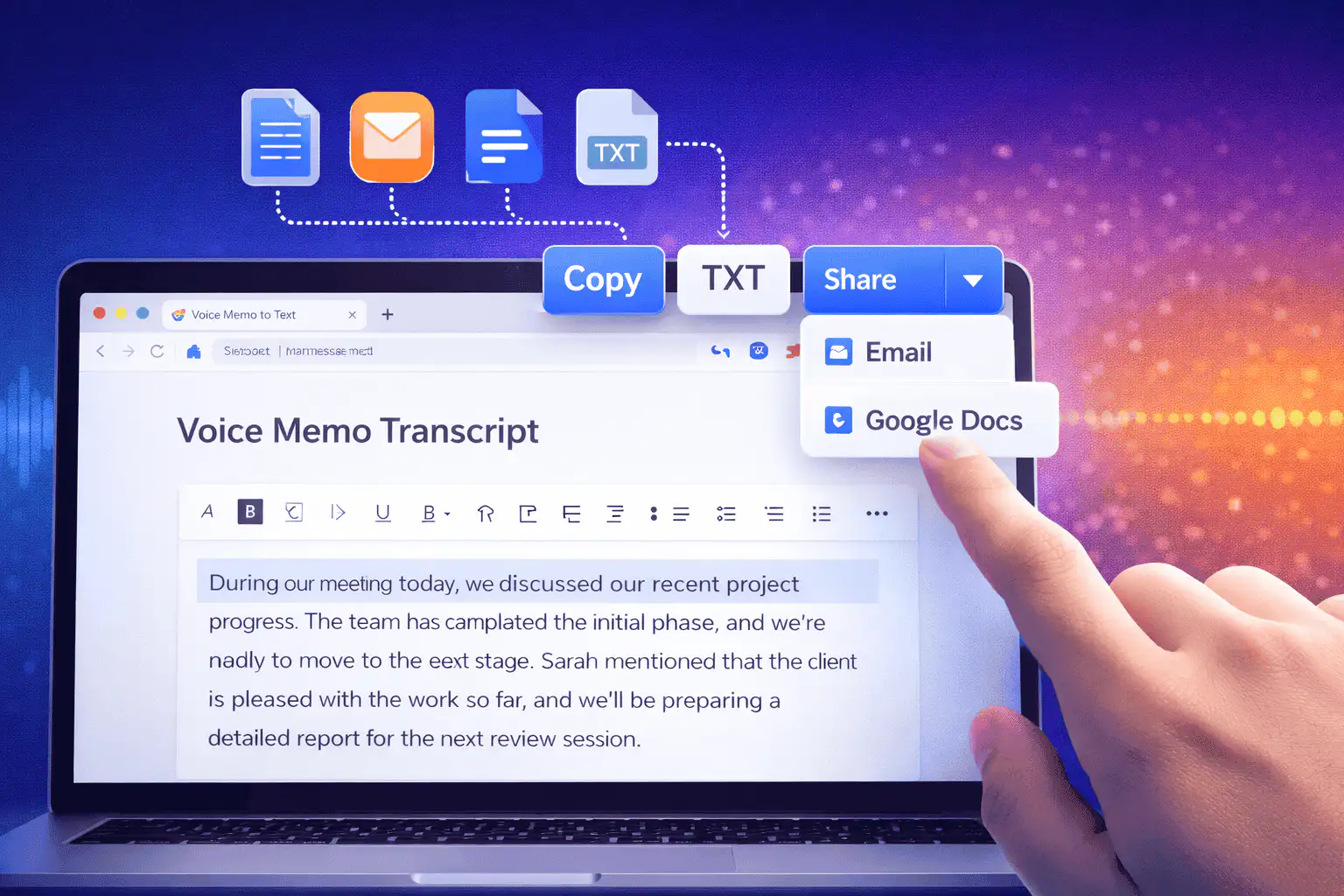
TXT
Copy or download text
مجاني
No account needed
Audio
Upload recordings
حوّل الملفات الصوتية المرفوعة إلى نص
تحويل الصوت إلى نص مفيد عندما يكون تشغيل الصوت أبطأ من القراءة. حمّل التسجيل واحصل على مسودة نصية، ثم راجعها للتحقق من الأسماء والأرقام والاقتباسات وأي شيء يعتمد على الصياغة الدقيقة.
01
Upload your audio
Choose an MP3, WAV, OGG, FLAC, AAC, M4A, or WebM recording up to 50 MB.
02
تحويل الكلام إلى نص
Sceneform processes the recording and returns a plain transcript you can review.
03
Edit, copy, or download
Check names and important details, then copy the transcript or download it as a TXT file.
الأفضل للصوت المسجل وليس الإملاء المباشر
تم بناء هذه الأداة للملفات الصوتية التي تمتلكها بالفعل. تقبل صيغ التسجيل الشائعة وتعيد نصاً نصياً يمكنك نسخه أو تعديله أو تنزيله.
إذا كنت بحاجة إلى الكتابة بدون استخدام اليدين أثناء الحديث، استخدم إملاء المتصفح أو نظام التشغيل. إذا كنت بحاجة إلى معالجة ملف محفوظ، فحمّله هنا.
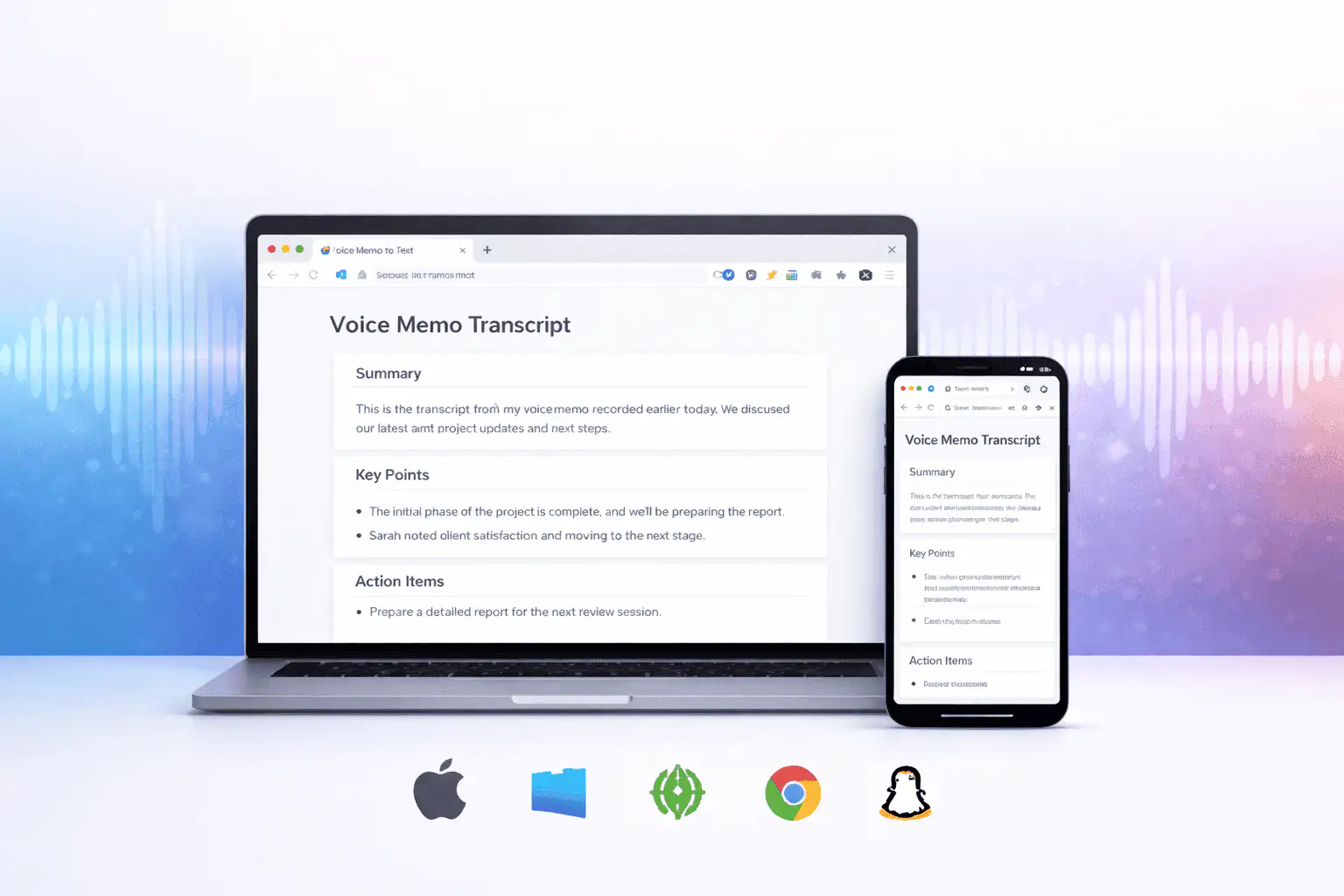
ما الذي يؤثر على جودة النص
تتحدد جودة النص بشكل أساسي من خلال الصوت المصدر. التسجيلات الأنظف تنتج نصاً أنظف.
Clear speech works best
Use recordings with one speaker at a time, low background noise, and a microphone close to the speaker.
Names need review
Proper names, acronyms, product terms, numbers, and technical vocabulary are worth checking before you use the text.
Transcripts are drafts
Use the output as a starting point for notes, captions, drafts, and searchable records, not as a certified transcript.
استخدم النص كمسودة عمل
يساعدك النص على البحث والتصفح والاقتباس والتلخيص وإعادة استخدام التسجيل. يكون أقوى كمسودة أولى قبل المراجعة البشرية.
للعمل القانوني أو الطبي أو المالي أو الأكاديمي أو الامتثالي، تحقق من النص مقابل الصوت الأصلي واستخدم الأدوات المعتمدة المطلوبة من قبل مؤسستك.
طرق مفيدة لاستخدام تحويل الصوت إلى نص
استخدم تحويل الصوت إلى نص عندما تحتاج إلى كلمات التسجيل أكثر من الصوت نفسه.
ملاحظات الاجتماعات
Turn a recorded discussion into text you can scan, quote, and clean up for follow-ups.
Lectures and study audio
Convert class recordings or study sessions into text for review, outlines, and revision notes.
Interviews and research
Create a transcript draft before pulling quotes, checking claims, or writing a summary.
Voice notes
Transcribe quick ideas, memos, and phone recordings when you want text instead of replaying audio.
Creator workflows
Convert spoken drafts, podcast clips, or narration files into text for captions and repurposing.
Accessibility support
Make spoken content easier to search, skim, and edit, then review the text for accuracy.
اختر أداة النص المناسبة
These tools overlap. Pick the one that matches your file.
مجاني، بدون حساب، معالجة مؤقتة
أدوات Sceneform المجانية لا تتطلب حساباً. الاستخدام العادي غير محدود، مع احتفاظ بضوابط الإساءة للحركة المؤتمتة أو المفرطة.
يتم استخدام الملفات الصوتية المرفوعة لإنشاء نصك وحذفها بعد المعالجة. تجنب تحميل التسجيلات التي لا يُسمح لك بمعالجتها.
More free tools
Download, convert, transcribe, and summarize with the rest of the library.
تحويل الصوت إلى نص بلغات متعددة
Use voice to text in supported Sceneform locales.
Voice to text FAQ
هل أنت مستعد لتحويل الصوت إلى نص؟
حمّل ملف صوتي، وأنشئ مسودة نصية، ثم انسخ أو نزّل النص عندما يكون جاهزاً.
Upload a recording