Skip to content

Veo 3.1: high-fidelity AI video, up to 4K

Build production-grade clips from text or image prompts, then refine with reference inputs and continuity controls: cinematic quality, native audio, and flexible resolution.

Text + image inputReference-drivenUp to 4K output
4KUltra HD output

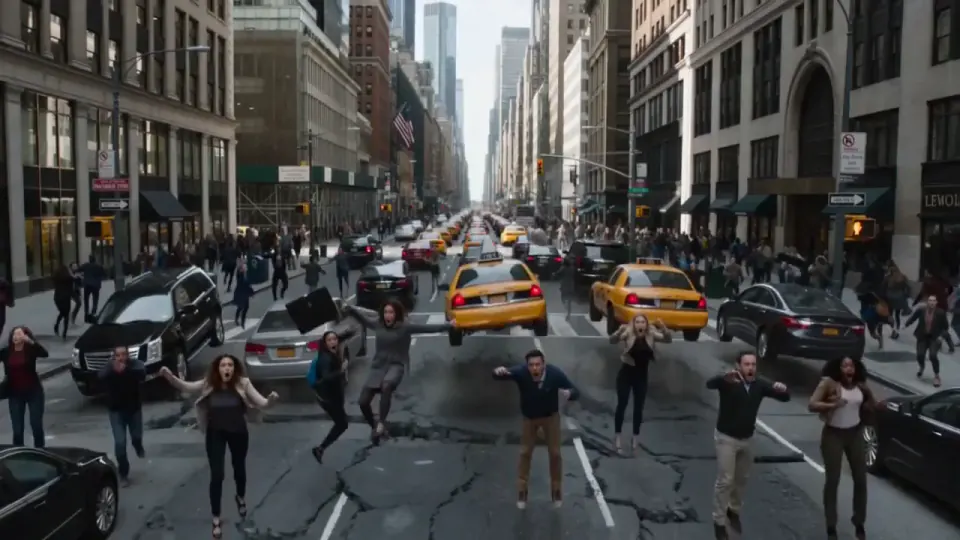
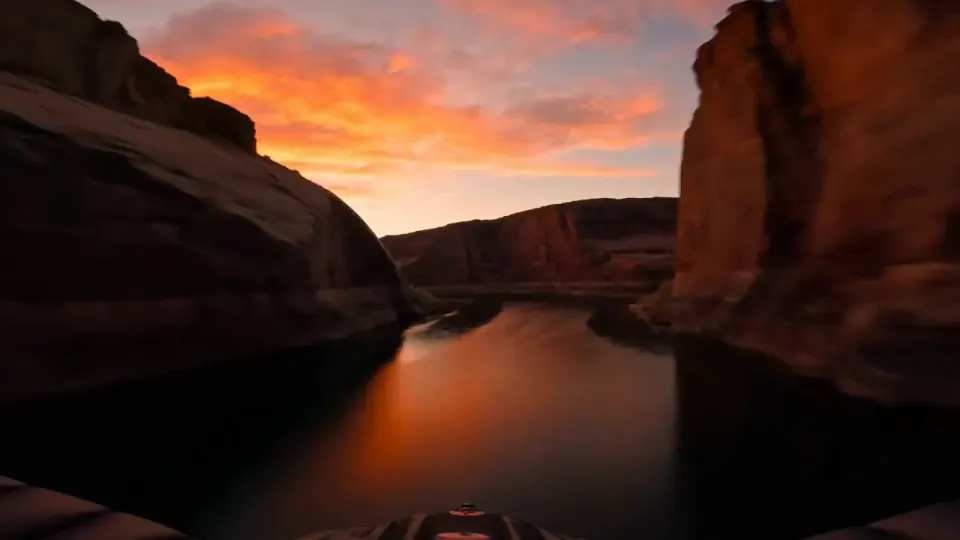
Cinematic detail at every resolution

Strong motion quality, scene coherence, and built-in audio, so your concepts are ready to test or publish quickly.

Why Veo 3.1 on Sceneform

Premium fidelity and fine-grained control, inside a workspace built for shipping campaigns.

How to create with Veo 3.1

A workflow that balances quality and speed, in four steps.

Motion prompt

A couple in eveningwear on a misty road at night, slow dolly in, cinematic

Dolly inNightCinematic
01

Write the scene

Describe subject, motion, camera intent, and sound atmosphere.
02

Add inputs

Upload a starting frame and optional reference images for style.

10s1080p30fps
03

Set output

Pick duration (4/6/8s), aspect ratio, and 720p to 4K resolution.

Final cut
04

Generate and refine

Iterate prompt and references until you have campaign-ready clips.

Built for high-fidelity short-form video

Directable scenes, stronger visual consistency, synced audio, and flexible resolution, from concept to launch.

Native scene audio

Generate clips with ambient sound and effects, with no separate post step.

Reference-driven direction

Combine text with starting and reference images for tighter art direction.

4K-ready delivery

Scale from rapid 720p drafts to polished exports at 1080p or 4K.

What teams build with Veo 3.1

From concept tests to premium launch assets, Veo 3.1 is built for teams that need quality and control.

Generate premium ad cutdowns with native audio for paid social.

3.1xHigher weekly output
58%Lower production cost

Simple pricing that scales with you.

Pick the plan for how much you post. Every model on every plan. Unused credits roll over. Cancel anytime.

Choose a Sceneform plan

Creator

$19/month

Billed monthly

For solo creators posting every week

500 credits every month

  • Up to 250 AI images
  • Up to 50 AI videos
  • Up to 1.5 hours of AI voiceover
  • Roll over up to 1,000 credits

Pro, selected

Most popular
$49/month

Billed monthly

For creators posting daily across channels

1,300 credits every month

  • Up to 650 AI images
  • Up to 130 AI videos
  • Up to 4 hours of AI voiceover
  • Roll over up to 2,600 credits

Studio

$99/month

Billed monthly

For brands and production teams

2,700 credits every month

  • Up to 1,350 AI images
  • Up to 270 AI videos
  • Up to 9 hours of AI voiceover
  • Roll over up to 5,400 credits

Scale

$199/month

Billed monthly

For agencies running always-on content

5,500 credits every month

  • Up to 2,750 AI images
  • Up to 550 AI videos
  • Up to 18 hours of AI voiceover
  • Roll over up to 11,000 credits
Every plan includesEvery model, 90+ and countingReusable AI personasSceneform Studio editorCommercial usage rights

Credit use varies by model and settings. Exact credits are shown before every generation.

Your selection

Pro plan

1,300 credits added monthly

$49/month

$49 due now · billed monthly

We'll use this for your receipt and secure sign-in link.

Secure Stripe checkout · Cancel anytime · 3-day refund policy · Terms

Need more than Scale?

Custom volume and invoicing for businesses and agencies.

Frequently asked questions about Veo 3.1

Veo 3.1 is Google's high-fidelity video generation model. On Sceneform it supports text and image-driven generation with cinematic output and synchronized audio.
Yes. Veo 3.1 can generate scene-level audio so your clips include ambience and sound effects out of the box.
Yes. You can generate from a text prompt, optionally add a starting image, and refine composition with reference images.
On Sceneform, Veo 3.1 supports 720p, 1080p, and 4K output settings.
Veo 3.1 supports short-form generation durations of 4, 6, or 8 seconds, optimized for fast iteration and ad/social workflows.
Yes. Veo 3.1 supports portrait and landscape aspect ratios, start-image workflows, reference-image styling, and last-frame controls for stronger transitions.
Specify subject, camera movement, environment, and sound intent. Then iterate with negative prompts and references to tighten style and motion.

Start creating with Veo 3.1 today

Generate cinematic clips with native audio and up to 4K, from a prompt or a single image.

Start creating