GIF to MP4 converter
Convert GIF files to MP4 online. Free to use, no account required, and files are deleted after processing.
Convert GIF to MP4 without setup
Convert GIF files to MP4 online. Free to use, no account required, and files are deleted after processing.
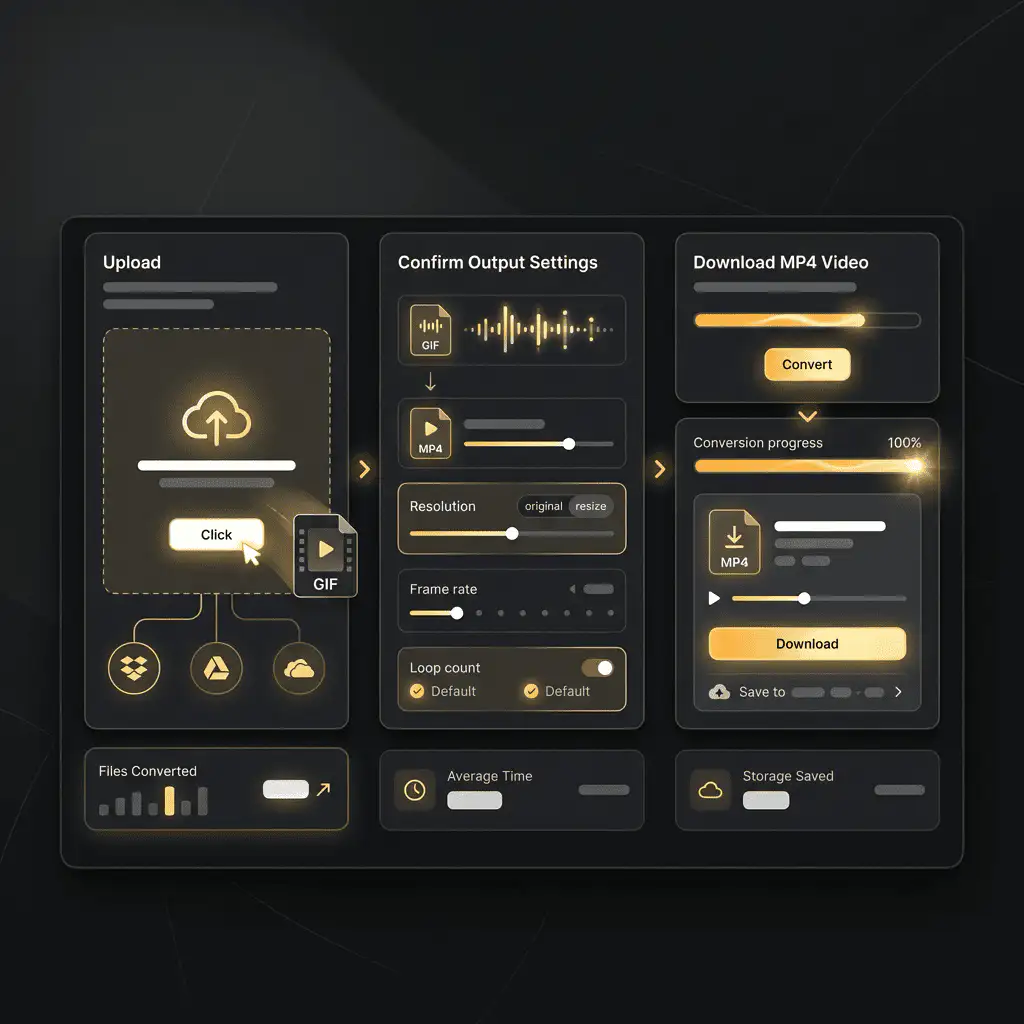
Завантажте ваш файл
Виберіть аудіо або відео файл з вашого пристрою і збережіть оригінал як резервну копію.
Pick the output format
Оберіть вихідний формат і дозвольте Sceneform підготувати конвертований файл.
Завантажте результат
Збережіть конвертований файл і використовуйте його в редакторі, плеєрі, архіві або робочому процесі публікації.
Примітка про формат
MP4 output is usually smaller and smoother than GIF for social posts, previews, and web playback.
What to know before converting GIF to MP4
A GIF to MP4 converter changes your GIF file into a MP4 file for compatibility, playback, editing, sharing, or publishing. The conversion can make the file easier to use, but it cannot add quality that was not present in the source.
Підтримувані завантаження
Video uploads: MP4, AVI, MOV, FLV, MKV, WebM, 3GP, MPEG, GIF, WMV, and TS files up to 500 MB.
Вихідний формат
This page starts with MP4 selected, so you can convert without changing the format.
Правило якості
Конвертація змінює формат і сумісність. Вона не відновлює якість, роздільну здатність або деталі аудіо, які були відсутні в оригінальному файлі.
Understanding GIF and MP4 formats
What is GIF?
GIF is an image format that can store short animations. It is useful for simple loops, but it is not efficient for long or high-quality video.
Найкраще для: Short reactions, previews, simple loops, and places where GIF animation is expected.
What is MP4?
MP4 is a common multimedia container for video and audio. It is widely accepted by phones, browsers, editors, and social platforms.
Найкраще для: General video playback, social uploads, browser delivery, phone recordings, and editing handoff.
Why convert GIF to MP4?
- Use MP4 when the video needs broad playback support across phones, browsers, editors, and social platforms.
- MP4 is often the easiest destination for MOV, WebM, AVI, MKV, WMV, TS, and MPEG files that fail to upload or play somewhere.
- Quality depends on the source file and encoding settings. Converting a low-quality video to MP4 will not add missing detail.
Related converters
Convert MP3 files to WMA for compatibility, editing, or publishing.
Extract or convert WAV audio to MP3 for easy playback and sharing.
Convert AAC files to OGG for compatibility, editing, or publishing.
Convert AAC files to M4A for compatibility, editing, or publishing.
Convert WMA files to AIFF for compatibility, editing, or publishing.
Convert OGG files to WAV for compatibility, editing, or publishing.
Convert AAC files to WMA for compatibility, editing, or publishing.
Convert AAC files to FLAC for compatibility, editing, or publishing.
Convert FLAC files to M4A for compatibility, editing, or publishing.
Convert FLAC files to WMA for compatibility, editing, or publishing.
Extract or convert M4A audio to MP3 for easy playback and sharing.
Convert FLAC files to OGG for compatibility, editing, or publishing.
Convert OGG files to AIFF for compatibility, editing, or publishing.
Convert MP3 files to WAV for compatibility, editing, or publishing.
Extract or convert OGG audio to MP3 for easy playback and sharing.
Convert MP3 files to AIFF for compatibility, editing, or publishing.
Convert AAC files to WAV for compatibility, editing, or publishing.
Convert OGG files to WMA for compatibility, editing, or publishing.
Convert OGG files to M4A for compatibility, editing, or publishing.
Convert FLAC files to AIFF for compatibility, editing, or publishing.
Convert GIF to MP4
Upload your GIF file, convert it to MP4, and download the result. Free to use, no account required.