MP3 to WAV converter
Convert MP3 files to WAV online. Free to use, no account required, and files are deleted after processing.
Convert MP3 to WAV without setup
Convert MP3 files to WAV online. Free to use, no account required, and files are deleted after processing.
Завантажте ваш файл
Виберіть аудіо або відео файл з вашого пристрою і збережіть оригінал як резервну копію.
Pick the output format
Оберіть вихідний формат і дозвольте Sceneform підготувати конвертований файл.
Завантажте результат
Збережіть конвертований файл і використовуйте його в редакторі, плеєрі, архіві або робочому процесі публікації.
Примітка про формат
Converting MP3 to WAV can make the file easier to edit, but it cannot restore audio detail already removed by the original lossy compression.
What to know before converting MP3 to WAV
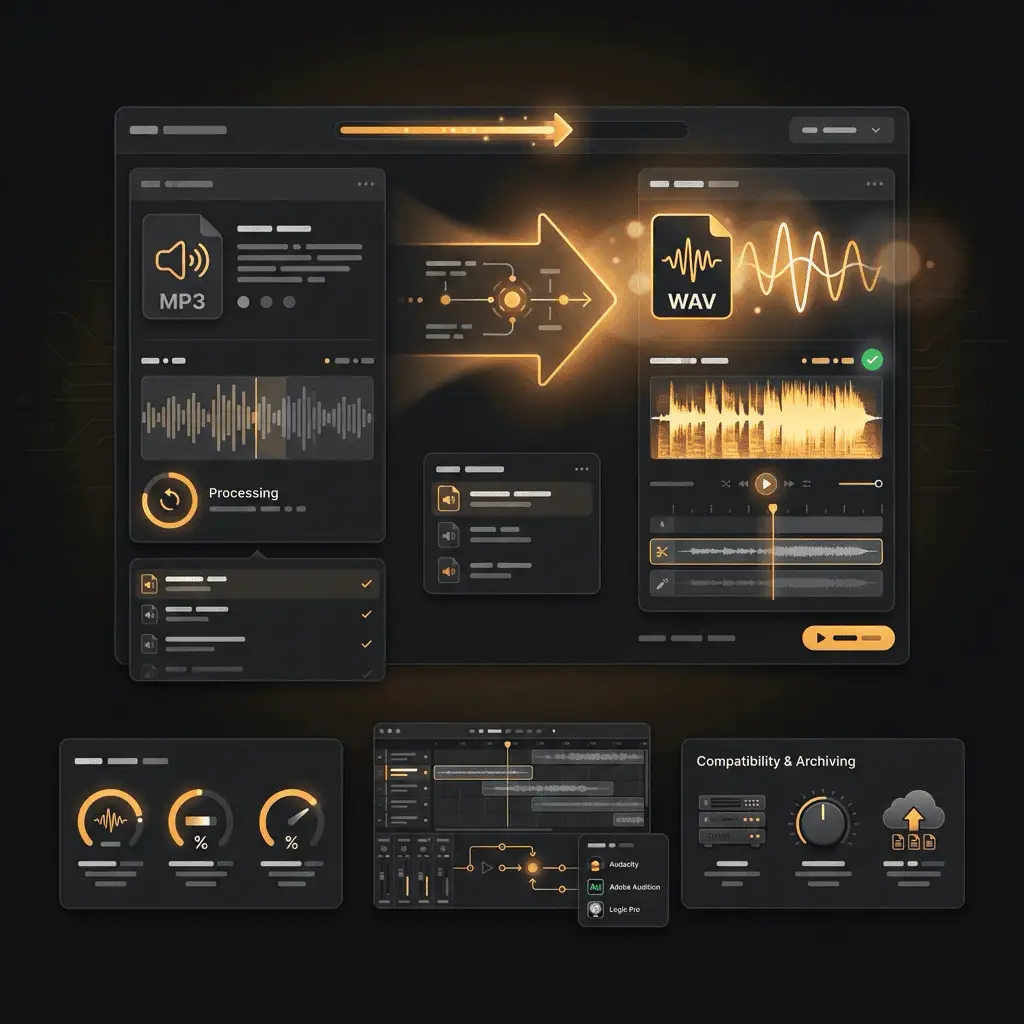
A MP3 to WAV converter changes your MP3 file into a WAV file for compatibility, playback, editing, sharing, or publishing. The conversion can make the file easier to use, but it cannot add quality that was not present in the source.
Підтримувані завантаження
Audio uploads: MP3, AAC, FLAC, OGG, WMA, AIFF, WAV, and M4A files up to 200 MB.
Вихідний формат
This page starts with WAV selected, so you can convert without changing the format.
Правило якості
Конвертація змінює формат і сумісність. Вона не відновлює якість, роздільну здатність або деталі аудіо, які були відсутні в оригінальному файлі.
Understanding MP3 and WAV formats
What is MP3?
MP3 is a widely supported lossy audio format. It reduces file size by removing audio data that is less noticeable to most listeners.
Найкраще для: General playback, music libraries, voice notes, podcasts, sharing, and older devices.
What is WAV?
WAV is an uncompressed audio format used in recording, editing, and production. It keeps audio easy to process but creates large files.
Найкраще для: Audio editing, production, sound design, archival copies, and high-quality source files.
Why convert MP3 to WAV?
- Use WAV when you need an editing-friendly or archive-friendly audio file.
- WAV can make the file easier to process in audio tools, but it cannot restore detail removed by earlier lossy compression.
- Keep the original source file so you can make future conversions without adding another generation of loss.
Related converters
Convert MP3 files to WMA for compatibility, editing, or publishing.
Extract or convert WAV audio to MP3 for easy playback and sharing.
Convert AAC files to OGG for compatibility, editing, or publishing.
Convert AAC files to M4A for compatibility, editing, or publishing.
Convert WMA files to AIFF for compatibility, editing, or publishing.
Convert OGG files to WAV for compatibility, editing, or publishing.
Convert AAC files to WMA for compatibility, editing, or publishing.
Convert AAC files to FLAC for compatibility, editing, or publishing.
Convert FLAC files to M4A for compatibility, editing, or publishing.
Convert FLAC files to WMA for compatibility, editing, or publishing.
Extract or convert M4A audio to MP3 for easy playback and sharing.
Convert FLAC files to OGG for compatibility, editing, or publishing.
Convert OGG files to AIFF for compatibility, editing, or publishing.
Extract or convert OGG audio to MP3 for easy playback and sharing.
Convert MP3 files to AIFF for compatibility, editing, or publishing.
Convert AAC files to WAV for compatibility, editing, or publishing.
Convert OGG files to WMA for compatibility, editing, or publishing.
Convert OGG files to M4A for compatibility, editing, or publishing.
Convert FLAC files to AIFF for compatibility, editing, or publishing.
Convert M4A files to WAV for compatibility, editing, or publishing.
Convert MP3 to WAV
Upload your MP3 file, convert it to WAV, and download the result. Free to use, no account required.