MP4 to WebM converter
Convert MP4 files to WebM online. Free to use, no account required, and files are deleted after processing.
Convert MP4 to WebM without setup
Convert MP4 files to WebM online. Free to use, no account required, and files are deleted after processing.
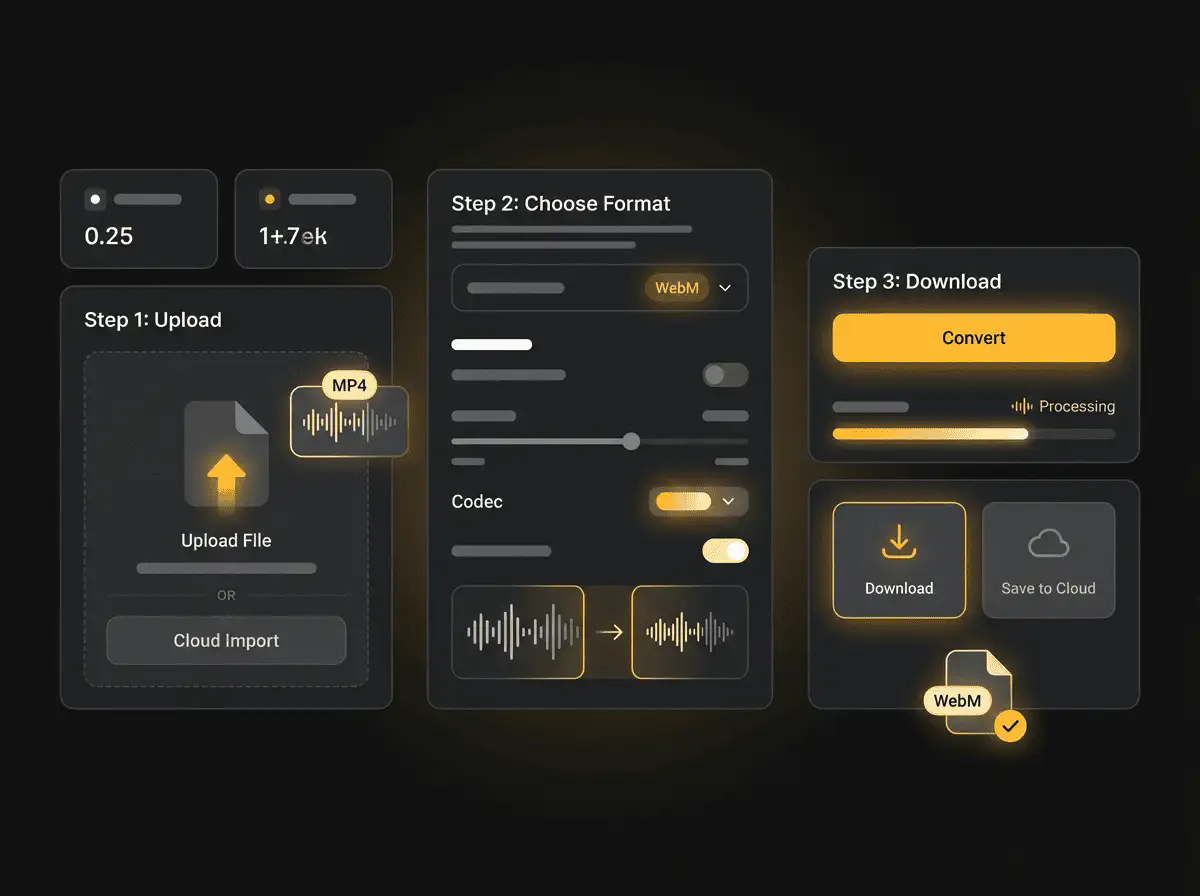
Téléchargez votre fichier
Sélectionnez le fichier audio ou vidéo depuis votre appareil et conservez l'original en sauvegarde.
Pick the output format
Choisissez le format de sortie et laissez Sceneform préparer le fichier converti.
Téléchargez le résultat
Enregistrez le fichier converti et utilisez-le dans votre éditeur, lecteur, archive ou flux de publication.
Note sur le format
WebM is useful for web delivery because it is designed for efficient browser playback.
What to know before converting MP4 to WebM
A MP4 to WebM converter changes your MP4 file into a WebM file for compatibility, playback, editing, sharing, or publishing. The conversion can make the file easier to use, but it cannot add quality that was not present in the source.
Formats acceptés
Video uploads: MP4, AVI, MOV, FLV, MKV, WebM, 3GP, MPEG, GIF, WMV, and TS files up to 500 MB.
Sortie
This page starts with WebM selected, so you can convert without changing the format.
Règle de qualité
La conversion modifie le format et la compatibilité. Elle ne restaure pas la qualité, la résolution ou les détails audio absents du fichier d'origine.
Understanding MP4 and WebM formats
What is MP4?
MP4 is a common multimedia container for video and audio. It is widely accepted by phones, browsers, editors, and social platforms.
Idéal pour : General video playback, social uploads, browser delivery, phone recordings, and editing handoff.
What is WebM?
WebM is a video format designed for efficient web playback. It is often used with VP8, VP9, AV1, Opus, or Vorbis codecs.
Idéal pour : Web delivery, browser playback, lightweight embeds, and open web video workflows.
Why convert MP4 to WebM?
- Use WebM when your current MP4 file does not work in the player, editor, device, or upload destination you need.
- Format conversion is mostly about compatibility and workflow fit. It does not improve a weak source file.
- Keep the original file until you have checked that the converted output plays and uploads correctly.
Related converters
Convert MP3 files to WMA for compatibility, editing, or publishing.
Extract or convert WAV audio to MP3 for easy playback and sharing.
Convert AAC files to OGG for compatibility, editing, or publishing.
Convert AAC files to M4A for compatibility, editing, or publishing.
Convert WMA files to AIFF for compatibility, editing, or publishing.
Convert OGG files to WAV for compatibility, editing, or publishing.
Convert AAC files to WMA for compatibility, editing, or publishing.
Convert AAC files to FLAC for compatibility, editing, or publishing.
Convert FLAC files to M4A for compatibility, editing, or publishing.
Convert FLAC files to WMA for compatibility, editing, or publishing.
Extract or convert M4A audio to MP3 for easy playback and sharing.
Convert FLAC files to OGG for compatibility, editing, or publishing.
Convert OGG files to AIFF for compatibility, editing, or publishing.
Convert MP3 files to WAV for compatibility, editing, or publishing.
Extract or convert OGG audio to MP3 for easy playback and sharing.
Convert MP3 files to AIFF for compatibility, editing, or publishing.
Convert AAC files to WAV for compatibility, editing, or publishing.
Convert OGG files to WMA for compatibility, editing, or publishing.
Convert OGG files to M4A for compatibility, editing, or publishing.
Convert FLAC files to AIFF for compatibility, editing, or publishing.
Convert MP4 to WebM
Upload your MP4 file, convert it to WebM, and download the result. Free to use, no account required.