MOV to GIF converter
Convert MOV files to GIF online. Free to use, no account required, and files are deleted after processing.
Convert MOV to GIF without setup
Convert MOV files to GIF online. Free to use, no account required, and files are deleted after processing.
Téléchargez votre fichier
Sélectionnez le fichier audio ou vidéo depuis votre appareil et conservez l'original en sauvegarde.
Pick the output format
Choisissez le format de sortie et laissez Sceneform préparer le fichier converti.
Téléchargez le résultat
Enregistrez le fichier converti et utilisez-le dans votre éditeur, lecteur, archive ou flux de publication.
Note sur le format
GIF output is useful for short loops and previews. Keep clips short so the final file stays practical to share.
What to know before converting MOV to GIF
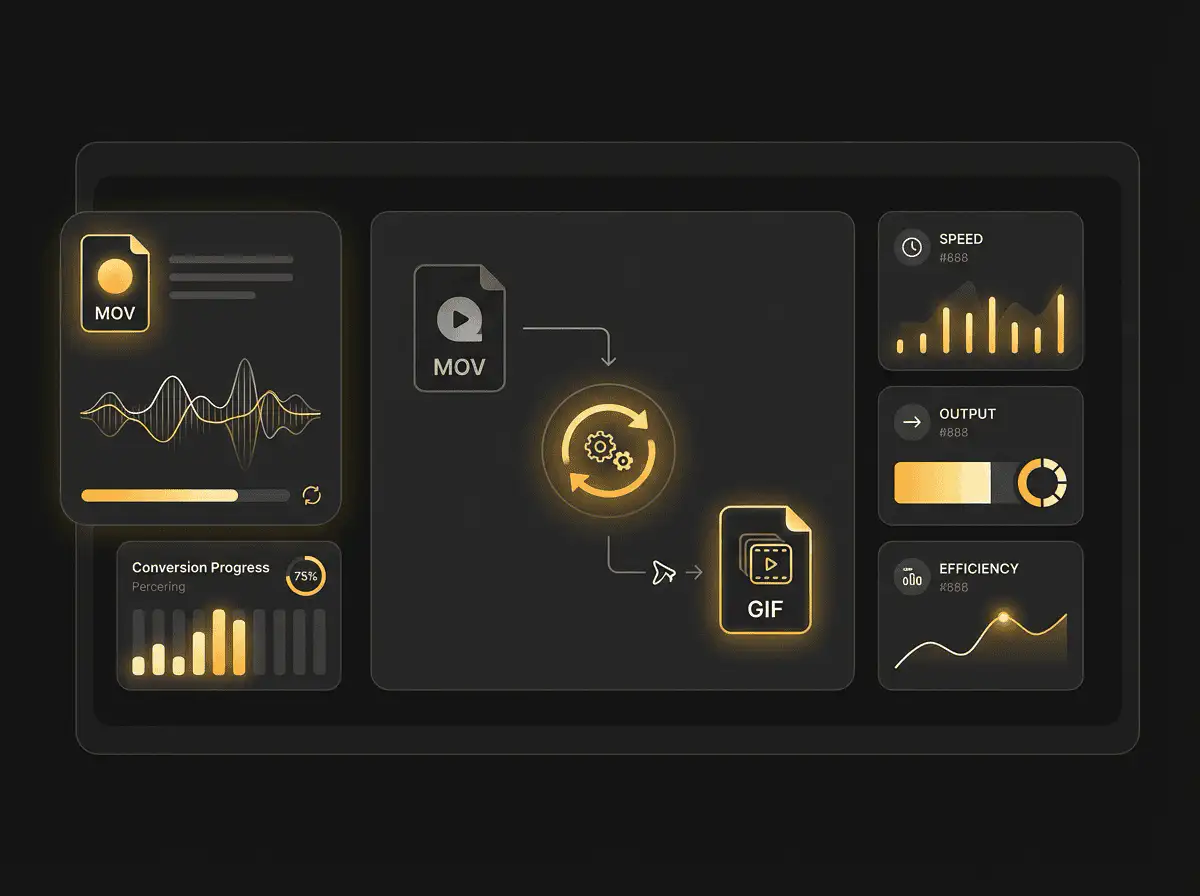
A MOV to GIF converter turns a short video clip into an animated image. Use GIF for short loops, reactions, demos, and places where animated images are expected, but keep clips short because GIF files can become large.
Formats acceptés
Video uploads: MP4, AVI, MOV, FLV, MKV, WebM, 3GP, MPEG, GIF, WMV, and TS files up to 500 MB.
Sortie
This page starts with GIF selected, so you can convert without changing the format.
Règle de qualité
La conversion modifie le format et la compatibilité. Elle ne restaure pas la qualité, la résolution ou les détails audio absents du fichier d'origine.
Understanding MOV and GIF formats
What is MOV?
MOV is Apple's QuickTime video container. It is common in iPhone, iPad, and Mac recording and editing workflows.
Idéal pour : Apple devices, camera footage, editing handoff, and QuickTime-based workflows.
What is GIF?
GIF is an image format that can store short animations. It is useful for simple loops, but it is not efficient for long or high-quality video.
Idéal pour : Short reactions, previews, simple loops, and places where GIF animation is expected.
Why convert MOV to GIF?
- Use GIF for short loops, simple previews, reactions, and lightweight visual references.
- Keep the clip short. GIF files can grow quickly and are usually less efficient than MP4 for longer motion.
- If smooth playback and small file size matter more than GIF compatibility, consider converting the clip to MP4 instead.
Related converters
Convert MP3 files to WMA for compatibility, editing, or publishing.
Extract or convert WAV audio to MP3 for easy playback and sharing.
Convert AAC files to OGG for compatibility, editing, or publishing.
Convert AAC files to M4A for compatibility, editing, or publishing.
Convert WMA files to AIFF for compatibility, editing, or publishing.
Convert OGG files to WAV for compatibility, editing, or publishing.
Convert AAC files to WMA for compatibility, editing, or publishing.
Convert AAC files to FLAC for compatibility, editing, or publishing.
Convert FLAC files to M4A for compatibility, editing, or publishing.
Convert FLAC files to WMA for compatibility, editing, or publishing.
Extract or convert M4A audio to MP3 for easy playback and sharing.
Convert FLAC files to OGG for compatibility, editing, or publishing.
Convert OGG files to AIFF for compatibility, editing, or publishing.
Convert MP3 files to WAV for compatibility, editing, or publishing.
Extract or convert OGG audio to MP3 for easy playback and sharing.
Convert MP3 files to AIFF for compatibility, editing, or publishing.
Convert AAC files to WAV for compatibility, editing, or publishing.
Convert OGG files to WMA for compatibility, editing, or publishing.
Convert OGG files to M4A for compatibility, editing, or publishing.
Convert FLAC files to AIFF for compatibility, editing, or publishing.
Convert MOV to GIF
Upload your MOV file, convert it to GIF, and download the result. Free to use, no account required.