WAV to MP3 converter
Convert WAV files to MP3 online. Free to use, no account required, and files are deleted after processing.
Convert WAV to MP3 without setup
Convert WAV files to MP3 online. Free to use, no account required, and files are deleted after processing.
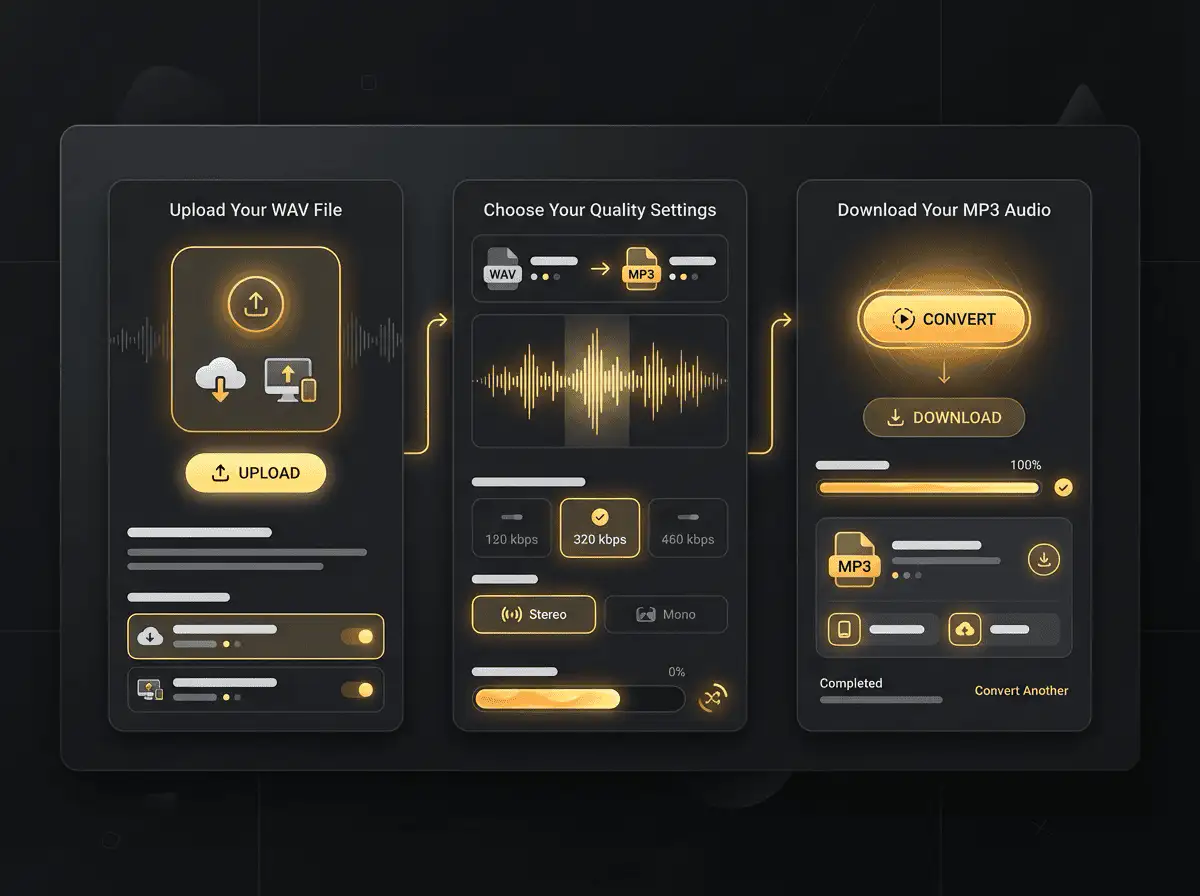
Datei hochladen
Wählen Sie die Audio- oder Videodatei von Ihrem Gerät und bewahren Sie das Original als Backup auf.
Pick the output format
Wählen Sie das Ausgabeformat und lassen Sie Sceneform die konvertierte Datei vorbereiten.
Ergebnis herunterladen
Speichern Sie die konvertierte Datei und verwenden Sie sie in Ihrem Editor, Player, Archiv oder Publishing-Workflow.
Format-Hinweis
Converting WAV to MP3 usually makes the file smaller and easier to share, but the output uses lossy compression. Keep the original if quality matters.
What to know before converting WAV to MP3
A WAV to MP3 converter changes your WAV file into a MP3 file for compatibility, playback, editing, sharing, or publishing. The conversion can make the file easier to use, but it cannot add quality that was not present in the source.
Unterstützte Uploads
Audio uploads: MP3, AAC, FLAC, OGG, WMA, AIFF, WAV, and M4A files up to 200 MB.
Ausgabe
This page starts with MP3 selected, so you can convert without changing the format.
Qualitätsregel
Die Konvertierung ändert Format und Kompatibilität. Sie stellt jedoch keine Qualität, Auflösung oder Audiodetails wieder her, die in der Originaldatei fehlten.
Understanding WAV and MP3 formats
What is WAV?
WAV is an uncompressed audio format used in recording, editing, and production. It keeps audio easy to process but creates large files.
Optimal für: Audio editing, production, sound design, archival copies, and high-quality source files.
What is MP3?
MP3 is a widely supported lossy audio format. It reduces file size by removing audio data that is less noticeable to most listeners.
Optimal für: General playback, music libraries, voice notes, podcasts, sharing, and older devices.
Why convert WAV to MP3?
- Use MP3 when the file needs to play almost anywhere: phones, browsers, cars, smart speakers, editing apps, and older players.
- MP3 is a good handoff format for voice notes, podcasts, music previews, downloads, and general sharing.
- If the source is lossless, MP3 will usually make the file smaller. If the source is already lossy, conversion cannot restore missing detail.
Related converters
Convert MP3 files to WMA for compatibility, editing, or publishing.
Convert AAC files to OGG for compatibility, editing, or publishing.
Convert AAC files to M4A for compatibility, editing, or publishing.
Convert WMA files to AIFF for compatibility, editing, or publishing.
Convert OGG files to WAV for compatibility, editing, or publishing.
Convert AAC files to WMA for compatibility, editing, or publishing.
Convert AAC files to FLAC for compatibility, editing, or publishing.
Convert FLAC files to M4A for compatibility, editing, or publishing.
Convert FLAC files to WMA for compatibility, editing, or publishing.
Extract or convert M4A audio to MP3 for easy playback and sharing.
Convert FLAC files to OGG for compatibility, editing, or publishing.
Convert OGG files to AIFF for compatibility, editing, or publishing.
Convert MP3 files to WAV for compatibility, editing, or publishing.
Extract or convert OGG audio to MP3 for easy playback and sharing.
Convert MP3 files to AIFF for compatibility, editing, or publishing.
Convert AAC files to WAV for compatibility, editing, or publishing.
Convert OGG files to WMA for compatibility, editing, or publishing.
Convert OGG files to M4A for compatibility, editing, or publishing.
Convert FLAC files to AIFF for compatibility, editing, or publishing.
Convert M4A files to WAV for compatibility, editing, or publishing.
Convert WAV to MP3
Upload your WAV file, convert it to MP3, and download the result. Free to use, no account required.