WMV to MP4 converter
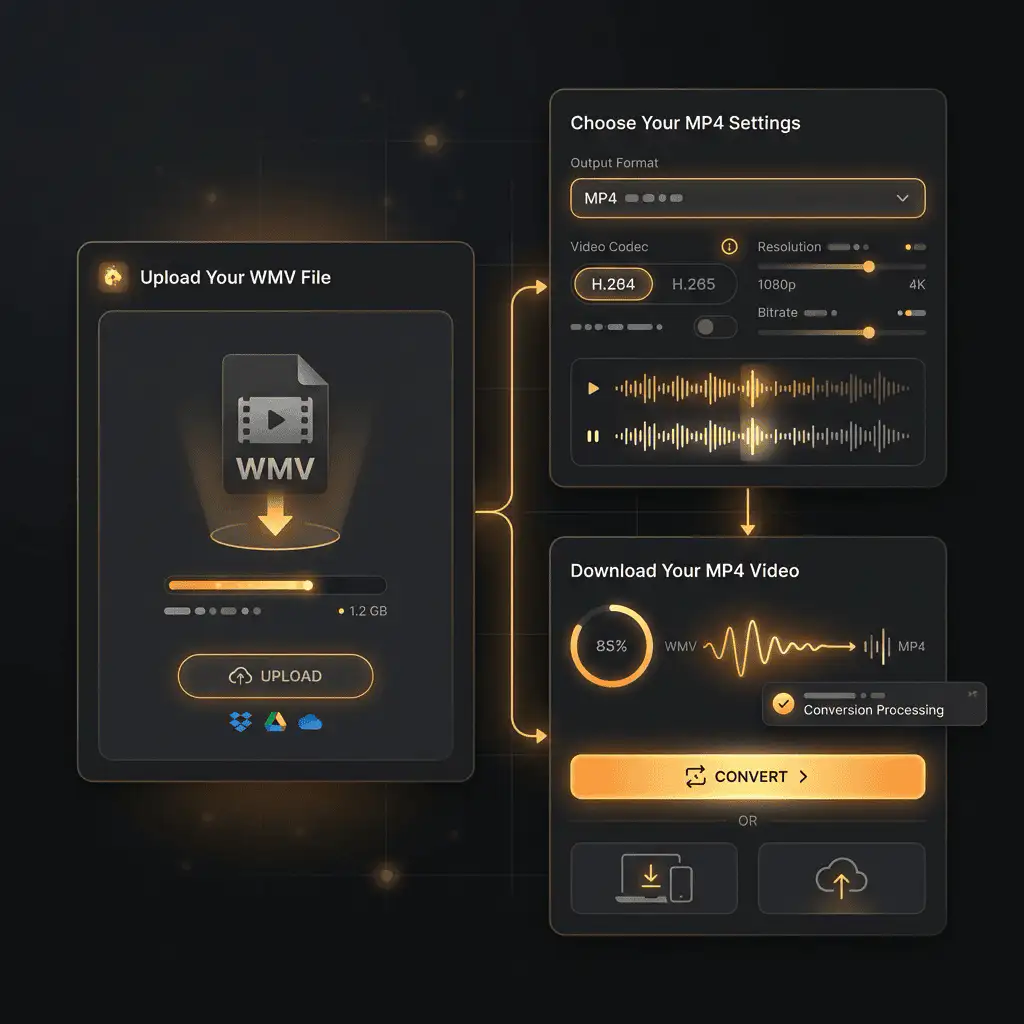
Convert WMV files to MP4 online. Free to use, no account required, and files are deleted after processing.
Convert WMV to MP4 without setup
Convert WMV files to MP4 online. Free to use, no account required, and files are deleted after processing.
上传您的文件
从您的设备中选择音频或视频文件,并保留原始文件作为备份。
Pick the output format
选择输出格式,让 Sceneform 为您准备转换后的文件。
下载结果
保存转换后的文件,并在您的编辑器、播放器、存档或发布工作流中使用。
格式说明
MP4 is a broadly useful choice when you need playback support across phones, browsers, editing tools, and social platforms.
What to know before converting WMV to MP4
A WMV to MP4 converter changes your WMV file into a MP4 file for compatibility, playback, editing, sharing, or publishing. The conversion can make the file easier to use, but it cannot add quality that was not present in the source.
支持的上传格式
Video uploads: MP4, AVI, MOV, FLV, MKV, WebM, 3GP, MPEG, GIF, WMV, and TS files up to 500 MB.
输出
This page starts with MP4 selected, so you can convert without changing the format.
质量规则
转换会改变格式和兼容性,但无法恢复原始文件中缺失的质量、分辨率或音频细节。
Understanding WMV and MP4 formats
What is WMV?
WMV is Microsoft's Windows Media Video format. It was common in older Windows video workflows and some legacy devices.
最适合: Windows-oriented archives, legacy playback, and older business or media systems.
What is MP4?
MP4 is a common multimedia container for video and audio. It is widely accepted by phones, browsers, editors, and social platforms.
最适合: General video playback, social uploads, browser delivery, phone recordings, and editing handoff.
Why convert WMV to MP4?
- Use MP4 when the video needs broad playback support across phones, browsers, editors, and social platforms.
- MP4 is often the easiest destination for MOV, WebM, AVI, MKV, WMV, TS, and MPEG files that fail to upload or play somewhere.
- Quality depends on the source file and encoding settings. Converting a low-quality video to MP4 will not add missing detail.
Related converters
Convert MP3 files to WMA for compatibility, editing, or publishing.
Extract or convert WAV audio to MP3 for easy playback and sharing.
Convert AAC files to OGG for compatibility, editing, or publishing.
Convert AAC files to M4A for compatibility, editing, or publishing.
Convert WMA files to AIFF for compatibility, editing, or publishing.
Convert OGG files to WAV for compatibility, editing, or publishing.
Convert AAC files to WMA for compatibility, editing, or publishing.
Convert AAC files to FLAC for compatibility, editing, or publishing.
Convert FLAC files to M4A for compatibility, editing, or publishing.
Convert FLAC files to WMA for compatibility, editing, or publishing.
Extract or convert M4A audio to MP3 for easy playback and sharing.
Convert FLAC files to OGG for compatibility, editing, or publishing.
Convert OGG files to AIFF for compatibility, editing, or publishing.
Convert MP3 files to WAV for compatibility, editing, or publishing.
Extract or convert OGG audio to MP3 for easy playback and sharing.
Convert MP3 files to AIFF for compatibility, editing, or publishing.
Convert AAC files to WAV for compatibility, editing, or publishing.
Convert OGG files to WMA for compatibility, editing, or publishing.
Convert OGG files to M4A for compatibility, editing, or publishing.
Convert FLAC files to AIFF for compatibility, editing, or publishing.
Convert WMV to MP4
Upload your WMV file, convert it to MP4, and download the result. Free to use, no account required.