WebM to MOV converter
Convert WebM files to MOV online. Free to use, no account required, and files are deleted after processing.
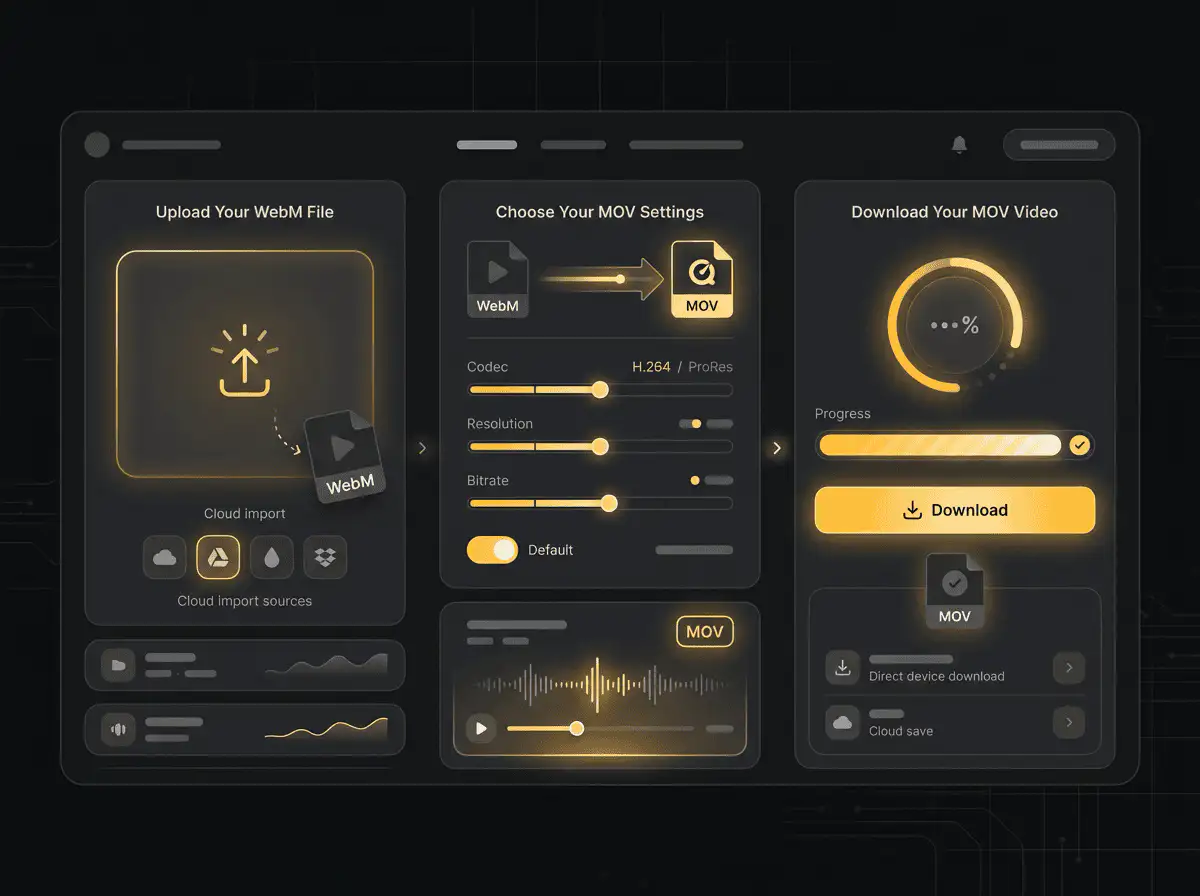
Convert WebM to MOV without setup
Convert WebM files to MOV online. Free to use, no account required, and files are deleted after processing.
Augšupielādējiet savu failu
Izvēlieties audio vai video failu no savas ierīces un saglabājiet oriģinālu kā rezerves kopiju.
Pick the output format
Izvēlieties izvades formātu un ļaujiet Sceneform sagatavot konvertēto failu.
Lejupielādējiet rezultātu
Saglabājiet konvertēto failu un izmantojiet to savā redaktorā, atskaņotājā, arhīvā vai publicēšanas procesā.
Formāta piezīme
Pick the output format based on where the file needs to go next: editing, playback, sharing, archiving, or web publishing.
What to know before converting WebM to MOV
A WebM to MOV converter changes your WebM file into a MOV file for compatibility, playback, editing, sharing, or publishing. The conversion can make the file easier to use, but it cannot add quality that was not present in the source.
Atbalstītie augšupielādes formāti
Video uploads: MP4, AVI, MOV, FLV, MKV, WebM, 3GP, MPEG, GIF, WMV, and TS files up to 500 MB.
Izvade
This page starts with MOV selected, so you can convert without changing the format.
Kvalitātes noteikums
Konvertēšana maina formātu un saderību. Tā neatjauno kvalitāti, izšķirtspēju vai audio detaļas, kas trūka oriģinālajā failā.
Understanding WebM and MOV formats
What is WebM?
WebM is a video format designed for efficient web playback. It is often used with VP8, VP9, AV1, Opus, or Vorbis codecs.
Vislabākais: Web delivery, browser playback, lightweight embeds, and open web video workflows.
What is MOV?
MOV is Apple's QuickTime video container. It is common in iPhone, iPad, and Mac recording and editing workflows.
Vislabākais: Apple devices, camera footage, editing handoff, and QuickTime-based workflows.
Why convert WebM to MOV?
- Use MOV when your current WebM file does not work in the player, editor, device, or upload destination you need.
- Format conversion is mostly about compatibility and workflow fit. It does not improve a weak source file.
- Keep the original file until you have checked that the converted output plays and uploads correctly.
Related converters
Convert MP3 files to WMA for compatibility, editing, or publishing.
Extract or convert WAV audio to MP3 for easy playback and sharing.
Convert AAC files to OGG for compatibility, editing, or publishing.
Convert AAC files to M4A for compatibility, editing, or publishing.
Convert WMA files to AIFF for compatibility, editing, or publishing.
Convert OGG files to WAV for compatibility, editing, or publishing.
Convert AAC files to WMA for compatibility, editing, or publishing.
Convert AAC files to FLAC for compatibility, editing, or publishing.
Convert FLAC files to M4A for compatibility, editing, or publishing.
Convert FLAC files to WMA for compatibility, editing, or publishing.
Extract or convert M4A audio to MP3 for easy playback and sharing.
Convert FLAC files to OGG for compatibility, editing, or publishing.
Convert OGG files to AIFF for compatibility, editing, or publishing.
Convert MP3 files to WAV for compatibility, editing, or publishing.
Extract or convert OGG audio to MP3 for easy playback and sharing.
Convert MP3 files to AIFF for compatibility, editing, or publishing.
Convert AAC files to WAV for compatibility, editing, or publishing.
Convert OGG files to WMA for compatibility, editing, or publishing.
Convert OGG files to M4A for compatibility, editing, or publishing.
Convert FLAC files to AIFF for compatibility, editing, or publishing.
Convert WebM to MOV
Upload your WebM file, convert it to MOV, and download the result. Free to use, no account required.