FLAC to AIFF converter
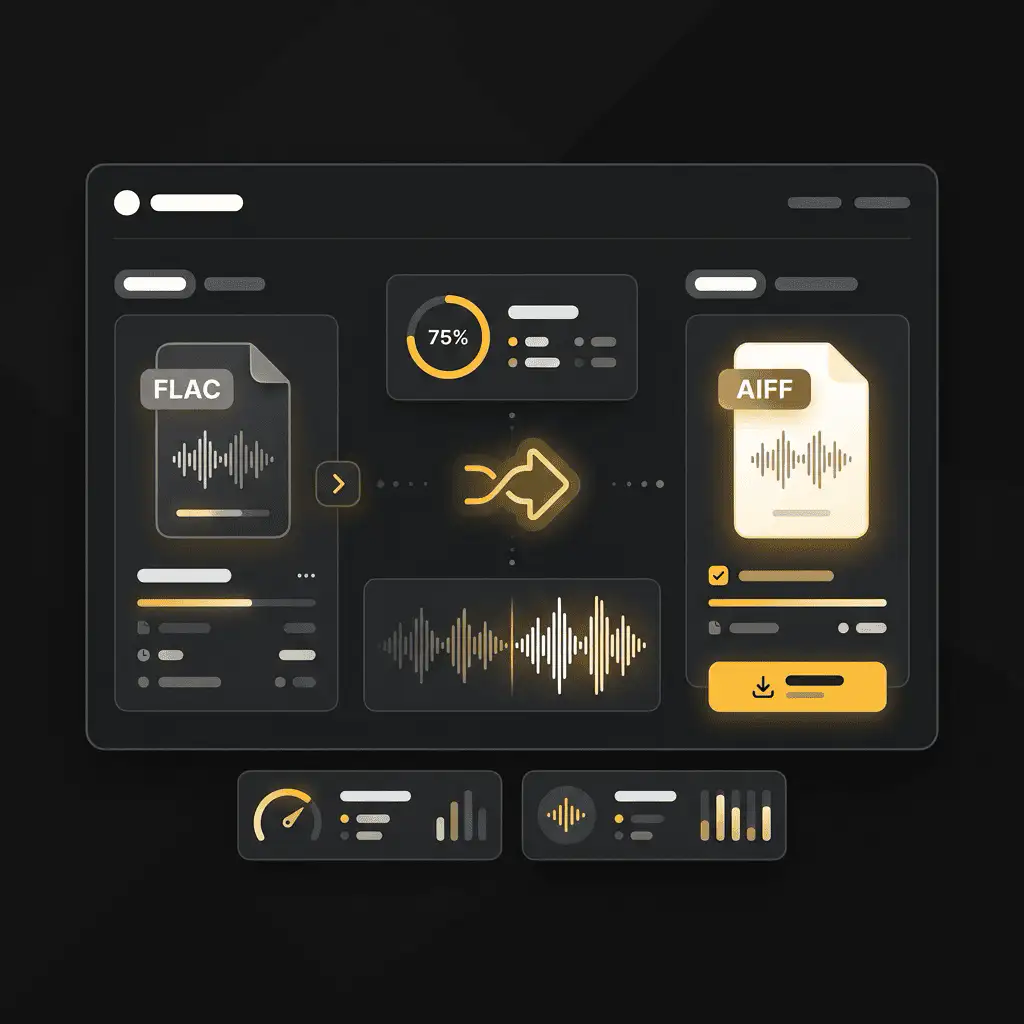
Convert FLAC files to AIFF online. Free to use, no account required, and files are deleted after processing.
Convert FLAC to AIFF without setup
Convert FLAC files to AIFF online. Free to use, no account required, and files are deleted after processing.
Загрузите файл
Выберите аудио или видео файл с вашего устройства и сохраните оригинал в качестве резервной копии.
Pick the output format
Выберите выходной формат и позвольте Sceneform подготовить конвертированный файл.
Скачайте результат
Сохраните конвертированный файл и используйте его в редакторе, плеере, архиве или рабочем процессе публикации.
Примечание о формате
Pick the output format based on where the file needs to go next: editing, playback, sharing, archiving, or web publishing.
What to know before converting FLAC to AIFF
A FLAC to AIFF converter changes your FLAC file into a AIFF file for compatibility, playback, editing, sharing, or publishing. The conversion can make the file easier to use, but it cannot add quality that was not present in the source.
Поддерживаемые загрузки
Audio uploads: MP3, AAC, FLAC, OGG, WMA, AIFF, WAV, and M4A files up to 200 MB.
Выходной формат
This page starts with AIFF selected, so you can convert without changing the format.
Правило качества
Конвертация изменяет формат и совместимость. Она не восстанавливает качество, разрешение или детали аудио, отсутствующие в исходном файле.
Understanding FLAC and AIFF formats
What is FLAC?
FLAC is a lossless audio format. It compresses audio without discarding musical detail, so it is useful when quality and archiving matter.
Лучше всего для: Music archives, lossless listening, audio preservation, and high-quality source files.
What is AIFF?
AIFF is an uncompressed audio format commonly associated with Apple and professional audio workflows. It keeps audio easy to edit but creates large files.
Лучше всего для: Mac-based editing, audio production, archival copies, and handoff to creative tools.
Why convert FLAC to AIFF?
- Use AIFF when you need an editing-friendly or archive-friendly audio file.
- AIFF can make the file easier to process in audio tools, but it cannot restore detail removed by earlier lossy compression.
- Keep the original source file so you can make future conversions without adding another generation of loss.
Related converters
Convert MP3 files to WMA for compatibility, editing, or publishing.
Extract or convert WAV audio to MP3 for easy playback and sharing.
Convert AAC files to OGG for compatibility, editing, or publishing.
Convert AAC files to M4A for compatibility, editing, or publishing.
Convert WMA files to AIFF for compatibility, editing, or publishing.
Convert OGG files to WAV for compatibility, editing, or publishing.
Convert AAC files to WMA for compatibility, editing, or publishing.
Convert AAC files to FLAC for compatibility, editing, or publishing.
Convert FLAC files to M4A for compatibility, editing, or publishing.
Convert FLAC files to WMA for compatibility, editing, or publishing.
Extract or convert M4A audio to MP3 for easy playback and sharing.
Convert FLAC files to OGG for compatibility, editing, or publishing.
Convert OGG files to AIFF for compatibility, editing, or publishing.
Convert MP3 files to WAV for compatibility, editing, or publishing.
Extract or convert OGG audio to MP3 for easy playback and sharing.
Convert MP3 files to AIFF for compatibility, editing, or publishing.
Convert AAC files to WAV for compatibility, editing, or publishing.
Convert OGG files to WMA for compatibility, editing, or publishing.
Convert OGG files to M4A for compatibility, editing, or publishing.
Convert M4A files to WAV for compatibility, editing, or publishing.
Convert FLAC to AIFF
Upload your FLAC file, convert it to AIFF, and download the result. Free to use, no account required.