MOV to MPEG converter
Convert MOV files to MPEG online. Free to use, no account required, and files are deleted after processing.
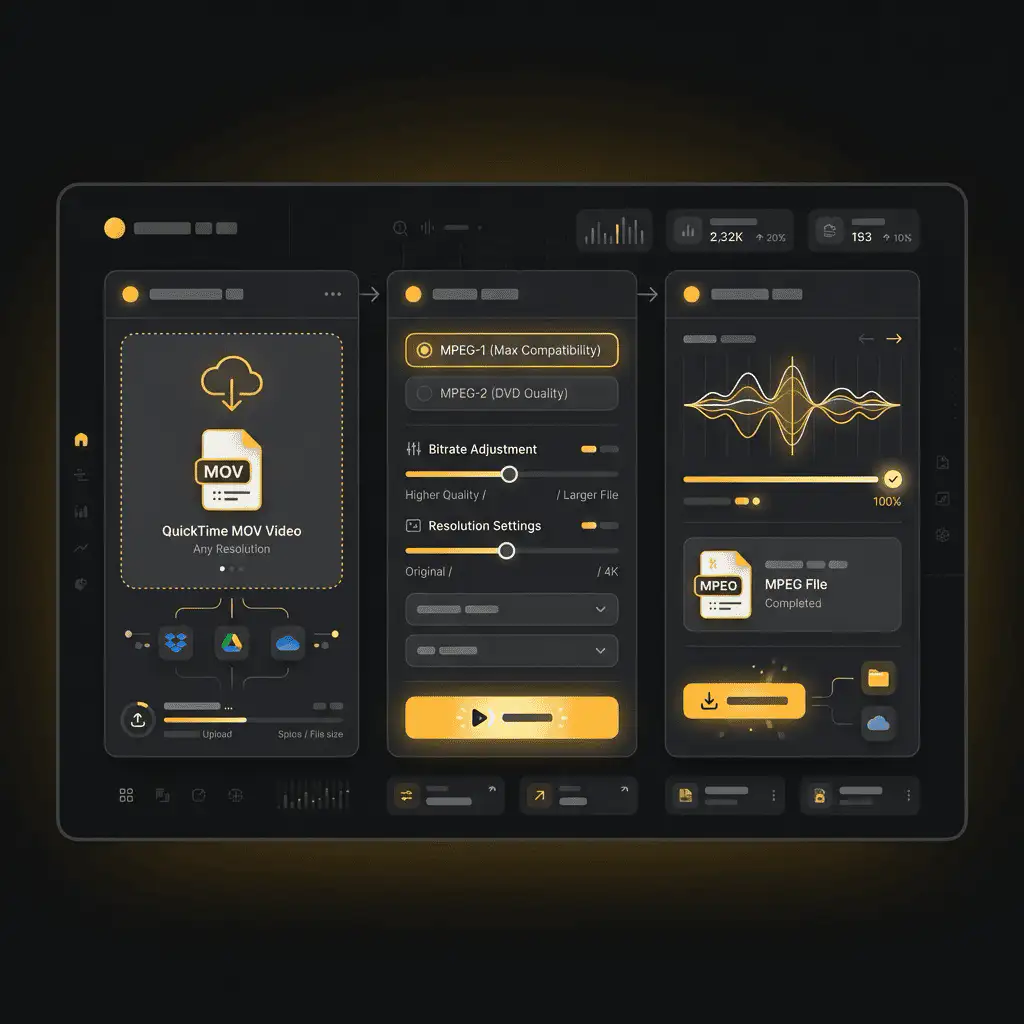
Convert MOV to MPEG without setup
Convert MOV files to MPEG online. Free to use, no account required, and files are deleted after processing.
파일 업로드
기기에서 오디오 또는 비디오 파일을 선택하고 원본을 백업으로 보관하세요.
Pick the output format
출력 형식을 선택하면 Sceneform이 변환된 파일을 준비합니다.
결과 다운로드
변환된 파일을 저장하고 편집기, 플레이어, 아카이브 또는 퍼블리싱 워크플로우에서 사용하세요.
형식 참고사항
Pick the output format based on where the file needs to go next: editing, playback, sharing, archiving, or web publishing.
What to know before converting MOV to MPEG
A MOV to MPEG converter changes your MOV file into a MPEG file for compatibility, playback, editing, sharing, or publishing. The conversion can make the file easier to use, but it cannot add quality that was not present in the source.
지원되는 업로드
Video uploads: MP4, AVI, MOV, FLV, MKV, WebM, 3GP, MPEG, GIF, WMV, and TS files up to 500 MB.
출력
This page starts with MPEG selected, so you can convert without changing the format.
품질 규칙
변환은 형식과 호환성을 변경합니다. 원본 파일에서 손실된 품질, 해상도 또는 오디오 디테일을 복원하지는 않습니다.
Understanding MOV and MPEG formats
What is MOV?
MOV is Apple's QuickTime video container. It is common in iPhone, iPad, and Mac recording and editing workflows.
최적 용도: Apple devices, camera footage, editing handoff, and QuickTime-based workflows.
What is MPEG?
MPEG is a family of older video and audio standards used by many legacy recordings, discs, cameras, and broadcast workflows.
최적 용도: Legacy video files, archived footage, and converting older material into modern formats.
Why convert MOV to MPEG?
- Use MPEG when your current MOV file does not work in the player, editor, device, or upload destination you need.
- Format conversion is mostly about compatibility and workflow fit. It does not improve a weak source file.
- Keep the original file until you have checked that the converted output plays and uploads correctly.
Related converters
Convert MP3 files to WMA for compatibility, editing, or publishing.
Extract or convert WAV audio to MP3 for easy playback and sharing.
Convert AAC files to OGG for compatibility, editing, or publishing.
Convert AAC files to M4A for compatibility, editing, or publishing.
Convert WMA files to AIFF for compatibility, editing, or publishing.
Convert OGG files to WAV for compatibility, editing, or publishing.
Convert AAC files to WMA for compatibility, editing, or publishing.
Convert AAC files to FLAC for compatibility, editing, or publishing.
Convert FLAC files to M4A for compatibility, editing, or publishing.
Convert FLAC files to WMA for compatibility, editing, or publishing.
Extract or convert M4A audio to MP3 for easy playback and sharing.
Convert FLAC files to OGG for compatibility, editing, or publishing.
Convert OGG files to AIFF for compatibility, editing, or publishing.
Convert MP3 files to WAV for compatibility, editing, or publishing.
Extract or convert OGG audio to MP3 for easy playback and sharing.
Convert MP3 files to AIFF for compatibility, editing, or publishing.
Convert AAC files to WAV for compatibility, editing, or publishing.
Convert OGG files to WMA for compatibility, editing, or publishing.
Convert OGG files to M4A for compatibility, editing, or publishing.
Convert FLAC files to AIFF for compatibility, editing, or publishing.
Convert MOV to MPEG
Upload your MOV file, convert it to MPEG, and download the result. Free to use, no account required.