OGG to WMA converter
Convert OGG files to WMA online. Free to use, no account required, and files are deleted after processing.
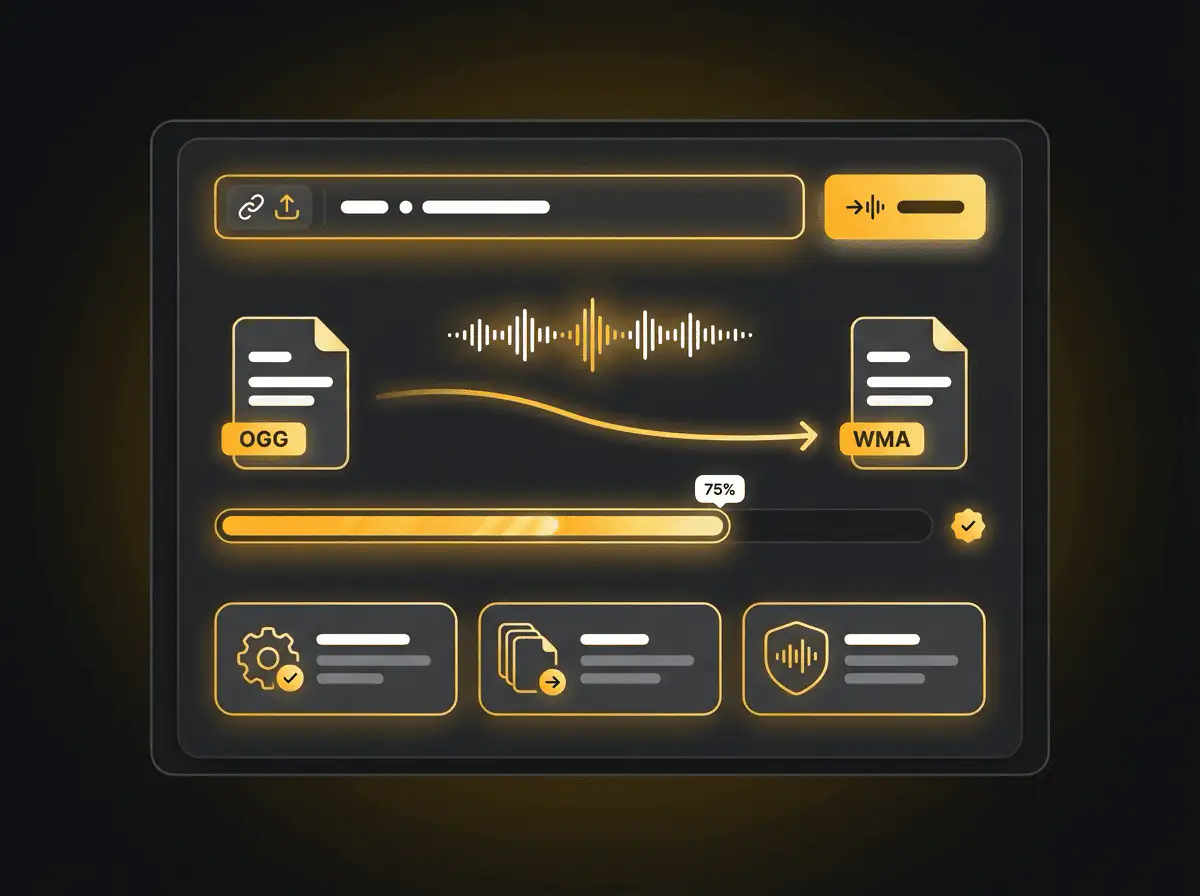
Convert OGG to WMA without setup
Convert OGG files to WMA online. Free to use, no account required, and files are deleted after processing.
ファイルをアップロード
デバイスから音声または動画ファイルを選択し、元のファイルはバックアップとして保管してください。
Pick the output format
出力形式を選択すると、Sceneformが変換ファイルを準備します。
結果をダウンロード
変換されたファイルを保存し、エディター、プレーヤー、アーカイブ、または公開ワークフローで使用できます。
形式に関する注意
Pick the output format based on where the file needs to go next: editing, playback, sharing, archiving, or web publishing.
What to know before converting OGG to WMA
A OGG to WMA converter changes your OGG file into a WMA file for compatibility, playback, editing, sharing, or publishing. The conversion can make the file easier to use, but it cannot add quality that was not present in the source.
対応アップロード
Audio uploads: MP3, AAC, FLAC, OGG, WMA, AIFF, WAV, and M4A files up to 200 MB.
出力
This page starts with WMA selected, so you can convert without changing the format.
品質ルール
変換は形式と互換性を変更します。元のファイルに欠けていた品質、解像度、音声の詳細を復元することはできません。
Understanding OGG and WMA formats
What is OGG?
OGG is an open container often used with Vorbis or Opus audio. It can provide efficient compression without relying on proprietary formats.
最適な用途: Open-source workflows, web audio, game audio, and compact speech or music files.
What is WMA?
WMA is Microsoft's Windows Media Audio format. It is a lossy format built for Windows playback and older Windows-oriented media libraries.
最適な用途: Windows Media Player, older portable players, car systems, and legacy Windows audio workflows.
Why convert OGG to WMA?
- Use WMA when a Windows Media Player library, older portable player, car stereo, or legacy system expects that format.
- WMA can be practical for Windows-centered archives, but keep an MP3 copy if you need broad compatibility outside that environment.
- Because MP3 and WMA are both lossy formats, use a sensible output bitrate and keep the original file if quality matters.
Related converters
Convert MP3 files to WMA for compatibility, editing, or publishing.
Extract or convert WAV audio to MP3 for easy playback and sharing.
Convert AAC files to OGG for compatibility, editing, or publishing.
Convert AAC files to M4A for compatibility, editing, or publishing.
Convert WMA files to AIFF for compatibility, editing, or publishing.
Convert OGG files to WAV for compatibility, editing, or publishing.
Convert AAC files to WMA for compatibility, editing, or publishing.
Convert AAC files to FLAC for compatibility, editing, or publishing.
Convert FLAC files to M4A for compatibility, editing, or publishing.
Convert FLAC files to WMA for compatibility, editing, or publishing.
Extract or convert M4A audio to MP3 for easy playback and sharing.
Convert FLAC files to OGG for compatibility, editing, or publishing.
Convert OGG files to AIFF for compatibility, editing, or publishing.
Convert MP3 files to WAV for compatibility, editing, or publishing.
Extract or convert OGG audio to MP3 for easy playback and sharing.
Convert MP3 files to AIFF for compatibility, editing, or publishing.
Convert AAC files to WAV for compatibility, editing, or publishing.
Convert OGG files to M4A for compatibility, editing, or publishing.
Convert FLAC files to AIFF for compatibility, editing, or publishing.
Convert M4A files to WAV for compatibility, editing, or publishing.
Convert OGG to WMA
Upload your OGG file, convert it to WMA, and download the result. Free to use, no account required.