MKV to MP3 converter
Convert MKV files to MP3 online. Free to use, no account required, and files are deleted after processing.
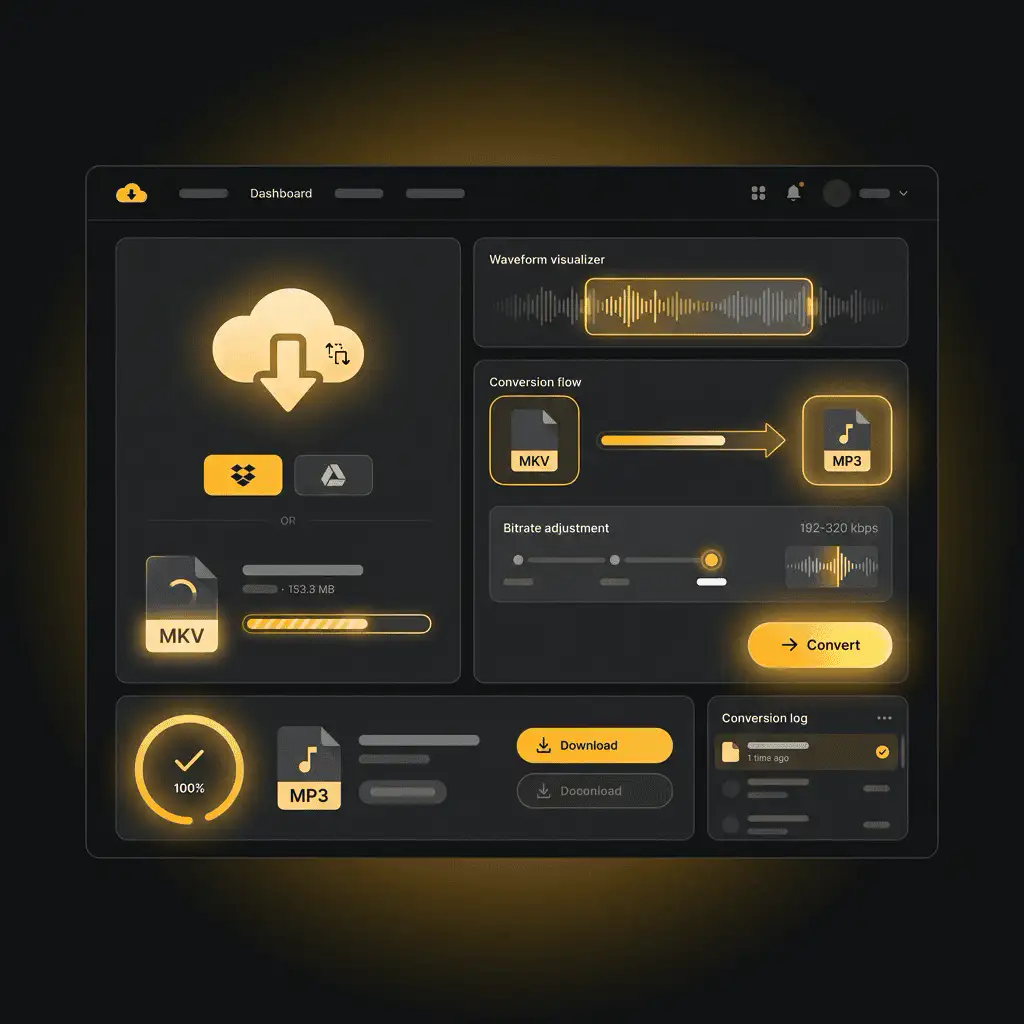
Convert MKV to MP3 without setup
Convert MKV files to MP3 online. Free to use, no account required, and files are deleted after processing.
Unggah file Anda
Pilih file audio atau video dari perangkat Anda dan simpan file asli sebagai cadangan.
Pick the output format
Pilih format output dan biarkan Sceneform menyiapkan file hasil konversi.
Unduh hasilnya
Simpan file hasil konversi dan gunakan di editor, player, arsip, atau alur kerja publikasi Anda.
Catatan format
MP3 output is useful when you need a widely supported audio file for playback, notes, clips, or editing handoff.
What to know before converting MKV to MP3
A MKV to MP3 converter changes your MKV file into a MP3 file for compatibility, playback, editing, sharing, or publishing. The conversion can make the file easier to use, but it cannot add quality that was not present in the source.
Unggahan yang didukung
Video uploads: MP4, AVI, MOV, FLV, MKV, WebM, 3GP, MPEG, GIF, WMV, and TS files up to 500 MB.
Output
This page starts with MP3 selected, so you can convert without changing the format.
Aturan kualitas
Konversi mengubah format dan kompatibilitas. Tidak dapat memulihkan kualitas, resolusi, atau detail audio yang hilang dari file asli.
Understanding MKV and MP3 formats
What is MKV?
MKV is a flexible video container that can hold video, audio tracks, subtitles, chapters, and metadata in one file.
Terbaik untuk: Video archives, files with multiple audio tracks, subtitles, and high-quality storage.
What is MP3?
MP3 is a widely supported lossy audio format. It reduces file size by removing audio data that is less noticeable to most listeners.
Terbaik untuk: General playback, music libraries, voice notes, podcasts, sharing, and older devices.
Why convert MKV to MP3?
- Use MP3 when the file needs to play almost anywhere: phones, browsers, cars, smart speakers, editing apps, and older players.
- MP3 is a good handoff format for voice notes, podcasts, music previews, downloads, and general sharing.
- If the source is lossless, MP3 will usually make the file smaller. If the source is already lossy, conversion cannot restore missing detail.
Related converters
Convert MP3 files to WMA for compatibility, editing, or publishing.
Extract or convert WAV audio to MP3 for easy playback and sharing.
Convert AAC files to OGG for compatibility, editing, or publishing.
Convert AAC files to M4A for compatibility, editing, or publishing.
Convert WMA files to AIFF for compatibility, editing, or publishing.
Convert OGG files to WAV for compatibility, editing, or publishing.
Convert AAC files to WMA for compatibility, editing, or publishing.
Convert AAC files to FLAC for compatibility, editing, or publishing.
Convert FLAC files to M4A for compatibility, editing, or publishing.
Convert FLAC files to WMA for compatibility, editing, or publishing.
Extract or convert M4A audio to MP3 for easy playback and sharing.
Convert FLAC files to OGG for compatibility, editing, or publishing.
Convert OGG files to AIFF for compatibility, editing, or publishing.
Convert MP3 files to WAV for compatibility, editing, or publishing.
Extract or convert OGG audio to MP3 for easy playback and sharing.
Convert MP3 files to AIFF for compatibility, editing, or publishing.
Convert AAC files to WAV for compatibility, editing, or publishing.
Convert OGG files to WMA for compatibility, editing, or publishing.
Convert OGG files to M4A for compatibility, editing, or publishing.
Convert FLAC files to AIFF for compatibility, editing, or publishing.
Convert MKV to MP3
Upload your MKV file, convert it to MP3, and download the result. Free to use, no account required.