WAV to MP4 converter
Convert WAV files to MP4 online. Free to use, no account required, and files are deleted after processing.
Convert WAV to MP4 without setup
Convert WAV files to MP4 online. Free to use, no account required, and files are deleted after processing.
Töltse fel a fájlt
Válassza ki a hang- vagy videofájlt az eszközéről, és őrizze meg az eredetit biztonsági másolatként.
Pick the output format
Válassza ki a kimeneti formátumot, és hagyja, hogy a Sceneform elkészítse a konvertált fájlt.
Töltse le az eredményt
Mentse el a konvertált fájlt, és használja szerkesztőjében, lejátszójában, archívumában vagy közzétételi munkafolyamatában.
Formátum megjegyzés
MP4 is a broadly useful choice when you need playback support across phones, browsers, editing tools, and social platforms.
What to know before converting WAV to MP4
A WAV to MP4 converter changes your WAV file into a MP4 file for compatibility, playback, editing, sharing, or publishing. The conversion can make the file easier to use, but it cannot add quality that was not present in the source.
Támogatott feltöltések
Audio uploads: MP3, AAC, FLAC, OGG, WMA, AIFF, WAV, and M4A files up to 200 MB.
Kimenet
This page starts with MP4 selected, so you can convert without changing the format.
Minőségi szabály
A konverzió megváltoztatja a formátumot és a kompatibilitást. Nem állítja vissza az eredeti fájlból hiányzó minőséget, felbontást vagy hangminőséget.
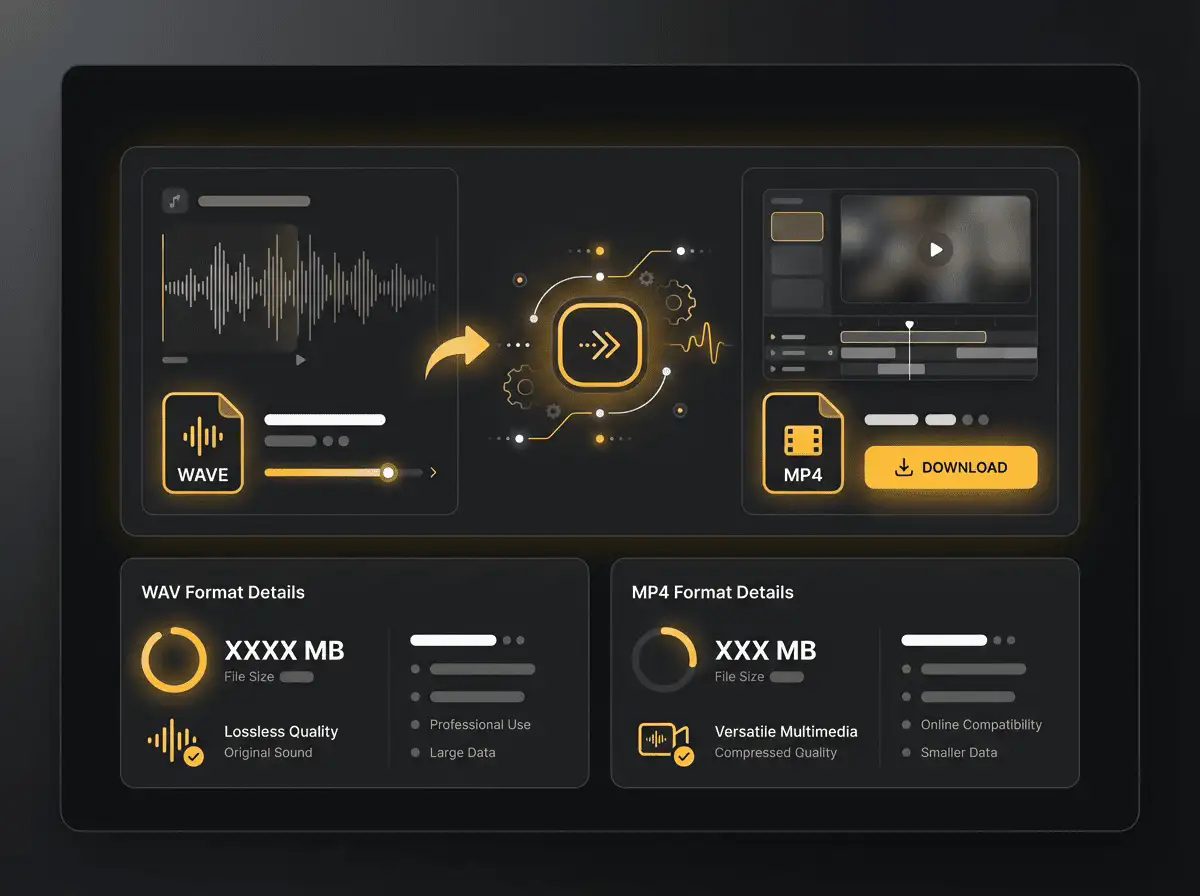
Understanding WAV and MP4 formats
What is WAV?
WAV is an uncompressed audio format used in recording, editing, and production. It keeps audio easy to process but creates large files.
Legjobb választás: Audio editing, production, sound design, archival copies, and high-quality source files.
What is MP4?
MP4 is a common multimedia container for video and audio. It is widely accepted by phones, browsers, editors, and social platforms.
Legjobb választás: General video playback, social uploads, browser delivery, phone recordings, and editing handoff.
Why convert WAV to MP4?
- Use MP4 when the video needs broad playback support across phones, browsers, editors, and social platforms.
- MP4 is often the easiest destination for MOV, WebM, AVI, MKV, WMV, TS, and MPEG files that fail to upload or play somewhere.
- Quality depends on the source file and encoding settings. Converting a low-quality video to MP4 will not add missing detail.
Related converters
Convert MP3 files to WMA for compatibility, editing, or publishing.
Extract or convert WAV audio to MP3 for easy playback and sharing.
Convert AAC files to OGG for compatibility, editing, or publishing.
Convert AAC files to M4A for compatibility, editing, or publishing.
Convert WMA files to AIFF for compatibility, editing, or publishing.
Convert OGG files to WAV for compatibility, editing, or publishing.
Convert AAC files to WMA for compatibility, editing, or publishing.
Convert AAC files to FLAC for compatibility, editing, or publishing.
Convert FLAC files to M4A for compatibility, editing, or publishing.
Convert FLAC files to WMA for compatibility, editing, or publishing.
Extract or convert M4A audio to MP3 for easy playback and sharing.
Convert FLAC files to OGG for compatibility, editing, or publishing.
Convert OGG files to AIFF for compatibility, editing, or publishing.
Convert MP3 files to WAV for compatibility, editing, or publishing.
Extract or convert OGG audio to MP3 for easy playback and sharing.
Convert MP3 files to AIFF for compatibility, editing, or publishing.
Convert AAC files to WAV for compatibility, editing, or publishing.
Convert OGG files to WMA for compatibility, editing, or publishing.
Convert OGG files to M4A for compatibility, editing, or publishing.
Convert FLAC files to AIFF for compatibility, editing, or publishing.
Convert WAV to MP4
Upload your WAV file, convert it to MP4, and download the result. Free to use, no account required.