MP3 to WMA converter
Convert MP3 files to WMA online. Free to use, no account required, and files are deleted after processing.
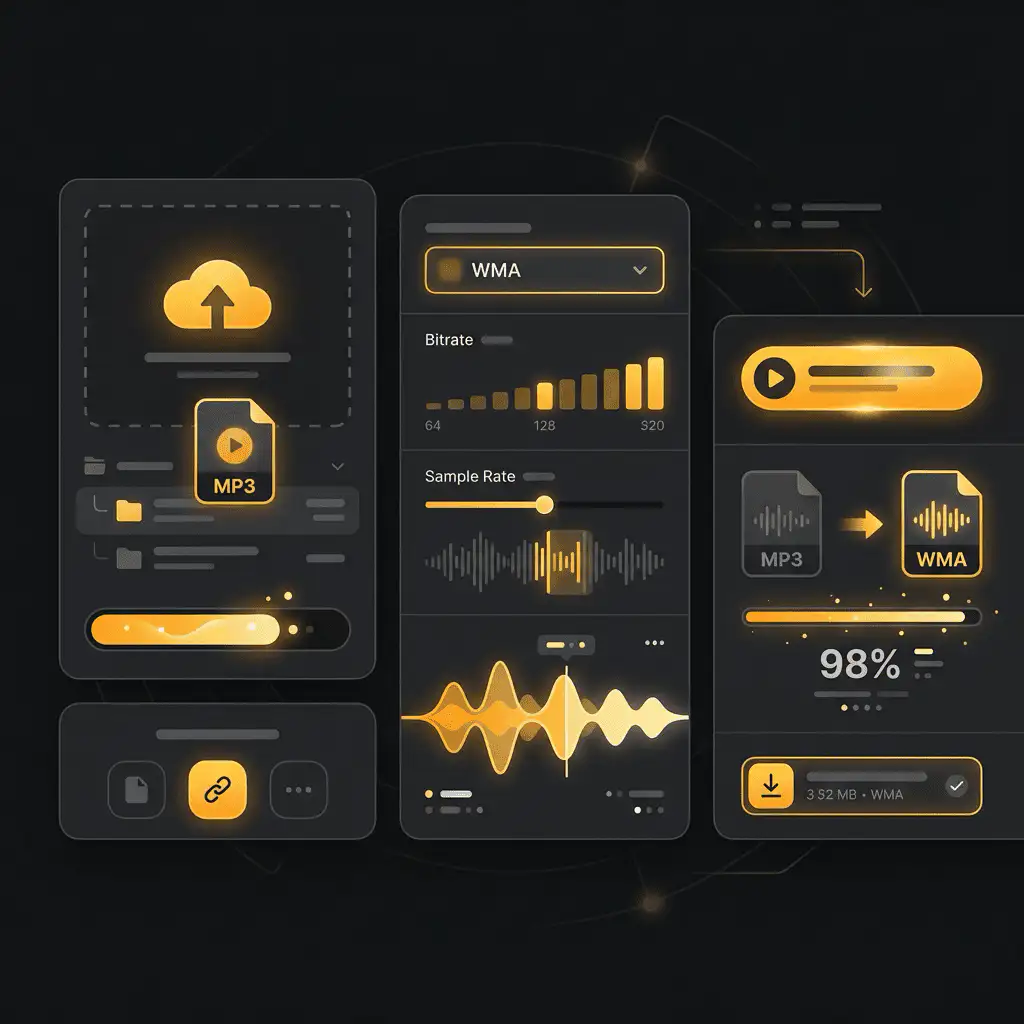
Convert MP3 to WMA without setup
Convert MP3 files to WMA online. Free to use, no account required, and files are deleted after processing.
Μεταφορτώστε το αρχείο σας
Επιλέξτε το αρχείο ήχου ή βίντεο από τη συσκευή σας και κρατήστε το πρωτότυπο ως αντίγραφο ασφαλείας.
Pick the output format
Επιλέξτε τη μορφή εξόδου και αφήστε το Sceneform να προετοιμάσει το μετατραπέν αρχείο.
Κατεβάστε το αποτέλεσμα
Αποθηκεύστε το μετατραπέν αρχείο και χρησιμοποιήστε το στον επεξεργαστή, αναπαραγωγό, αρχείο ή ροή δημοσίευσής σας.
Σημείωση μορφής
Pick the output format based on where the file needs to go next: editing, playback, sharing, archiving, or web publishing.
What to know before converting MP3 to WMA
A MP3 to WMA converter changes your MP3 file into a WMA file for compatibility, playback, editing, sharing, or publishing. The conversion can make the file easier to use, but it cannot add quality that was not present in the source.
Υποστηριζόμενες μεταφορτώσεις
Audio uploads: MP3, AAC, FLAC, OGG, WMA, AIFF, WAV, and M4A files up to 200 MB.
Έξοδος
This page starts with WMA selected, so you can convert without changing the format.
Κανόνας ποιότητας
Η μετατροπή αλλάζει τη μορφή και τη συμβατότητα. Δεν αποκαθιστά την ποιότητα, την ανάλυση ή τις λεπτομέρειες ήχου που έλειπαν από το αρχικό αρχείο.
Understanding MP3 and WMA formats
What is MP3?
MP3 is a widely supported lossy audio format. It reduces file size by removing audio data that is less noticeable to most listeners.
Ιδανικό για: General playback, music libraries, voice notes, podcasts, sharing, and older devices.
What is WMA?
WMA is Microsoft's Windows Media Audio format. It is a lossy format built for Windows playback and older Windows-oriented media libraries.
Ιδανικό για: Windows Media Player, older portable players, car systems, and legacy Windows audio workflows.
Why convert MP3 to WMA?
- Use WMA when a Windows Media Player library, older portable player, car stereo, or legacy system expects that format.
- WMA can be practical for Windows-centered archives, but keep an MP3 copy if you need broad compatibility outside that environment.
- Because MP3 and WMA are both lossy formats, use a sensible output bitrate and keep the original file if quality matters.
Related converters
Extract or convert WAV audio to MP3 for easy playback and sharing.
Convert AAC files to OGG for compatibility, editing, or publishing.
Convert AAC files to M4A for compatibility, editing, or publishing.
Convert WMA files to AIFF for compatibility, editing, or publishing.
Convert OGG files to WAV for compatibility, editing, or publishing.
Convert AAC files to WMA for compatibility, editing, or publishing.
Convert AAC files to FLAC for compatibility, editing, or publishing.
Convert FLAC files to M4A for compatibility, editing, or publishing.
Convert FLAC files to WMA for compatibility, editing, or publishing.
Extract or convert M4A audio to MP3 for easy playback and sharing.
Convert FLAC files to OGG for compatibility, editing, or publishing.
Convert OGG files to AIFF for compatibility, editing, or publishing.
Convert MP3 files to WAV for compatibility, editing, or publishing.
Extract or convert OGG audio to MP3 for easy playback and sharing.
Convert MP3 files to AIFF for compatibility, editing, or publishing.
Convert AAC files to WAV for compatibility, editing, or publishing.
Convert OGG files to WMA for compatibility, editing, or publishing.
Convert OGG files to M4A for compatibility, editing, or publishing.
Convert FLAC files to AIFF for compatibility, editing, or publishing.
Convert M4A files to WAV for compatibility, editing, or publishing.
Convert MP3 to WMA
Upload your MP3 file, convert it to WMA, and download the result. Free to use, no account required.