AVI to GIF converter
Convert AVI files to GIF online. Free to use, no account required, and files are deleted after processing.
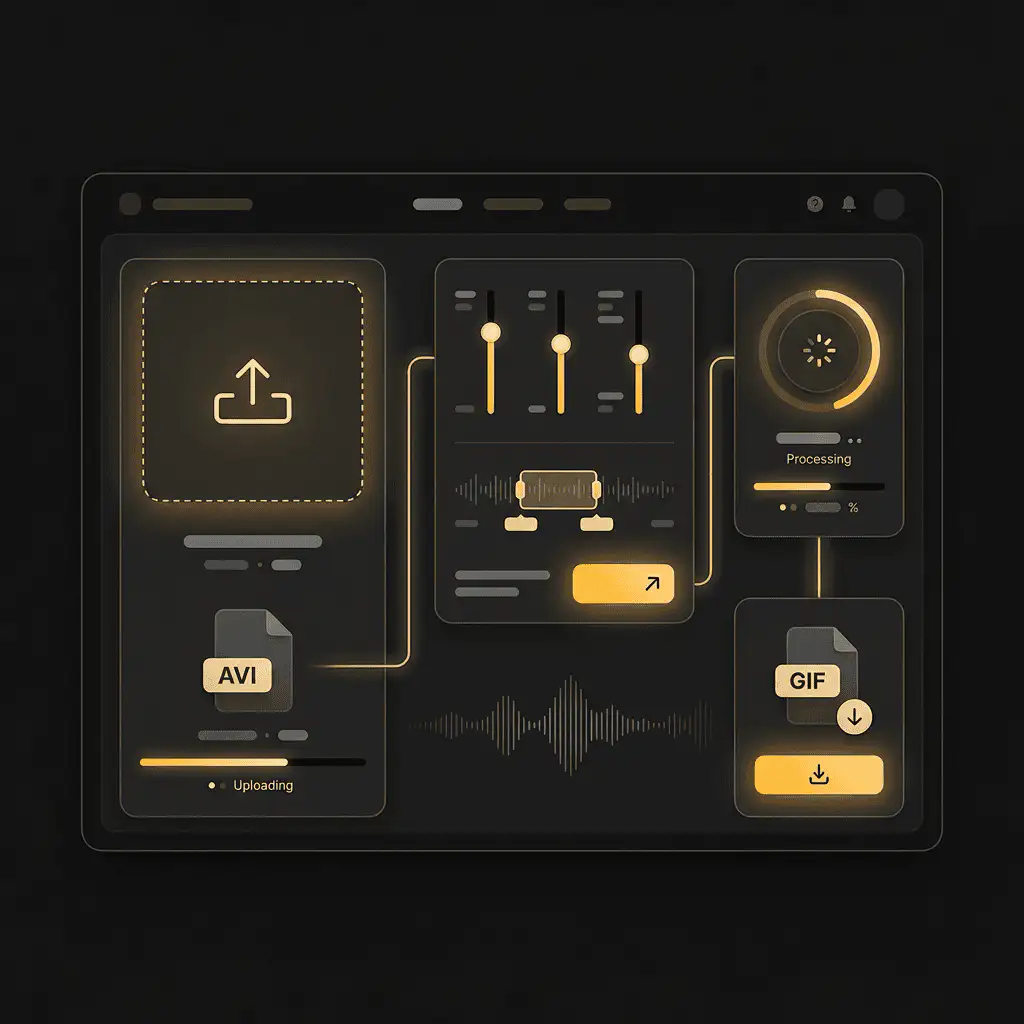
Convert AVI to GIF without setup
Convert AVI files to GIF online. Free to use, no account required, and files are deleted after processing.
Upload din fil
Vælg lyd- eller videofilen fra din enhed og behold originalen som backup.
Pick the output format
Vælg outputformat og lad Sceneform forberede den konverterede fil.
Download resultatet
Gem den konverterede fil og brug den i dit redigeringsprogram, afspiller, arkiv eller publiceringsworkflow.
Formatbemærkning
GIF output is useful for short loops and previews. Keep clips short so the final file stays practical to share.
What to know before converting AVI to GIF
A AVI to GIF converter turns a short video clip into an animated image. Use GIF for short loops, reactions, demos, and places where animated images are expected, but keep clips short because GIF files can become large.
Understøttede uploads
Video uploads: MP4, AVI, MOV, FLV, MKV, WebM, 3GP, MPEG, GIF, WMV, and TS files up to 500 MB.
Output
This page starts with GIF selected, so you can convert without changing the format.
Kvalitetsregel
Konvertering ændrer format og kompatibilitet. Det genskaber ikke kvalitet, opløsning eller lyddetaljer, der manglede i den originale fil.
Understanding AVI and GIF formats
What is AVI?
AVI is an older video container from Microsoft. It is still useful for some legacy devices, older editing tools, and Windows-oriented workflows.
Bedst til: Legacy playback, older software, and compatibility with equipment that expects AVI.
What is GIF?
GIF is an image format that can store short animations. It is useful for simple loops, but it is not efficient for long or high-quality video.
Bedst til: Short reactions, previews, simple loops, and places where GIF animation is expected.
Why convert AVI to GIF?
- Use GIF for short loops, simple previews, reactions, and lightweight visual references.
- Keep the clip short. GIF files can grow quickly and are usually less efficient than MP4 for longer motion.
- If smooth playback and small file size matter more than GIF compatibility, consider converting the clip to MP4 instead.
Related converters
Convert MP3 files to WMA for compatibility, editing, or publishing.
Extract or convert WAV audio to MP3 for easy playback and sharing.
Convert AAC files to OGG for compatibility, editing, or publishing.
Convert AAC files to M4A for compatibility, editing, or publishing.
Convert WMA files to AIFF for compatibility, editing, or publishing.
Convert OGG files to WAV for compatibility, editing, or publishing.
Convert AAC files to WMA for compatibility, editing, or publishing.
Convert AAC files to FLAC for compatibility, editing, or publishing.
Convert FLAC files to M4A for compatibility, editing, or publishing.
Convert FLAC files to WMA for compatibility, editing, or publishing.
Extract or convert M4A audio to MP3 for easy playback and sharing.
Convert FLAC files to OGG for compatibility, editing, or publishing.
Convert OGG files to AIFF for compatibility, editing, or publishing.
Convert MP3 files to WAV for compatibility, editing, or publishing.
Extract or convert OGG audio to MP3 for easy playback and sharing.
Convert MP3 files to AIFF for compatibility, editing, or publishing.
Convert AAC files to WAV for compatibility, editing, or publishing.
Convert OGG files to WMA for compatibility, editing, or publishing.
Convert OGG files to M4A for compatibility, editing, or publishing.
Convert FLAC files to AIFF for compatibility, editing, or publishing.
Convert AVI to GIF
Upload your AVI file, convert it to GIF, and download the result. Free to use, no account required.