M4A to MP3 converter
Convert M4A files to MP3 online. Free to use, no account required, and files are deleted after processing.
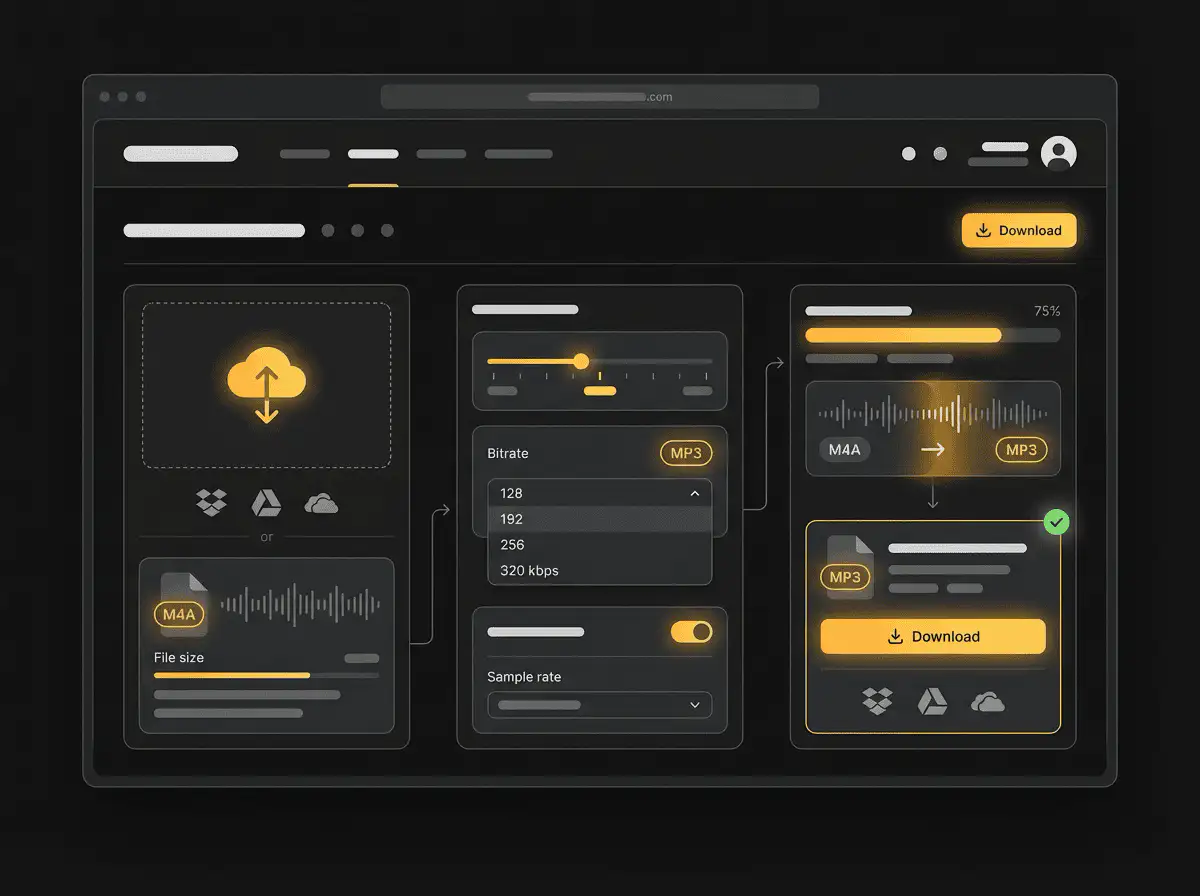
Convert M4A to MP3 without setup
Convert M4A files to MP3 online. Free to use, no account required, and files are deleted after processing.
Upload din fil
Vælg lyd- eller videofilen fra din enhed og behold originalen som backup.
Pick the output format
Vælg outputformat og lad Sceneform forberede den konverterede fil.
Download resultatet
Gem den konverterede fil og brug den i dit redigeringsprogram, afspiller, arkiv eller publiceringsworkflow.
Formatbemærkning
MP3 output is useful when you need a widely supported audio file for playback, notes, clips, or editing handoff.
What to know before converting M4A to MP3
A M4A to MP3 converter changes your M4A file into a MP3 file for compatibility, playback, editing, sharing, or publishing. The conversion can make the file easier to use, but it cannot add quality that was not present in the source.
Understøttede uploads
Audio uploads: MP3, AAC, FLAC, OGG, WMA, AIFF, WAV, and M4A files up to 200 MB.
Output
This page starts with MP3 selected, so you can convert without changing the format.
Kvalitetsregel
Konvertering ændrer format og kompatibilitet. Det genskaber ikke kvalitet, opløsning eller lyddetaljer, der manglede i den originale fil.
Understanding M4A and MP3 formats
What is M4A?
M4A is an audio container commonly used by Apple apps, phones, and voice recording workflows. It often contains AAC audio.
Bedst til: iPhone voice memos, Apple Music workflows, mobile audio, and compact recordings.
What is MP3?
MP3 is a widely supported lossy audio format. It reduces file size by removing audio data that is less noticeable to most listeners.
Bedst til: General playback, music libraries, voice notes, podcasts, sharing, and older devices.
Why convert M4A to MP3?
- Use MP3 when the file needs to play almost anywhere: phones, browsers, cars, smart speakers, editing apps, and older players.
- MP3 is a good handoff format for voice notes, podcasts, music previews, downloads, and general sharing.
- If the source is lossless, MP3 will usually make the file smaller. If the source is already lossy, conversion cannot restore missing detail.
Related converters
Convert MP3 files to WMA for compatibility, editing, or publishing.
Extract or convert WAV audio to MP3 for easy playback and sharing.
Convert AAC files to OGG for compatibility, editing, or publishing.
Convert AAC files to M4A for compatibility, editing, or publishing.
Convert WMA files to AIFF for compatibility, editing, or publishing.
Convert OGG files to WAV for compatibility, editing, or publishing.
Convert AAC files to WMA for compatibility, editing, or publishing.
Convert AAC files to FLAC for compatibility, editing, or publishing.
Convert FLAC files to M4A for compatibility, editing, or publishing.
Convert FLAC files to WMA for compatibility, editing, or publishing.
Convert FLAC files to OGG for compatibility, editing, or publishing.
Convert OGG files to AIFF for compatibility, editing, or publishing.
Convert MP3 files to WAV for compatibility, editing, or publishing.
Extract or convert OGG audio to MP3 for easy playback and sharing.
Convert MP3 files to AIFF for compatibility, editing, or publishing.
Convert AAC files to WAV for compatibility, editing, or publishing.
Convert OGG files to WMA for compatibility, editing, or publishing.
Convert OGG files to M4A for compatibility, editing, or publishing.
Convert FLAC files to AIFF for compatibility, editing, or publishing.
Convert M4A files to WAV for compatibility, editing, or publishing.
Convert M4A to MP3
Upload your M4A file, convert it to MP3, and download the result. Free to use, no account required.