FLAC to OGG converter
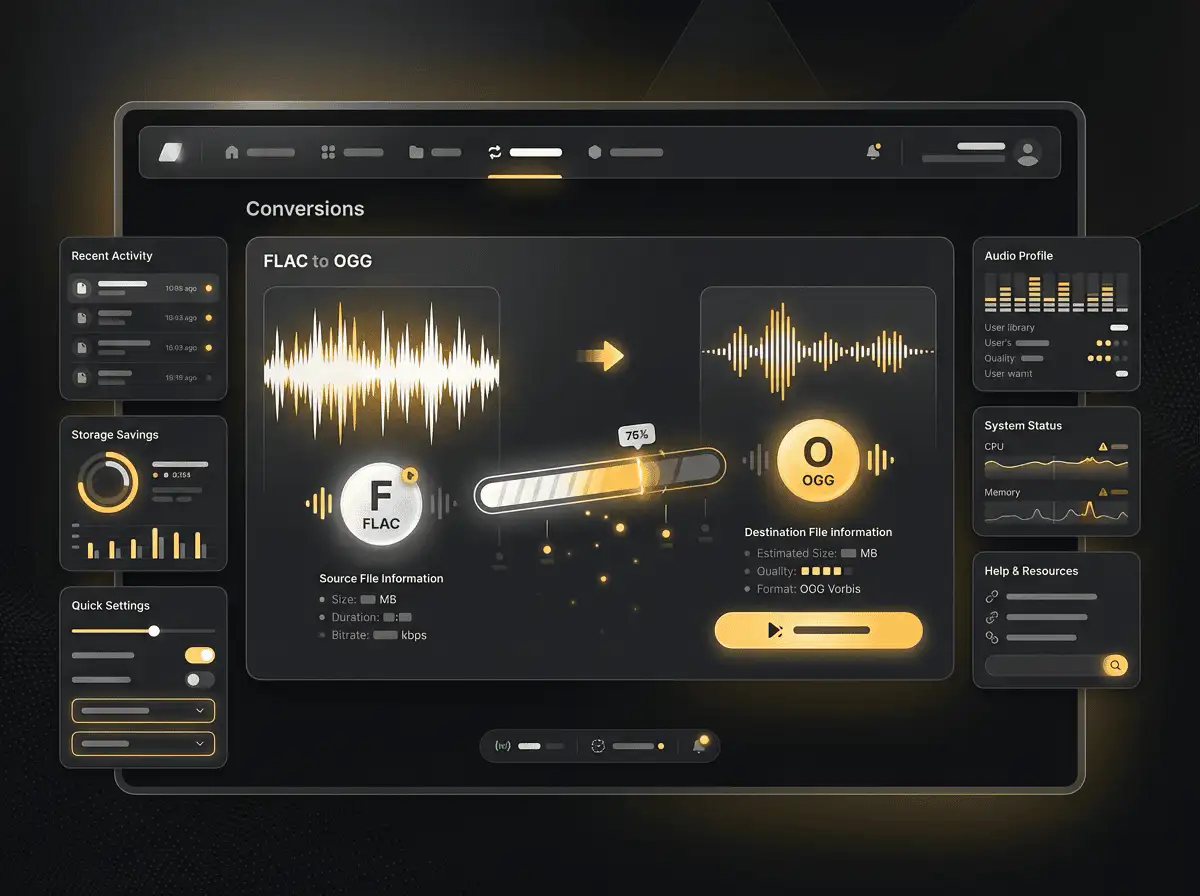
Convert FLAC files to OGG online. Free to use, no account required, and files are deleted after processing.
Convert FLAC to OGG without setup
Convert FLAC files to OGG online. Free to use, no account required, and files are deleted after processing.
قم بتحميل ملفك
اختر ملف الصوت أو الفيديو من جهازك واحتفظ بالنسخة الأصلية كنسخة احتياطية.
Pick the output format
اختر تنسيق الإخراج ودع Sceneform يجهز الملف المحول.
تنزيل النتيجة
احفظ الملف المحول واستخدمه في برنامج التحرير أو المشغل أو الأرشيف أو سير عمل النشر.
ملاحظة التنسيق
Converting FLAC to OGG usually makes the file smaller and easier to share, but the output uses lossy compression. Keep the original if quality matters.
What to know before converting FLAC to OGG
A FLAC to OGG converter changes your FLAC file into a OGG file for compatibility, playback, editing, sharing, or publishing. The conversion can make the file easier to use, but it cannot add quality that was not present in the source.
التحميلات المدعومة
Audio uploads: MP3, AAC, FLAC, OGG, WMA, AIFF, WAV, and M4A files up to 200 MB.
الإخراج
This page starts with OGG selected, so you can convert without changing the format.
قاعدة الجودة
التحويل يغير التنسيق والتوافق. لا يستعيد الجودة أو الدقة أو تفاصيل الصوت المفقودة من الملف الأصلي.
Understanding FLAC and OGG formats
What is FLAC?
FLAC is a lossless audio format. It compresses audio without discarding musical detail, so it is useful when quality and archiving matter.
الأفضل لـ: Music archives, lossless listening, audio preservation, and high-quality source files.
What is OGG?
OGG is an open container often used with Vorbis or Opus audio. It can provide efficient compression without relying on proprietary formats.
الأفضل لـ: Open-source workflows, web audio, game audio, and compact speech or music files.
Why convert FLAC to OGG?
- Use OGG when you need a smaller or more compatible audio file for playback, sharing, or upload.
- Lossy audio outputs reduce file size by removing data, so keep the original if you may need a higher-quality version later.
- Choose the output format based on where the audio needs to play next, not only on file size.
Related converters
Convert MP3 files to WMA for compatibility, editing, or publishing.
Extract or convert WAV audio to MP3 for easy playback and sharing.
Convert AAC files to OGG for compatibility, editing, or publishing.
Convert AAC files to M4A for compatibility, editing, or publishing.
Convert WMA files to AIFF for compatibility, editing, or publishing.
Convert OGG files to WAV for compatibility, editing, or publishing.
Convert AAC files to WMA for compatibility, editing, or publishing.
Convert AAC files to FLAC for compatibility, editing, or publishing.
Convert FLAC files to M4A for compatibility, editing, or publishing.
Convert FLAC files to WMA for compatibility, editing, or publishing.
Extract or convert M4A audio to MP3 for easy playback and sharing.
Convert OGG files to AIFF for compatibility, editing, or publishing.
Convert MP3 files to WAV for compatibility, editing, or publishing.
Extract or convert OGG audio to MP3 for easy playback and sharing.
Convert MP3 files to AIFF for compatibility, editing, or publishing.
Convert AAC files to WAV for compatibility, editing, or publishing.
Convert OGG files to WMA for compatibility, editing, or publishing.
Convert OGG files to M4A for compatibility, editing, or publishing.
Convert FLAC files to AIFF for compatibility, editing, or publishing.
Convert M4A files to WAV for compatibility, editing, or publishing.
Convert FLAC to OGG
Upload your FLAC file, convert it to OGG, and download the result. Free to use, no account required.