WebM to GIF converter
Convert WebM files to GIF online. Free to use, no account required, and files are deleted after processing.
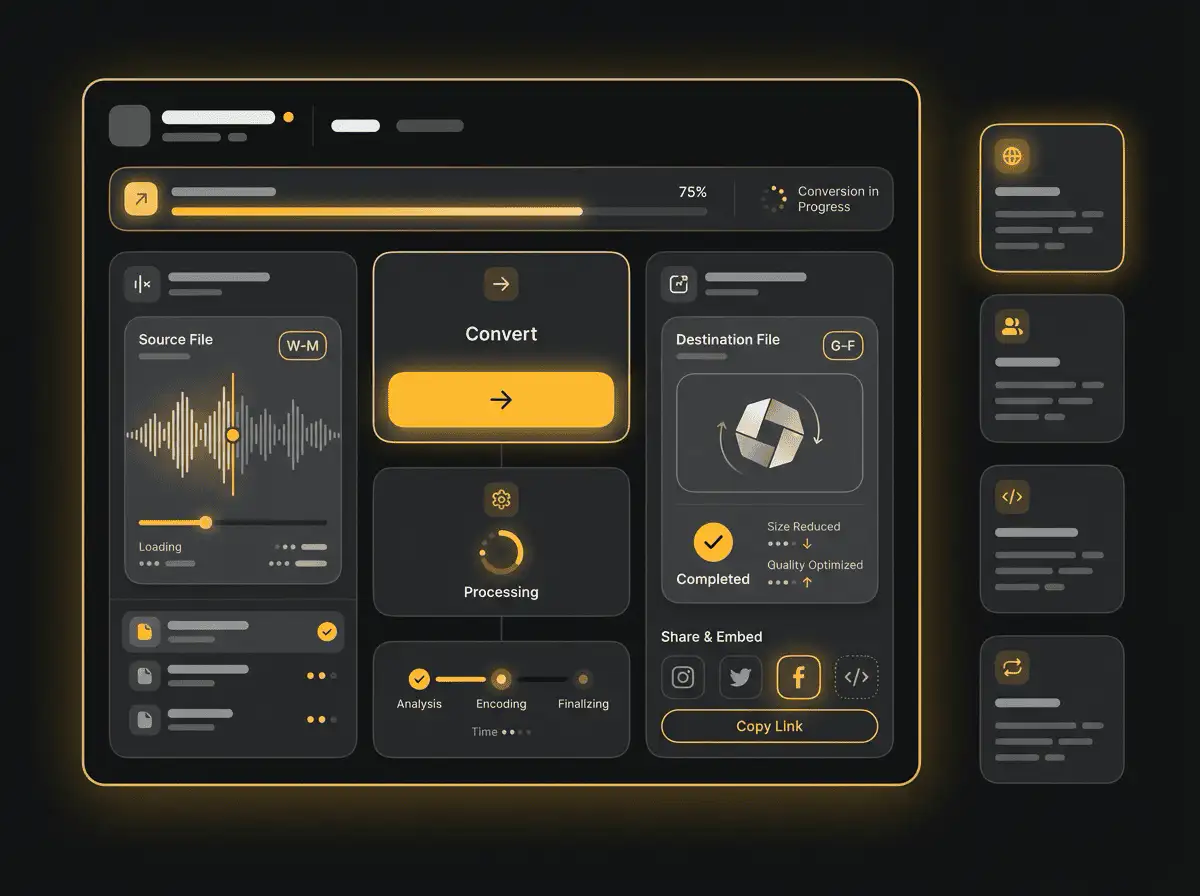
Convert WebM to GIF without setup
Convert WebM files to GIF online. Free to use, no account required, and files are deleted after processing.
Naložite svojo datoteko
Izberite zvočno ali video datoteko iz svoje naprave in obdržite izvirnik kot varnostno kopijo.
Pick the output format
Izberite izhodni format in pustite, da Sceneform pripravi pretvorjeno datoteko.
Prenesite rezultat
Shranite pretvorjeno datoteko in jo uporabite v svojem urejevalniku, predvajalniku, arhivu ali poteku dela za objavo.
Opomba o formatu
GIF output is useful for short loops and previews. Keep clips short so the final file stays practical to share.
What to know before converting WebM to GIF
A WebM to GIF converter turns a short video clip into an animated image. Use GIF for short loops, reactions, demos, and places where animated images are expected, but keep clips short because GIF files can become large.
Podprte naložitve
Video uploads: MP4, AVI, MOV, FLV, MKV, WebM, 3GP, MPEG, GIF, WMV, and TS files up to 500 MB.
Izhod
This page starts with GIF selected, so you can convert without changing the format.
Pravilo kakovosti
Pretvorba spremeni format in združljivost. Ne obnavlja kakovosti, ločljivosti ali zvočnih podrobnosti, ki so manjkale v izvirni datoteki.
Understanding WebM and GIF formats
What is WebM?
WebM is a video format designed for efficient web playback. It is often used with VP8, VP9, AV1, Opus, or Vorbis codecs.
Najboljše za: Web delivery, browser playback, lightweight embeds, and open web video workflows.
What is GIF?
GIF is an image format that can store short animations. It is useful for simple loops, but it is not efficient for long or high-quality video.
Najboljše za: Short reactions, previews, simple loops, and places where GIF animation is expected.
Why convert WebM to GIF?
- Use GIF for short loops, simple previews, reactions, and lightweight visual references.
- Keep the clip short. GIF files can grow quickly and are usually less efficient than MP4 for longer motion.
- If smooth playback and small file size matter more than GIF compatibility, consider converting the clip to MP4 instead.
Related converters
Convert MP3 files to WMA for compatibility, editing, or publishing.
Extract or convert WAV audio to MP3 for easy playback and sharing.
Convert AAC files to OGG for compatibility, editing, or publishing.
Convert AAC files to M4A for compatibility, editing, or publishing.
Convert WMA files to AIFF for compatibility, editing, or publishing.
Convert OGG files to WAV for compatibility, editing, or publishing.
Convert AAC files to WMA for compatibility, editing, or publishing.
Convert AAC files to FLAC for compatibility, editing, or publishing.
Convert FLAC files to M4A for compatibility, editing, or publishing.
Convert FLAC files to WMA for compatibility, editing, or publishing.
Extract or convert M4A audio to MP3 for easy playback and sharing.
Convert FLAC files to OGG for compatibility, editing, or publishing.
Convert OGG files to AIFF for compatibility, editing, or publishing.
Convert MP3 files to WAV for compatibility, editing, or publishing.
Extract or convert OGG audio to MP3 for easy playback and sharing.
Convert MP3 files to AIFF for compatibility, editing, or publishing.
Convert AAC files to WAV for compatibility, editing, or publishing.
Convert OGG files to WMA for compatibility, editing, or publishing.
Convert OGG files to M4A for compatibility, editing, or publishing.
Convert FLAC files to AIFF for compatibility, editing, or publishing.
Convert WebM to GIF
Upload your WebM file, convert it to GIF, and download the result. Free to use, no account required.