M4A to MP4 converter
Convert M4A files to MP4 online. Free to use, no account required, and files are deleted after processing.
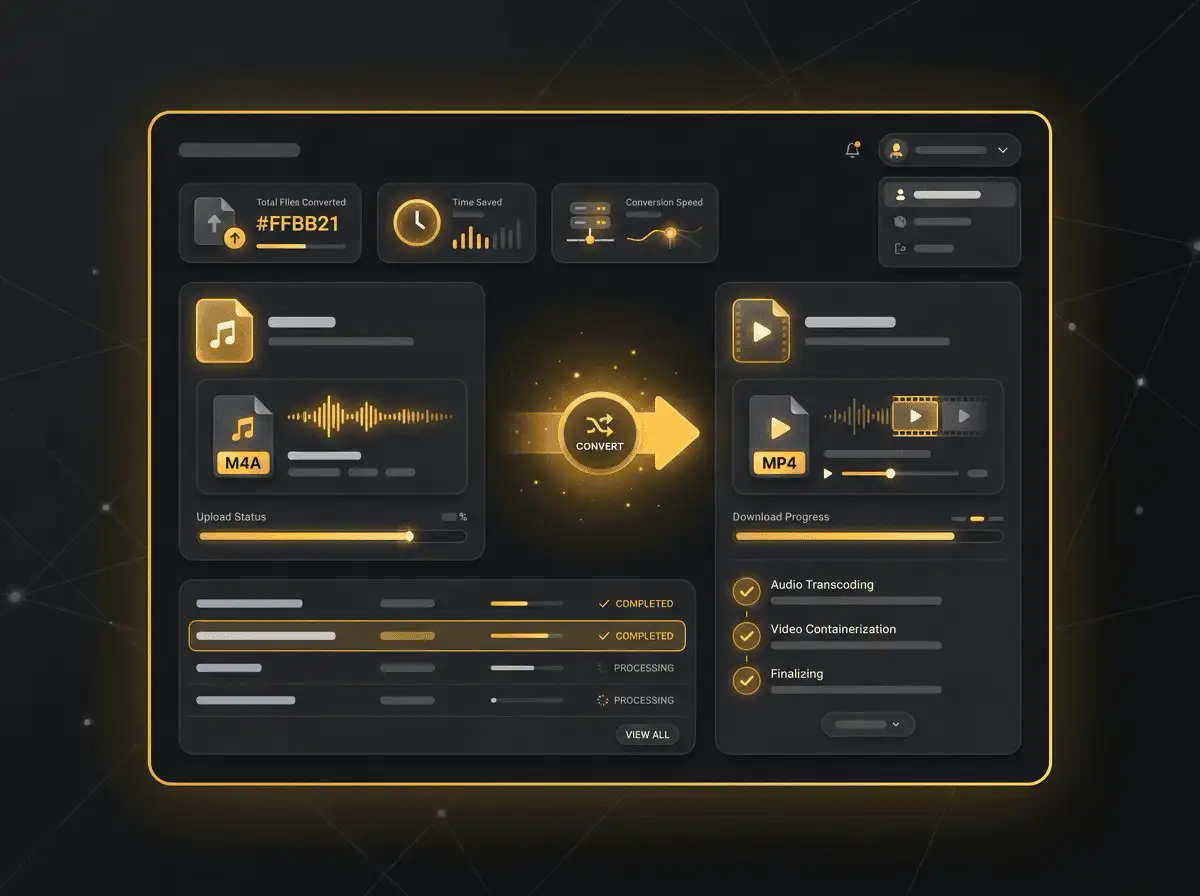
Convert M4A to MP4 without setup
Convert M4A files to MP4 online. Free to use, no account required, and files are deleted after processing.
Naložite svojo datoteko
Izberite zvočno ali video datoteko iz svoje naprave in obdržite izvirnik kot varnostno kopijo.
Pick the output format
Izberite izhodni format in pustite, da Sceneform pripravi pretvorjeno datoteko.
Prenesite rezultat
Shranite pretvorjeno datoteko in jo uporabite v svojem urejevalniku, predvajalniku, arhivu ali poteku dela za objavo.
Opomba o formatu
MP4 is a broadly useful choice when you need playback support across phones, browsers, editing tools, and social platforms.
What to know before converting M4A to MP4
A M4A to MP4 converter changes your M4A file into a MP4 file for compatibility, playback, editing, sharing, or publishing. The conversion can make the file easier to use, but it cannot add quality that was not present in the source.
Podprte naložitve
Audio uploads: MP3, AAC, FLAC, OGG, WMA, AIFF, WAV, and M4A files up to 200 MB.
Izhod
This page starts with MP4 selected, so you can convert without changing the format.
Pravilo kakovosti
Pretvorba spremeni format in združljivost. Ne obnavlja kakovosti, ločljivosti ali zvočnih podrobnosti, ki so manjkale v izvirni datoteki.
Understanding M4A and MP4 formats
What is M4A?
M4A is an audio container commonly used by Apple apps, phones, and voice recording workflows. It often contains AAC audio.
Najboljše za: iPhone voice memos, Apple Music workflows, mobile audio, and compact recordings.
What is MP4?
MP4 is a common multimedia container for video and audio. It is widely accepted by phones, browsers, editors, and social platforms.
Najboljše za: General video playback, social uploads, browser delivery, phone recordings, and editing handoff.
Why convert M4A to MP4?
- Use MP4 when the video needs broad playback support across phones, browsers, editors, and social platforms.
- MP4 is often the easiest destination for MOV, WebM, AVI, MKV, WMV, TS, and MPEG files that fail to upload or play somewhere.
- Quality depends on the source file and encoding settings. Converting a low-quality video to MP4 will not add missing detail.
Related converters
Convert MP3 files to WMA for compatibility, editing, or publishing.
Extract or convert WAV audio to MP3 for easy playback and sharing.
Convert AAC files to OGG for compatibility, editing, or publishing.
Convert AAC files to M4A for compatibility, editing, or publishing.
Convert WMA files to AIFF for compatibility, editing, or publishing.
Convert OGG files to WAV for compatibility, editing, or publishing.
Convert AAC files to WMA for compatibility, editing, or publishing.
Convert AAC files to FLAC for compatibility, editing, or publishing.
Convert FLAC files to M4A for compatibility, editing, or publishing.
Convert FLAC files to WMA for compatibility, editing, or publishing.
Extract or convert M4A audio to MP3 for easy playback and sharing.
Convert FLAC files to OGG for compatibility, editing, or publishing.
Convert OGG files to AIFF for compatibility, editing, or publishing.
Convert MP3 files to WAV for compatibility, editing, or publishing.
Extract or convert OGG audio to MP3 for easy playback and sharing.
Convert MP3 files to AIFF for compatibility, editing, or publishing.
Convert AAC files to WAV for compatibility, editing, or publishing.
Convert OGG files to WMA for compatibility, editing, or publishing.
Convert OGG files to M4A for compatibility, editing, or publishing.
Convert FLAC files to AIFF for compatibility, editing, or publishing.
Convert M4A to MP4
Upload your M4A file, convert it to MP4, and download the result. Free to use, no account required.