AAC to WMA converter
Convert AAC files to WMA online. Free to use, no account required, and files are deleted after processing.
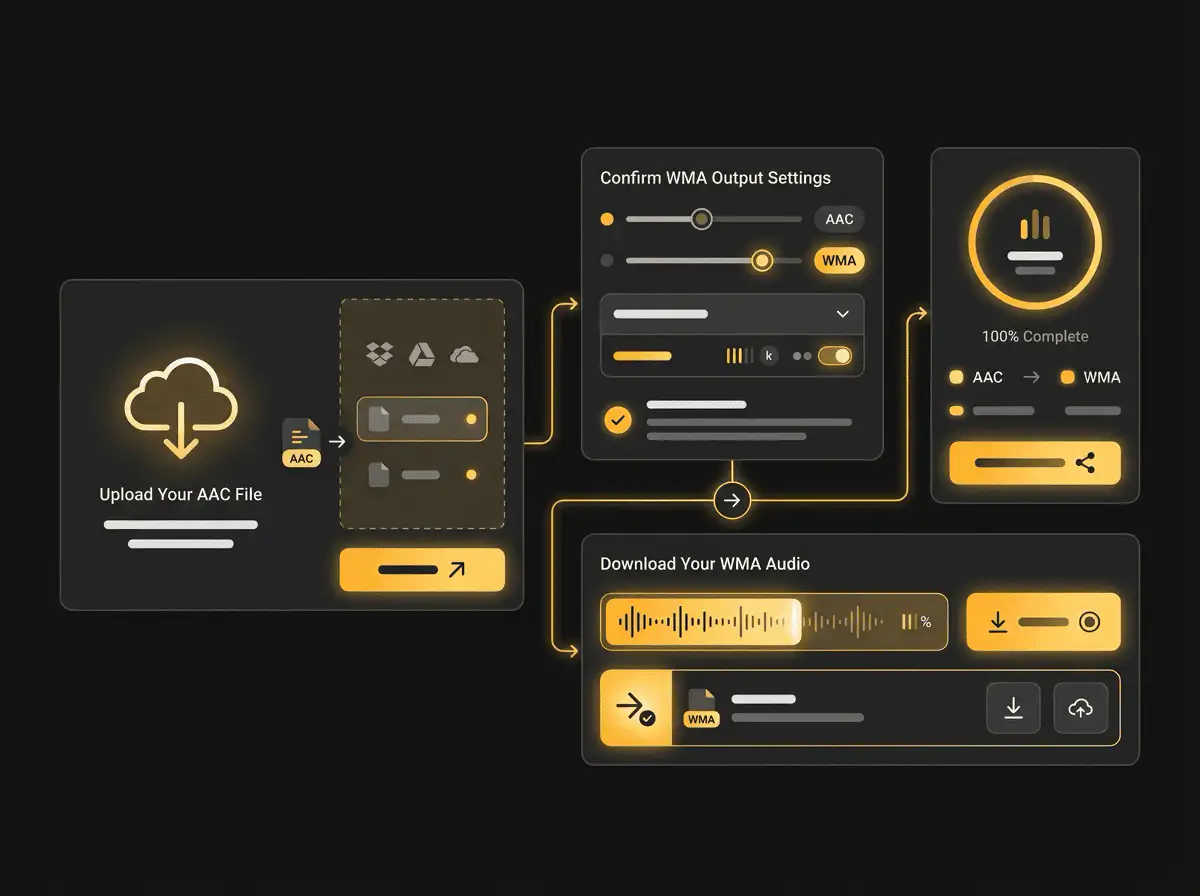
Convert AAC to WMA without setup
Convert AAC files to WMA online. Free to use, no account required, and files are deleted after processing.
Upload je bestand
Kies het audio- of videobestand van je apparaat en bewaar het origineel als back-up.
Pick the output format
Selecteer het uitvoerformaat en laat Sceneform het geconverteerde bestand voorbereiden.
Download het resultaat
Bewaar het geconverteerde bestand en gebruik het in je editor, speler, archief of publicatieworkflow.
Formaatopmerking
Pick the output format based on where the file needs to go next: editing, playback, sharing, archiving, or web publishing.
What to know before converting AAC to WMA
A AAC to WMA converter changes your AAC file into a WMA file for compatibility, playback, editing, sharing, or publishing. The conversion can make the file easier to use, but it cannot add quality that was not present in the source.
Ondersteunde uploads
Audio uploads: MP3, AAC, FLAC, OGG, WMA, AIFF, WAV, and M4A files up to 200 MB.
Uitvoer
This page starts with WMA selected, so you can convert without changing the format.
Kwaliteitsregel
Conversie wijzigt het formaat en de compatibiliteit. Het herstelt geen kwaliteit, resolutie of audiodetails die ontbraken in het originele bestand.
Understanding AAC and WMA formats
What is AAC?
AAC is a lossy audio format used by many phones, browsers, and streaming workflows. It is designed to keep speech and music clear at smaller file sizes.
Het beste voor: Apple devices, mobile playback, online audio, and efficient music or voice files.
What is WMA?
WMA is Microsoft's Windows Media Audio format. It is a lossy format built for Windows playback and older Windows-oriented media libraries.
Het beste voor: Windows Media Player, older portable players, car systems, and legacy Windows audio workflows.
Why convert AAC to WMA?
- Use WMA when a Windows Media Player library, older portable player, car stereo, or legacy system expects that format.
- WMA can be practical for Windows-centered archives, but keep an MP3 copy if you need broad compatibility outside that environment.
- Because MP3 and WMA are both lossy formats, use a sensible output bitrate and keep the original file if quality matters.
Related converters
Convert MP3 files to WMA for compatibility, editing, or publishing.
Extract or convert WAV audio to MP3 for easy playback and sharing.
Convert AAC files to OGG for compatibility, editing, or publishing.
Convert AAC files to M4A for compatibility, editing, or publishing.
Convert WMA files to AIFF for compatibility, editing, or publishing.
Convert OGG files to WAV for compatibility, editing, or publishing.
Convert AAC files to FLAC for compatibility, editing, or publishing.
Convert FLAC files to M4A for compatibility, editing, or publishing.
Convert FLAC files to WMA for compatibility, editing, or publishing.
Extract or convert M4A audio to MP3 for easy playback and sharing.
Convert FLAC files to OGG for compatibility, editing, or publishing.
Convert OGG files to AIFF for compatibility, editing, or publishing.
Convert MP3 files to WAV for compatibility, editing, or publishing.
Extract or convert OGG audio to MP3 for easy playback and sharing.
Convert MP3 files to AIFF for compatibility, editing, or publishing.
Convert AAC files to WAV for compatibility, editing, or publishing.
Convert OGG files to WMA for compatibility, editing, or publishing.
Convert OGG files to M4A for compatibility, editing, or publishing.
Convert FLAC files to AIFF for compatibility, editing, or publishing.
Convert M4A files to WAV for compatibility, editing, or publishing.
Convert AAC to WMA
Upload your AAC file, convert it to WMA, and download the result. Free to use, no account required.