MP4 to MPEG converter
Convert MP4 files to MPEG online. Free to use, no account required, and files are deleted after processing.
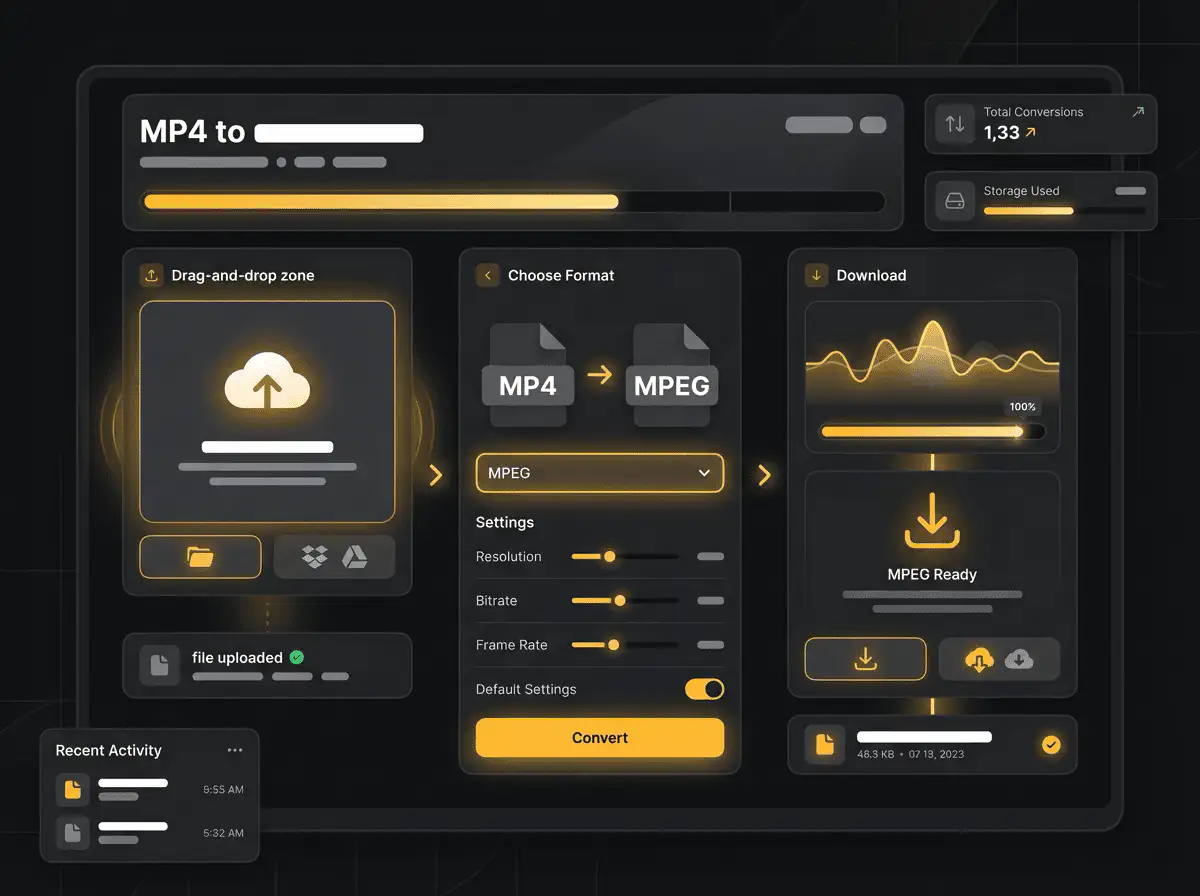
Convert MP4 to MPEG without setup
Convert MP4 files to MPEG online. Free to use, no account required, and files are deleted after processing.
Last opp filen din
Velg lyd- eller videofilen fra enheten din og behold originalen som sikkerhetskopi.
Pick the output format
Velg utdataformat og la Sceneform klargjøre den konverterte filen.
Last ned resultatet
Lagre den konverterte filen og bruk den i redigeringsprogrammet, avspilleren, arkivet eller publiseringsarbeidsflyten din.
Formatmerknad
Pick the output format based on where the file needs to go next: editing, playback, sharing, archiving, or web publishing.
What to know before converting MP4 to MPEG
A MP4 to MPEG converter changes your MP4 file into a MPEG file for compatibility, playback, editing, sharing, or publishing. The conversion can make the file easier to use, but it cannot add quality that was not present in the source.
Støttede opplastinger
Video uploads: MP4, AVI, MOV, FLV, MKV, WebM, 3GP, MPEG, GIF, WMV, and TS files up to 500 MB.
Utdata
This page starts with MPEG selected, so you can convert without changing the format.
Kvalitetsregel
Konvertering endrer format og kompatibilitet. Det gjenoppretter ikke kvalitet, oppløsning eller lyddetaljer som manglet i originalfilen.
Understanding MP4 and MPEG formats
What is MP4?
MP4 is a common multimedia container for video and audio. It is widely accepted by phones, browsers, editors, and social platforms.
Best for: General video playback, social uploads, browser delivery, phone recordings, and editing handoff.
What is MPEG?
MPEG is a family of older video and audio standards used by many legacy recordings, discs, cameras, and broadcast workflows.
Best for: Legacy video files, archived footage, and converting older material into modern formats.
Why convert MP4 to MPEG?
- Use MPEG when your current MP4 file does not work in the player, editor, device, or upload destination you need.
- Format conversion is mostly about compatibility and workflow fit. It does not improve a weak source file.
- Keep the original file until you have checked that the converted output plays and uploads correctly.
Related converters
Convert MP3 files to WMA for compatibility, editing, or publishing.
Extract or convert WAV audio to MP3 for easy playback and sharing.
Convert AAC files to OGG for compatibility, editing, or publishing.
Convert AAC files to M4A for compatibility, editing, or publishing.
Convert WMA files to AIFF for compatibility, editing, or publishing.
Convert OGG files to WAV for compatibility, editing, or publishing.
Convert AAC files to WMA for compatibility, editing, or publishing.
Convert AAC files to FLAC for compatibility, editing, or publishing.
Convert FLAC files to M4A for compatibility, editing, or publishing.
Convert FLAC files to WMA for compatibility, editing, or publishing.
Extract or convert M4A audio to MP3 for easy playback and sharing.
Convert FLAC files to OGG for compatibility, editing, or publishing.
Convert OGG files to AIFF for compatibility, editing, or publishing.
Convert MP3 files to WAV for compatibility, editing, or publishing.
Extract or convert OGG audio to MP3 for easy playback and sharing.
Convert MP3 files to AIFF for compatibility, editing, or publishing.
Convert AAC files to WAV for compatibility, editing, or publishing.
Convert OGG files to WMA for compatibility, editing, or publishing.
Convert OGG files to M4A for compatibility, editing, or publishing.
Convert FLAC files to AIFF for compatibility, editing, or publishing.
Convert MP4 to MPEG
Upload your MP4 file, convert it to MPEG, and download the result. Free to use, no account required.